Short videos

How to use Ettihad

A short video for each main task in Ettihad, with the steps written below it. The videos are in Arabic; the steps are in English.

Who are you?

Pick your role, then the screen you want to understand.

The written guide is in Arabic for now.

This map covers the New design in residential buildings and compounds.

Vacation and family groups use Classic; sections depend on your access and available features.

Home

2 pages

Your dashboard.

Money

16 pages

Collecting money, Expenses, To check, Paid ahead, Funds, Reports and Payment methods, depending on access and availability.

Fary

1 page

Chat with Fary, when you have chat access.

Units

11 pages

The unit list, People, Requests to review requests to join, and Invites.

Community

7 pages

Announcements, Community issues, Proposals & votes, Service providers and Provider directory.

Settings

2 pages

Community settings, Community profile, Membership and Security.

Settings and staff

Open Settings from the gear at the top of every tab except Fary; if you are in Fary, close the chat first.

Find staff under Community → Service providers; select Guard to find guards, according to access.

For management and admin titles: Settings → Community profile → Titles, when you have access.

Titles change the displayed label, not permissions.

Getting started

Get started: your account and your building

Length

Steps

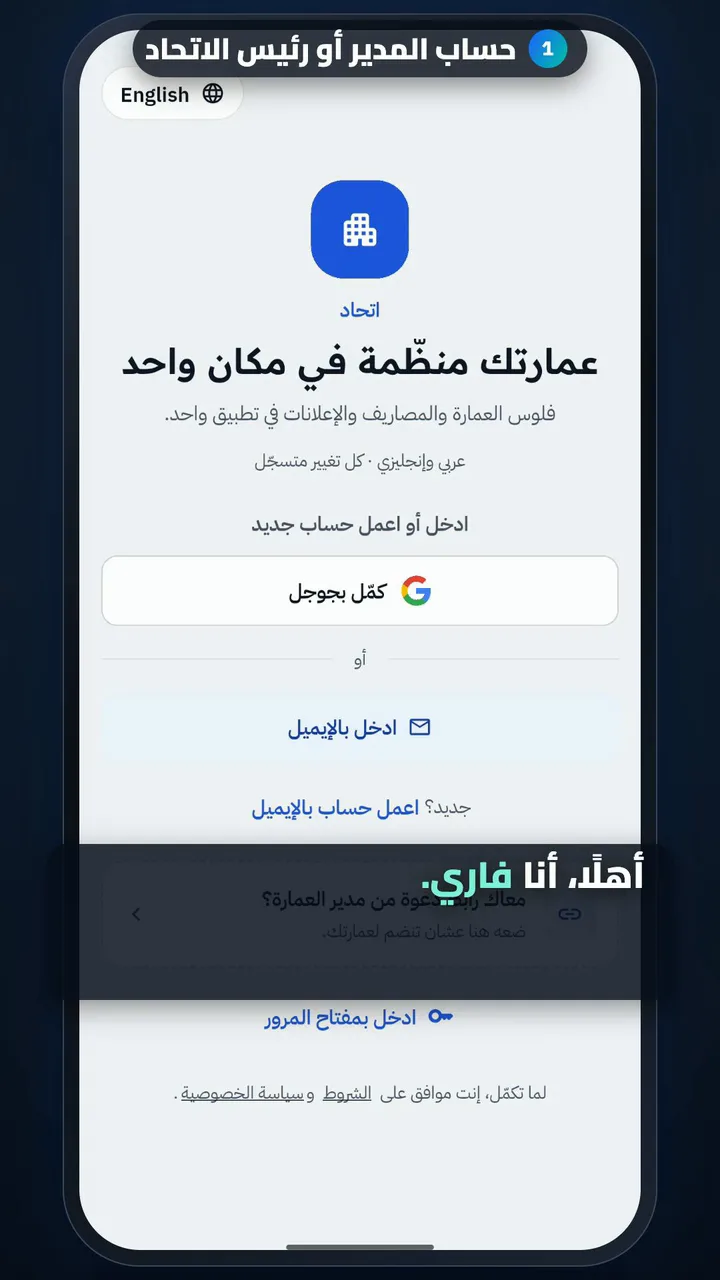
  1. Account for the manager or union head
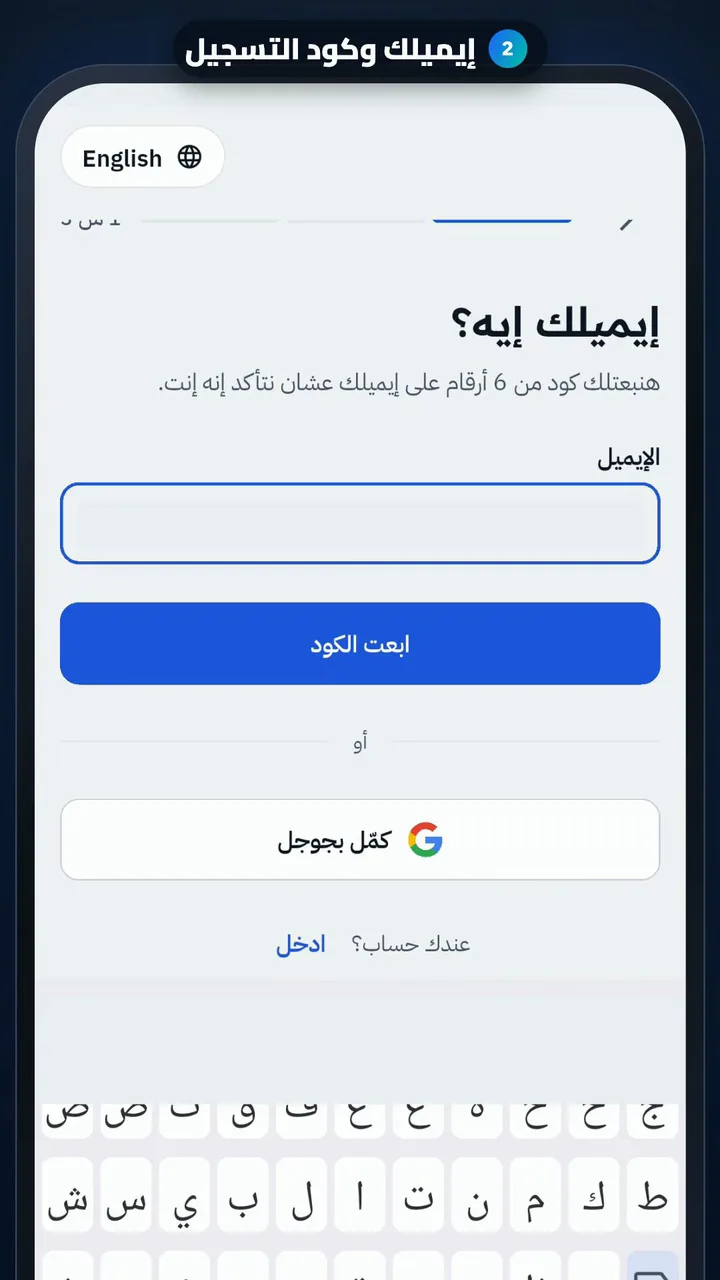
  2. Your email and sign-up code
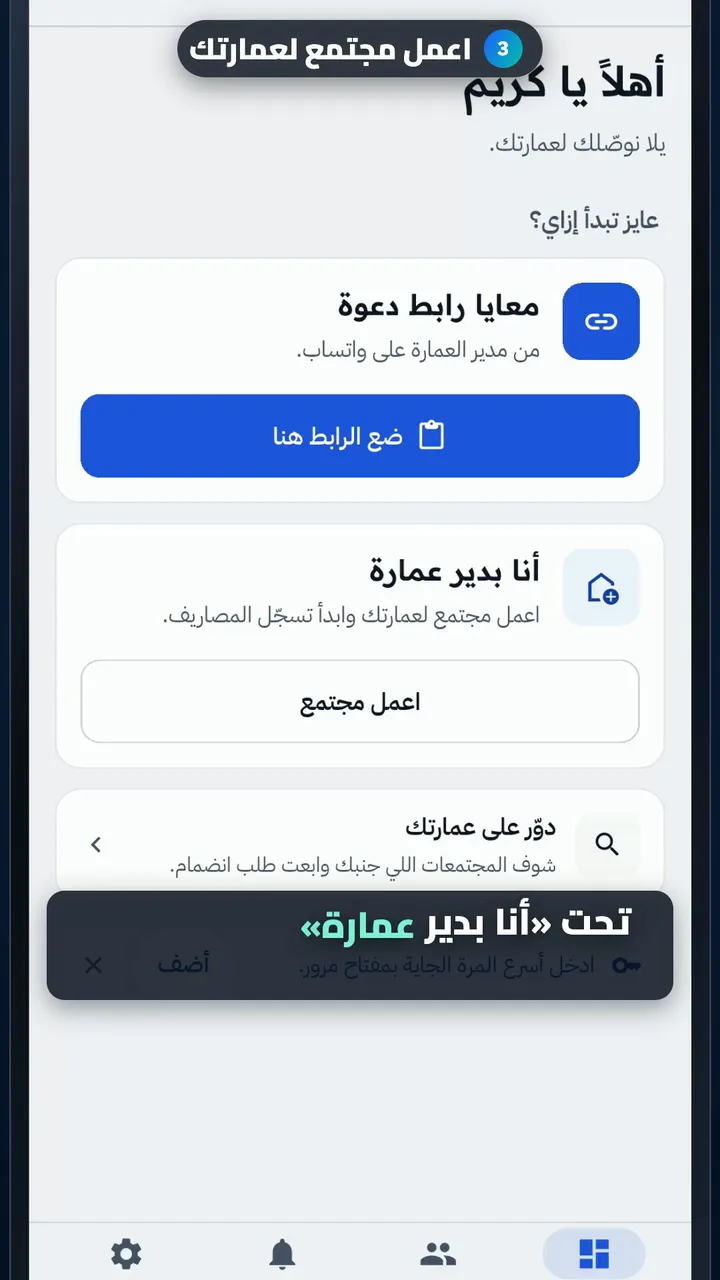
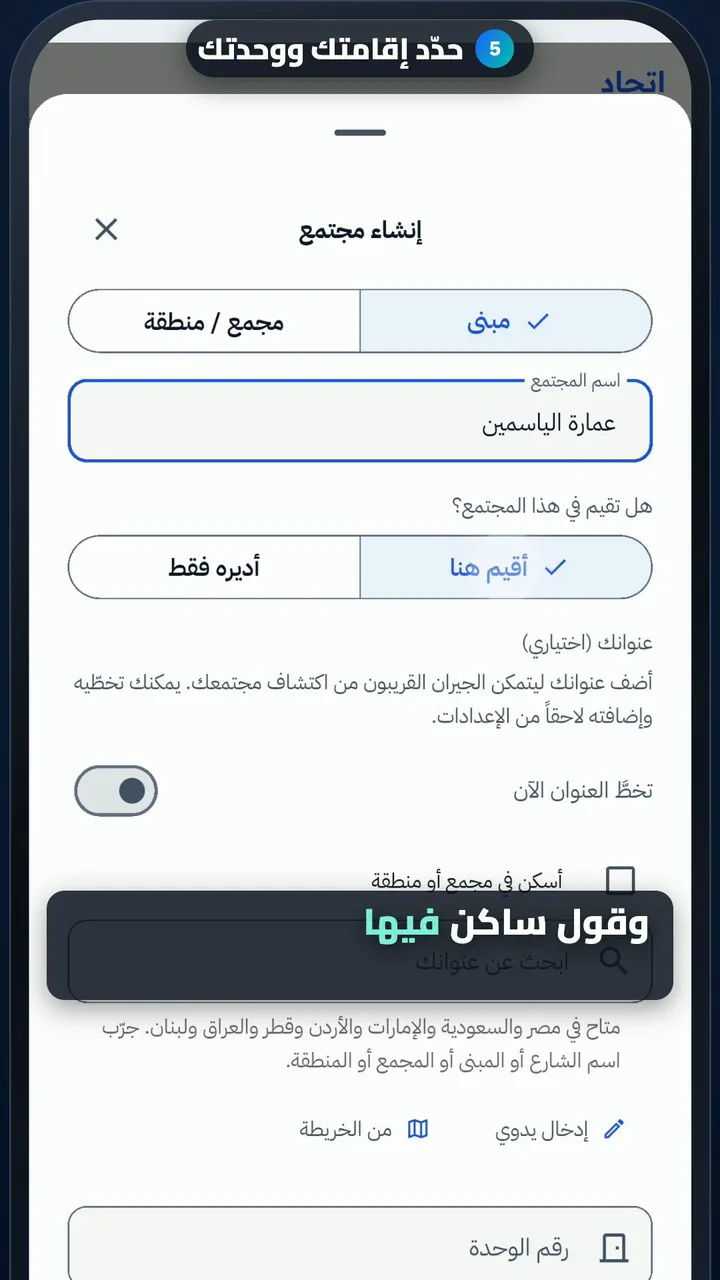
  3. Create a community for your building
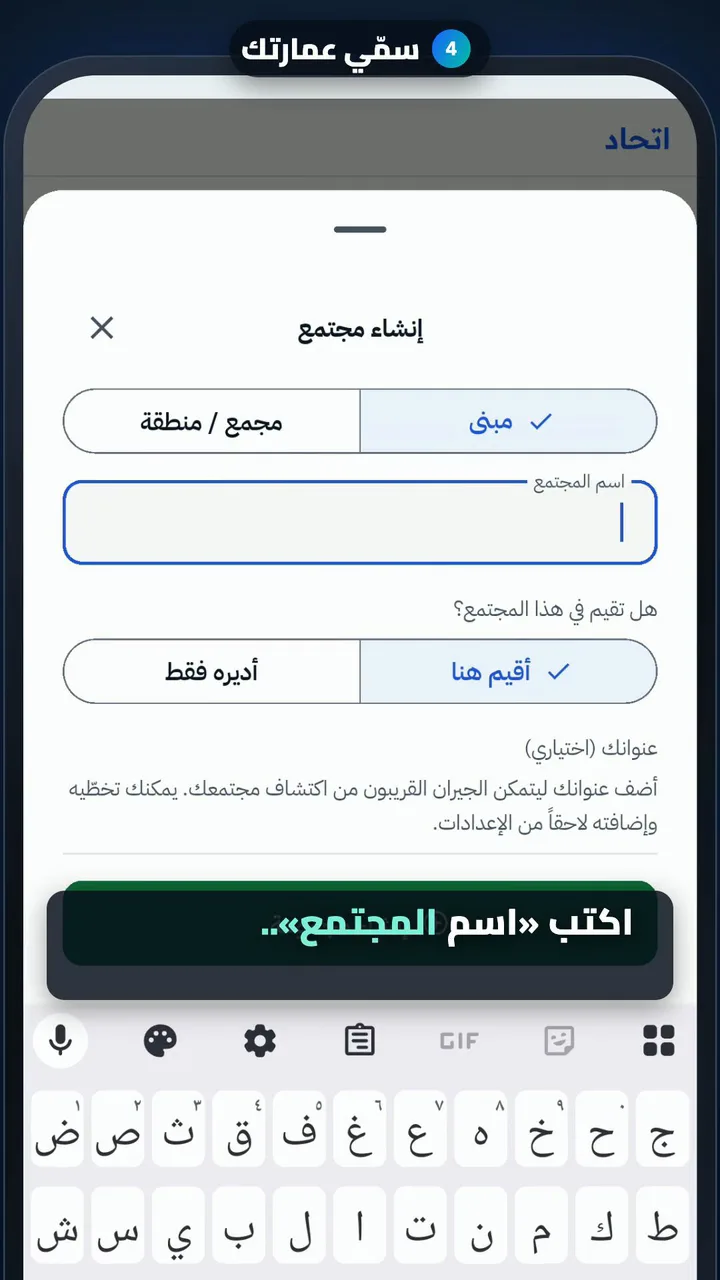
  4. Name your building
  5. Say if you live there, and your unit
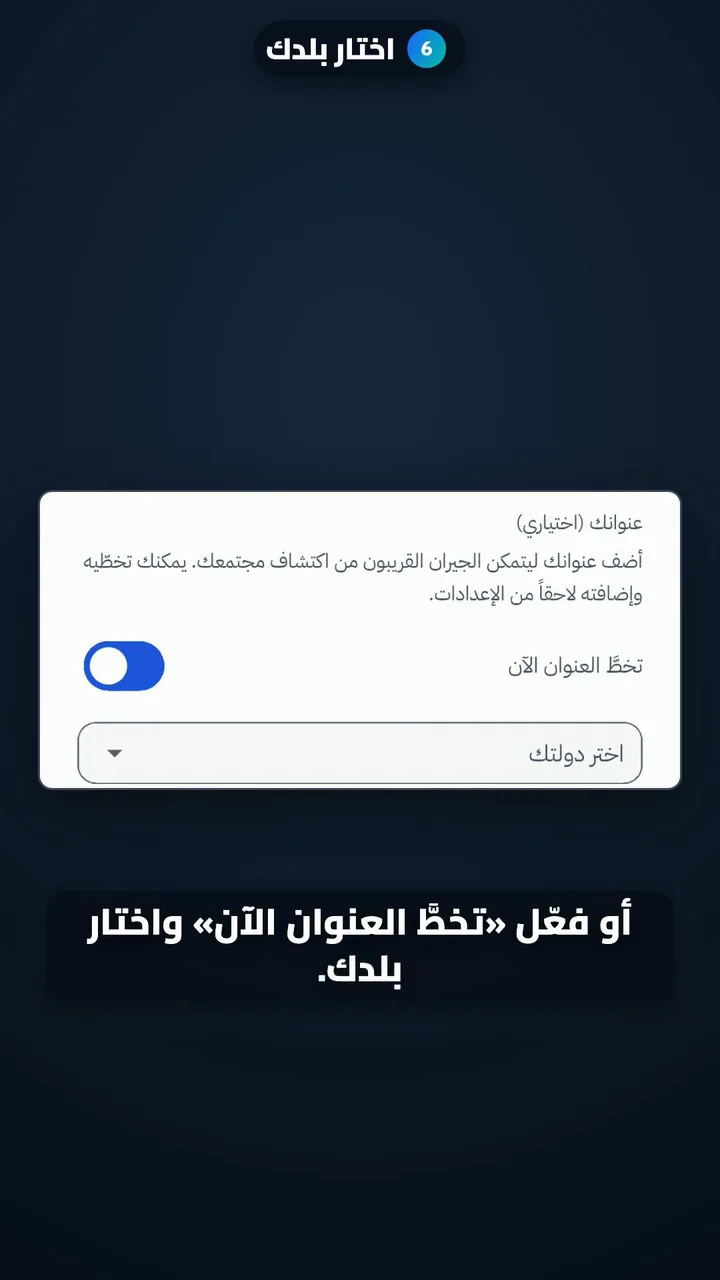
  6. Choose your country
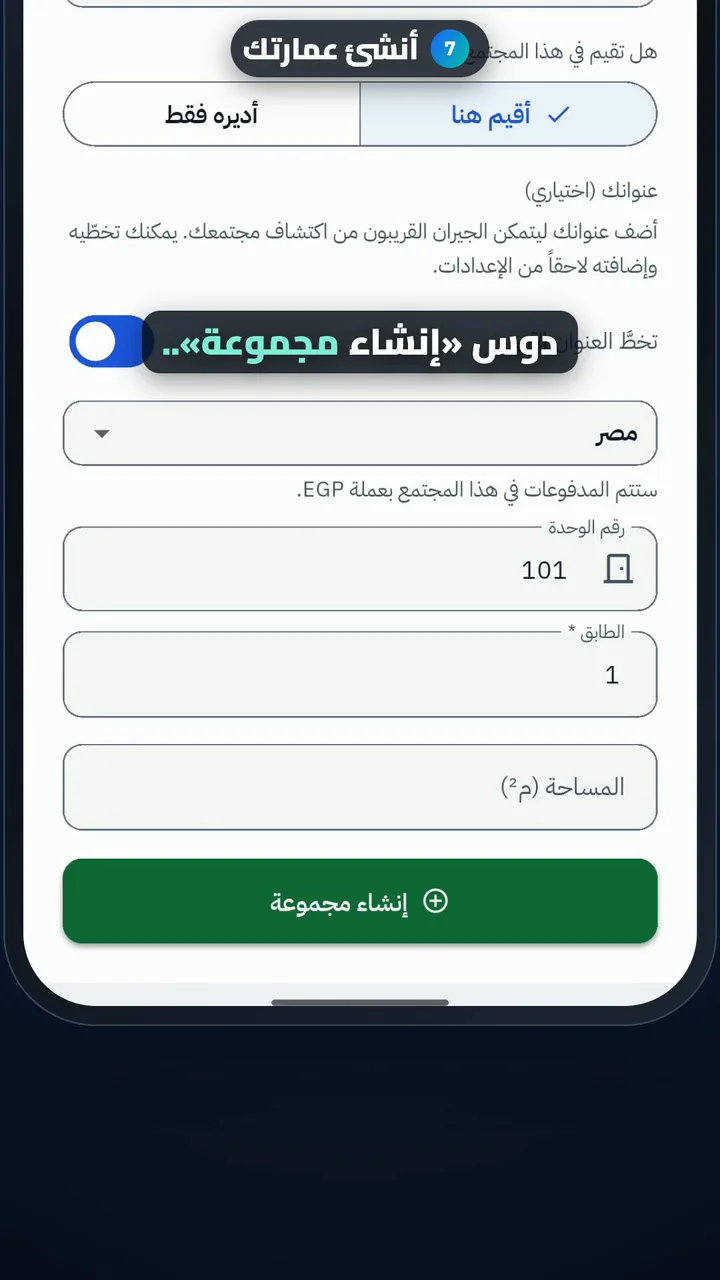
  7. Create your building
Get started as a resident: join your building
Length

Steps

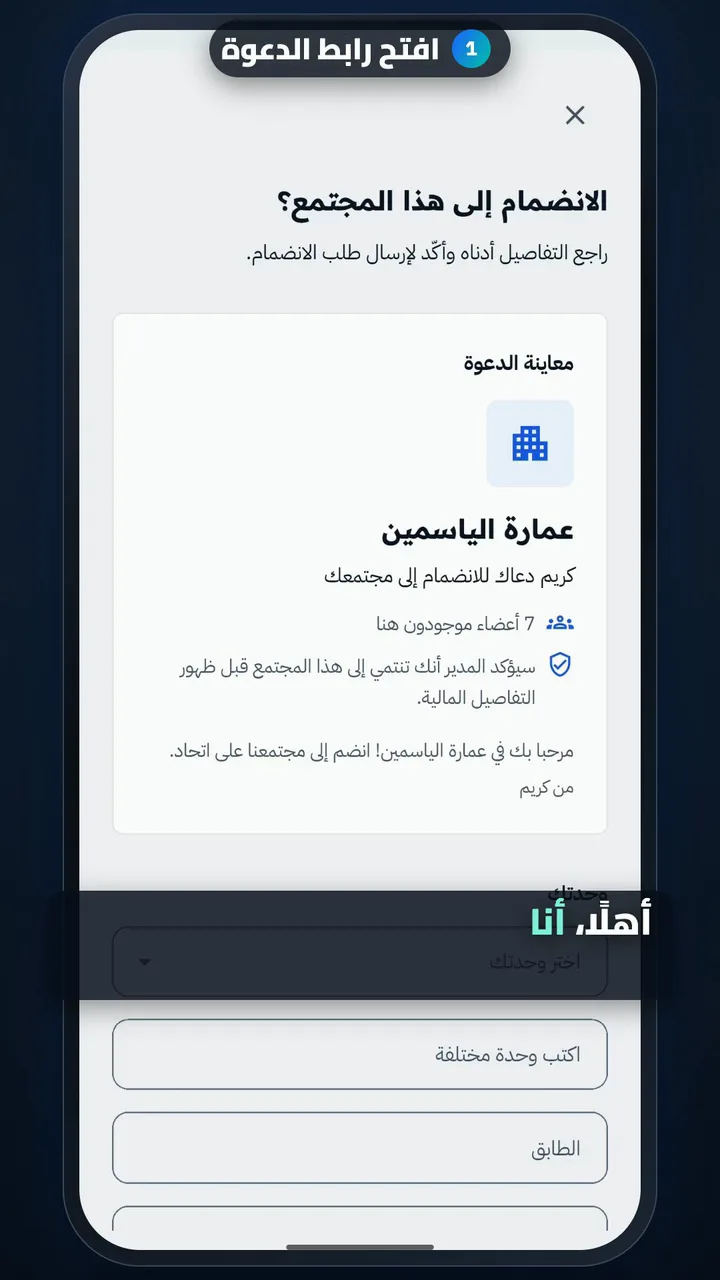
  1. Open the invite link
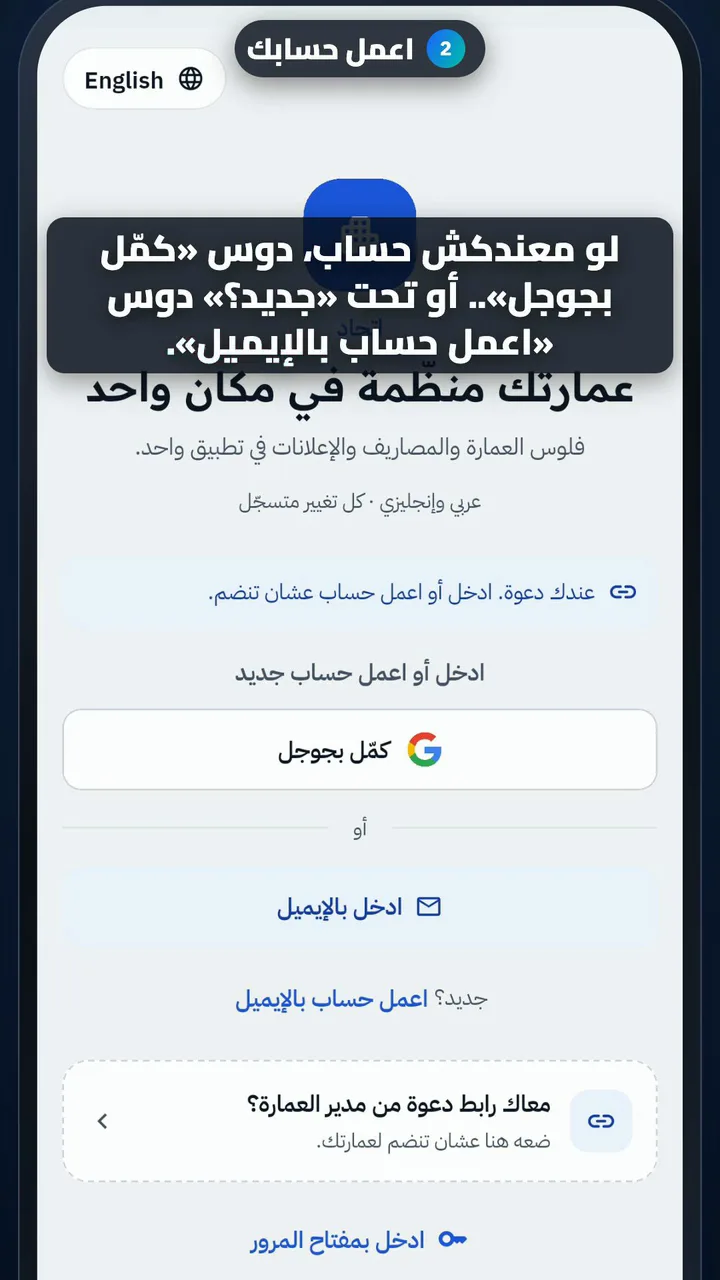
  2. Create your account
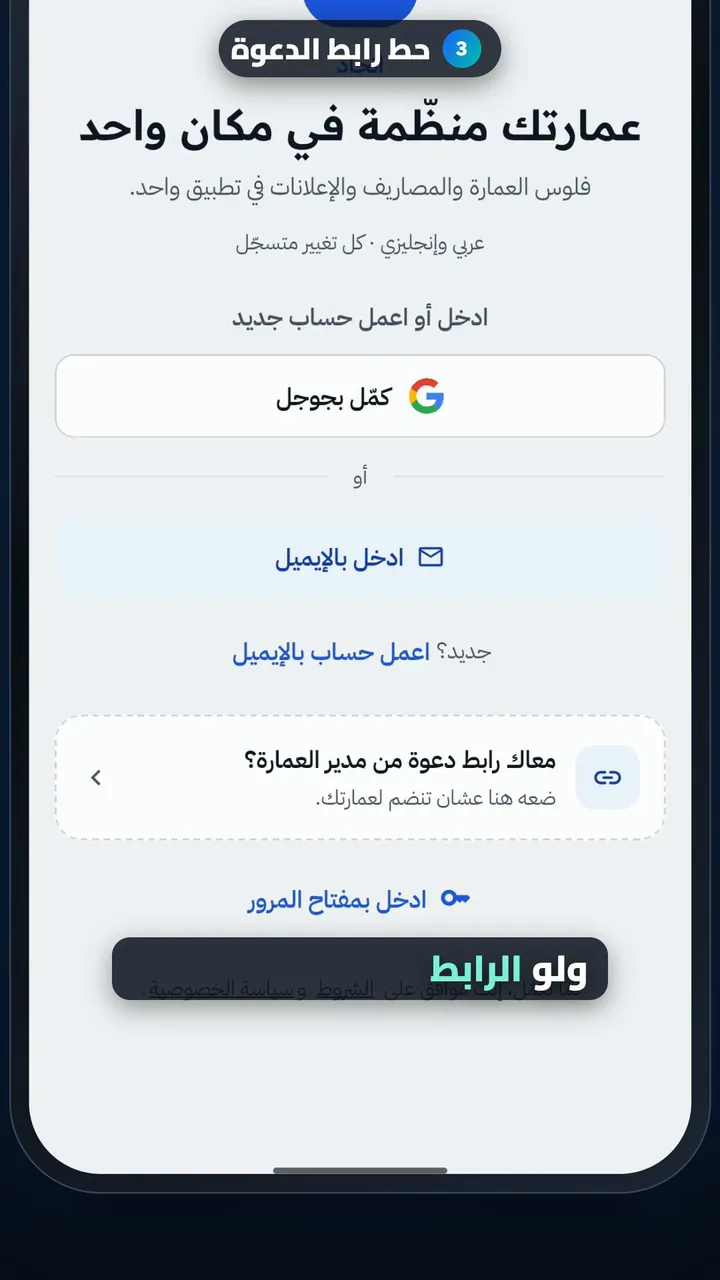
  3. Paste the invite link
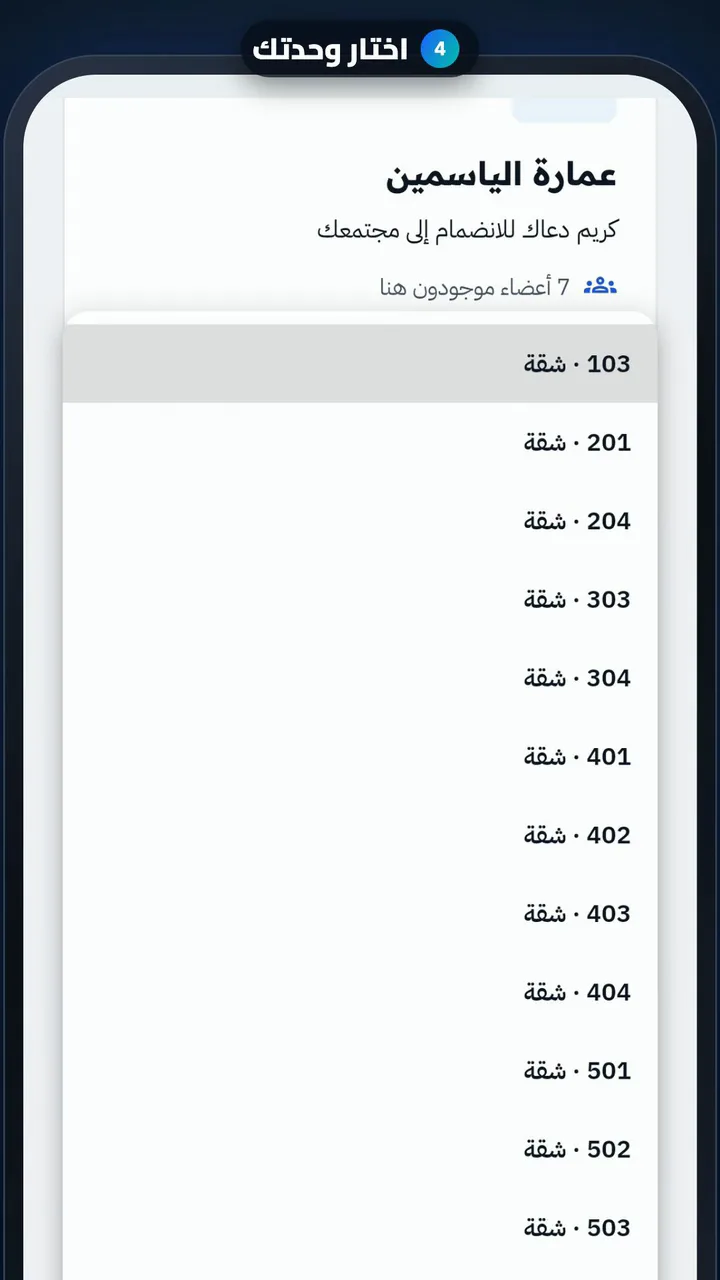
  4. Pick your unit
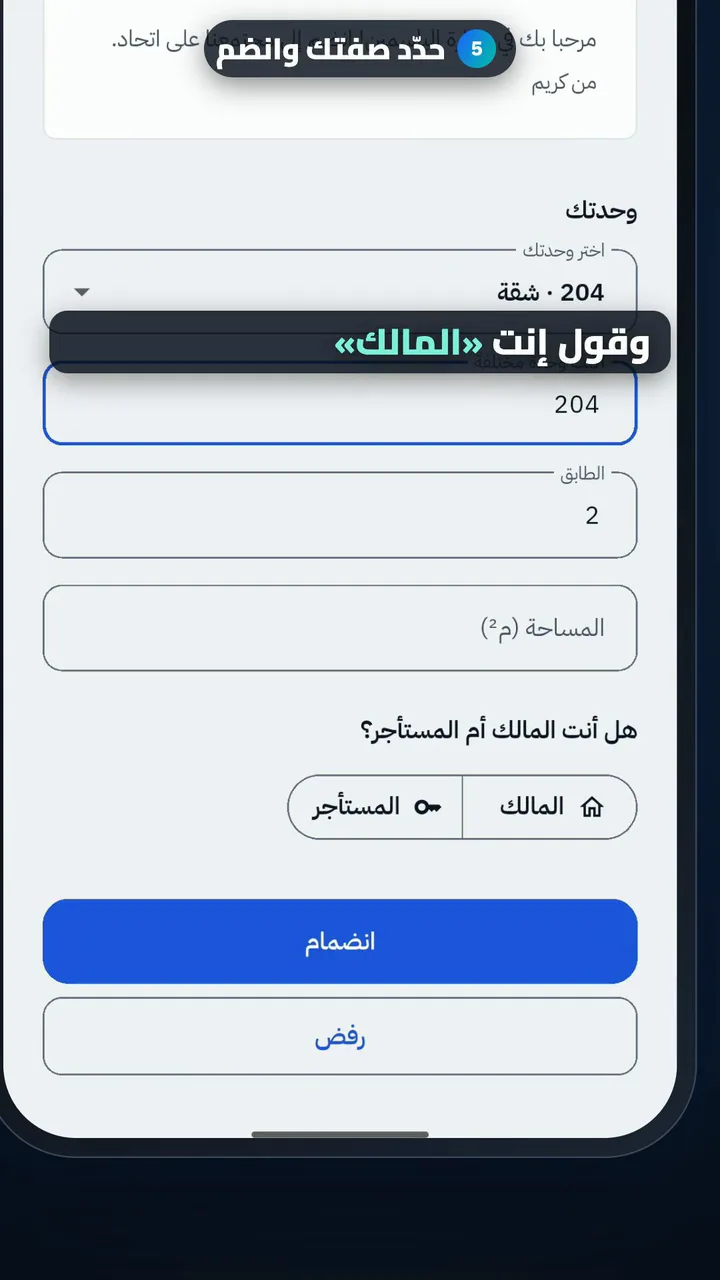
  5. Say if you own or rent, then join
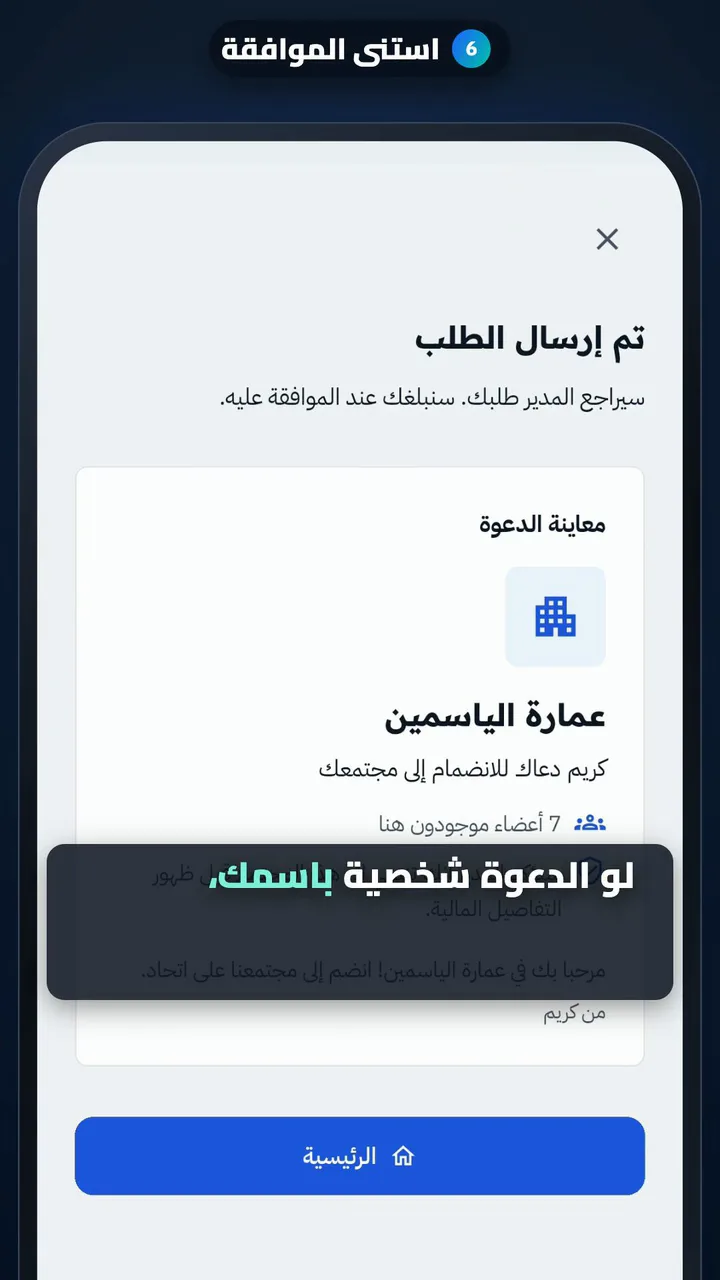
  6. Wait for approval
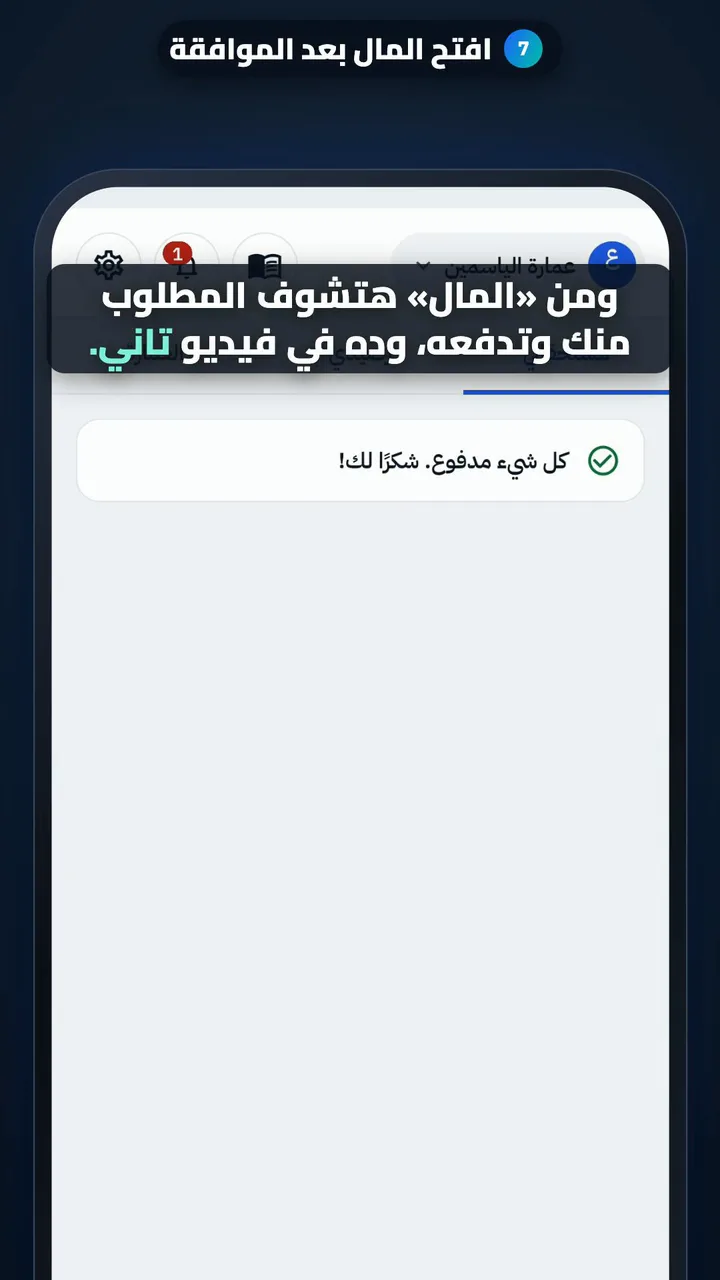
  7. After approval, open Money

For managers

Set up your building: units and payment method

Length

Steps

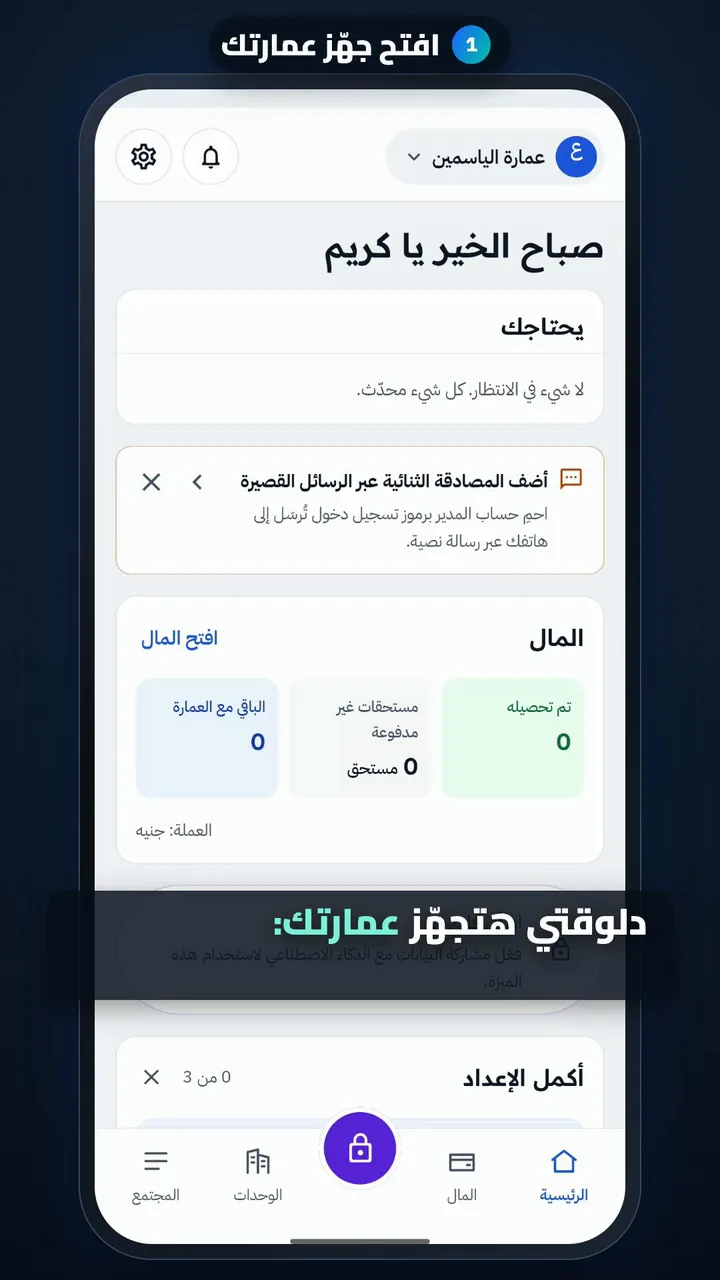
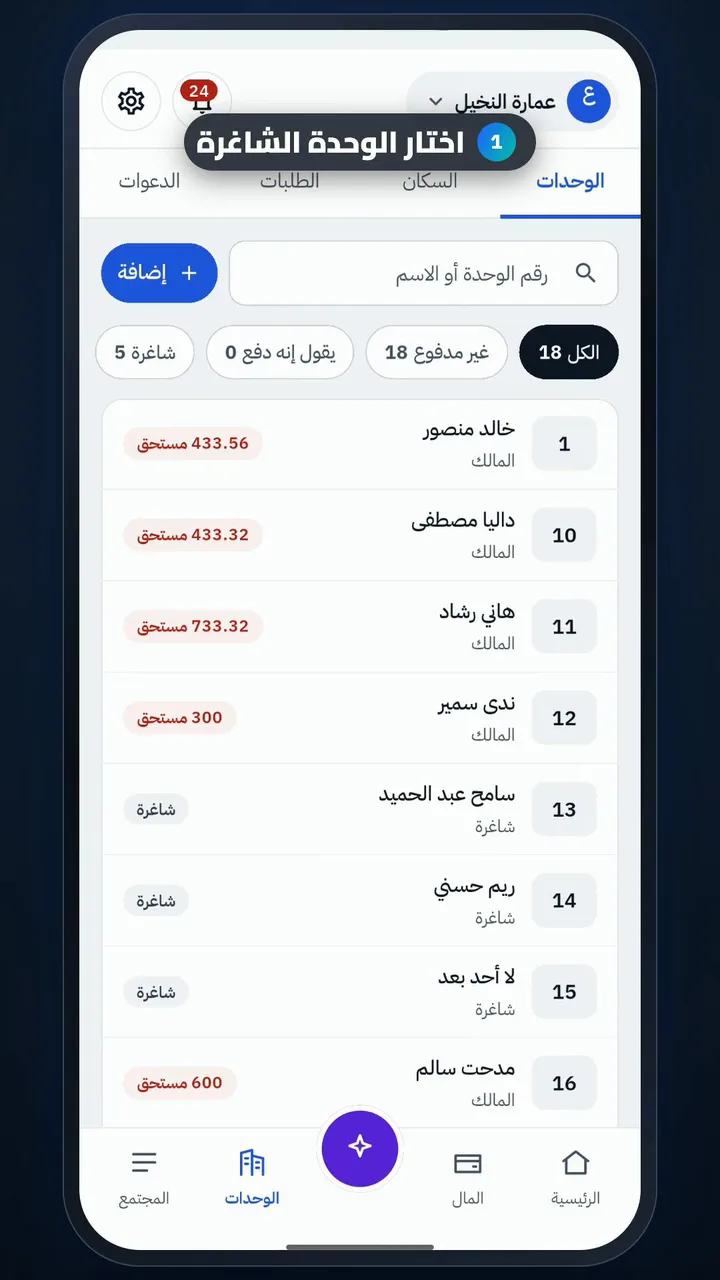
  1. Open Set up your building
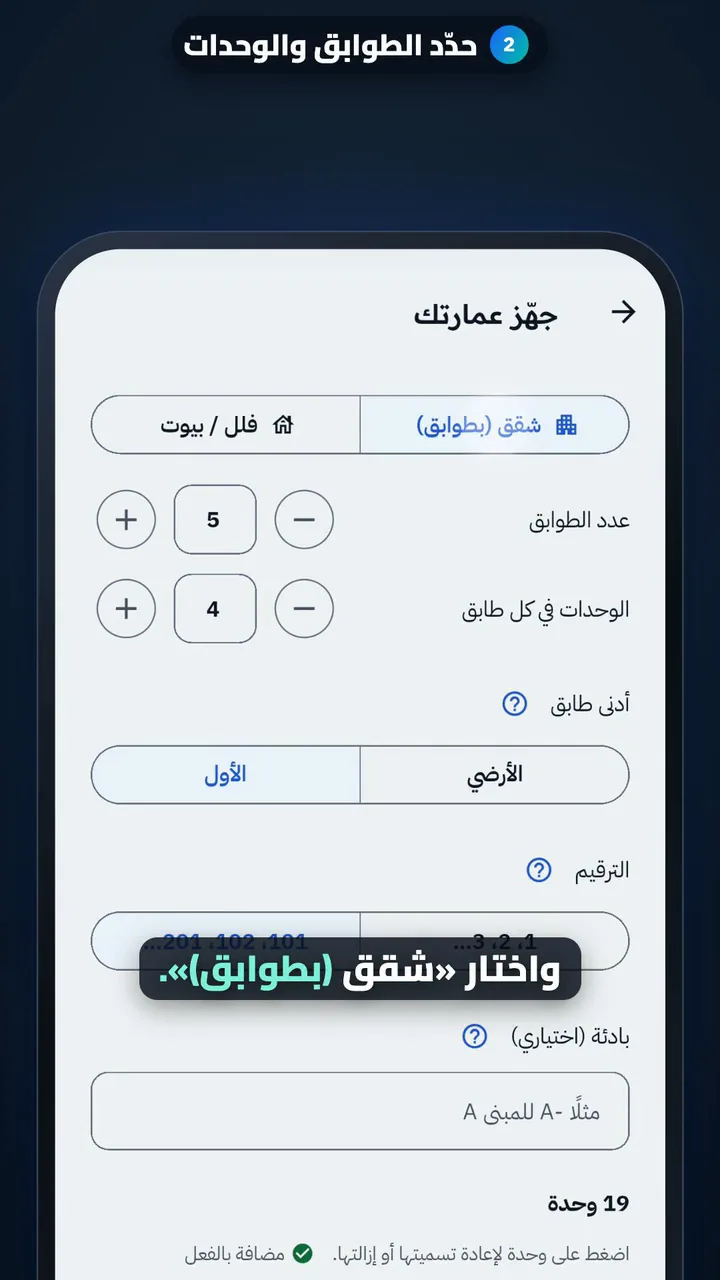
  2. Set the floors and units
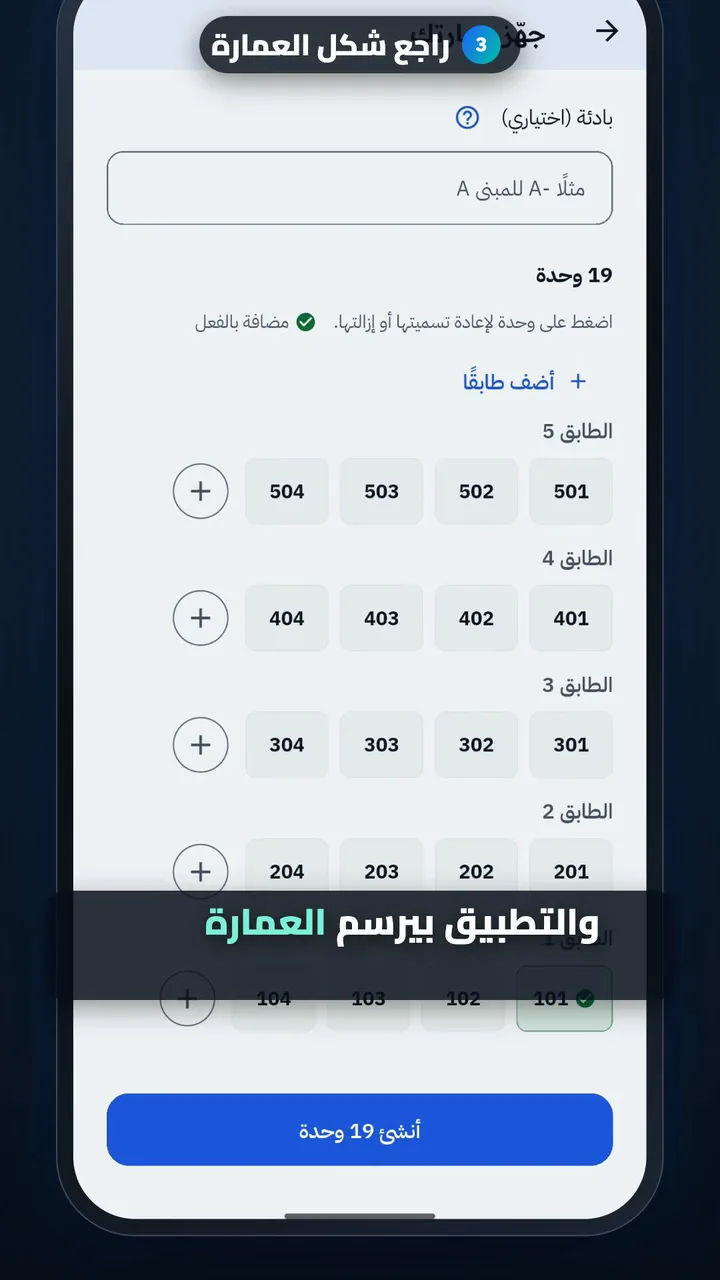
  3. Check the building layout
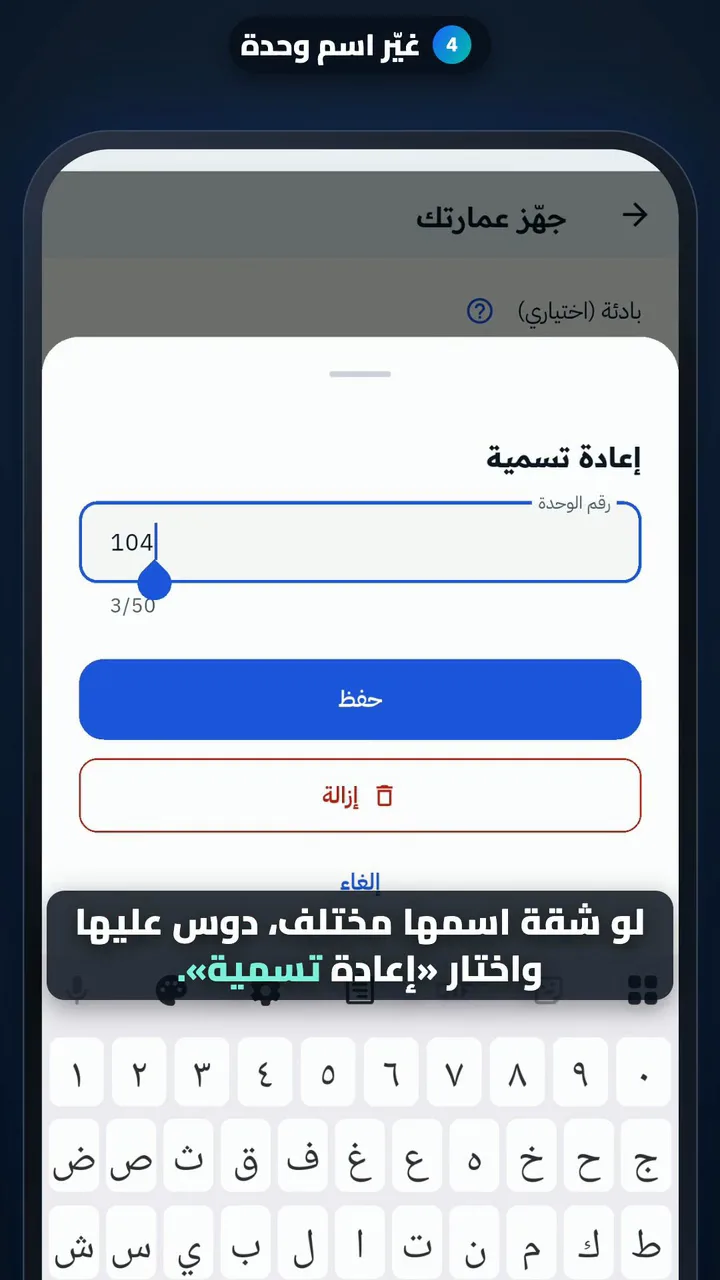
  4. Rename a unit
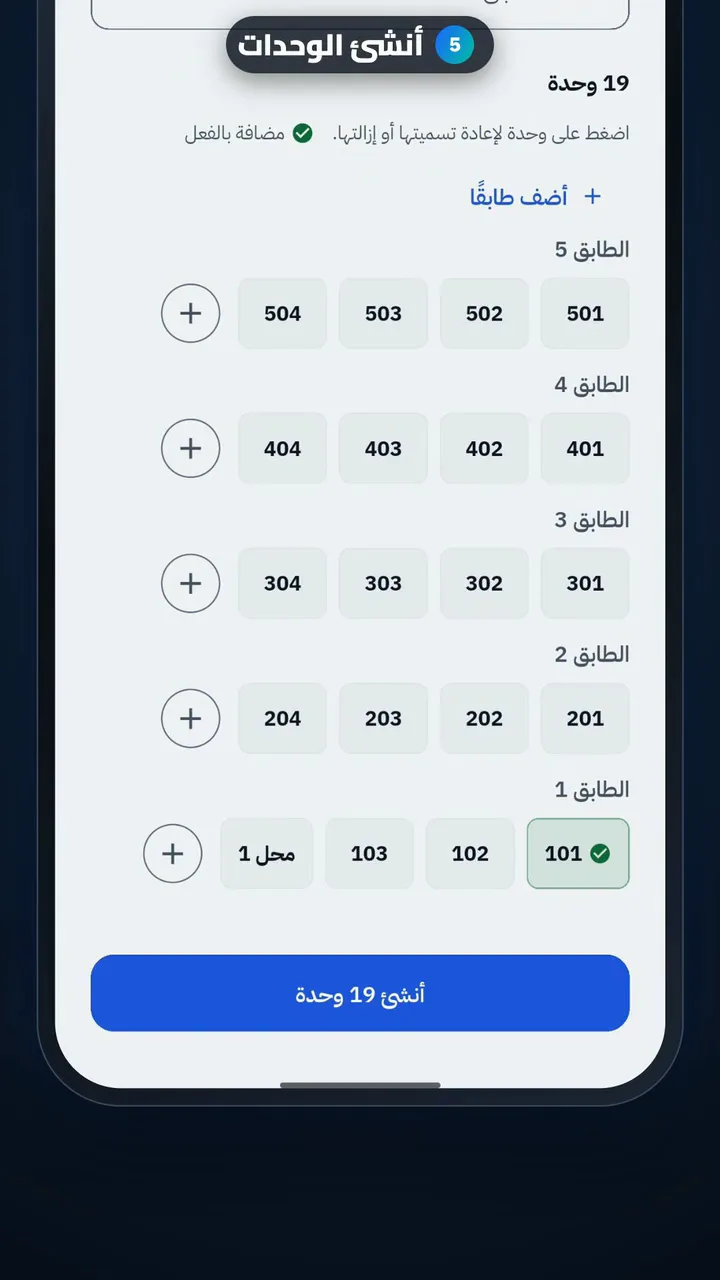
  5. Create the units
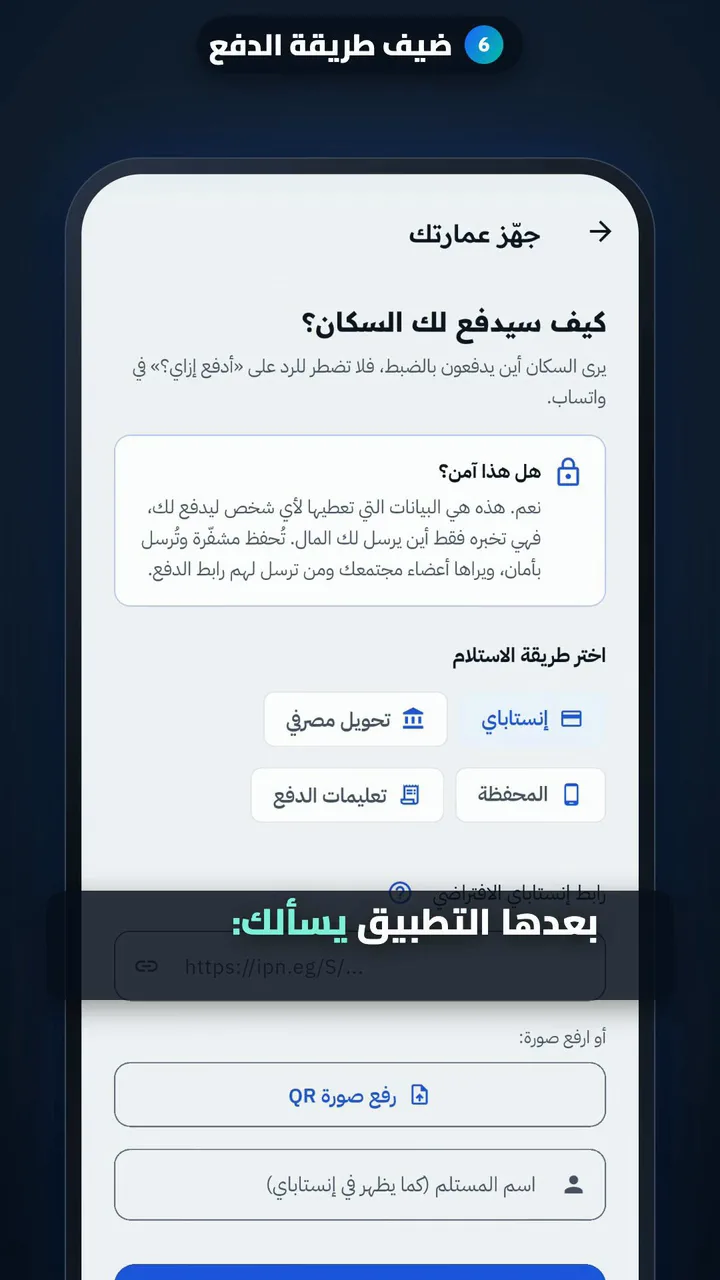
  6. Add a payment method
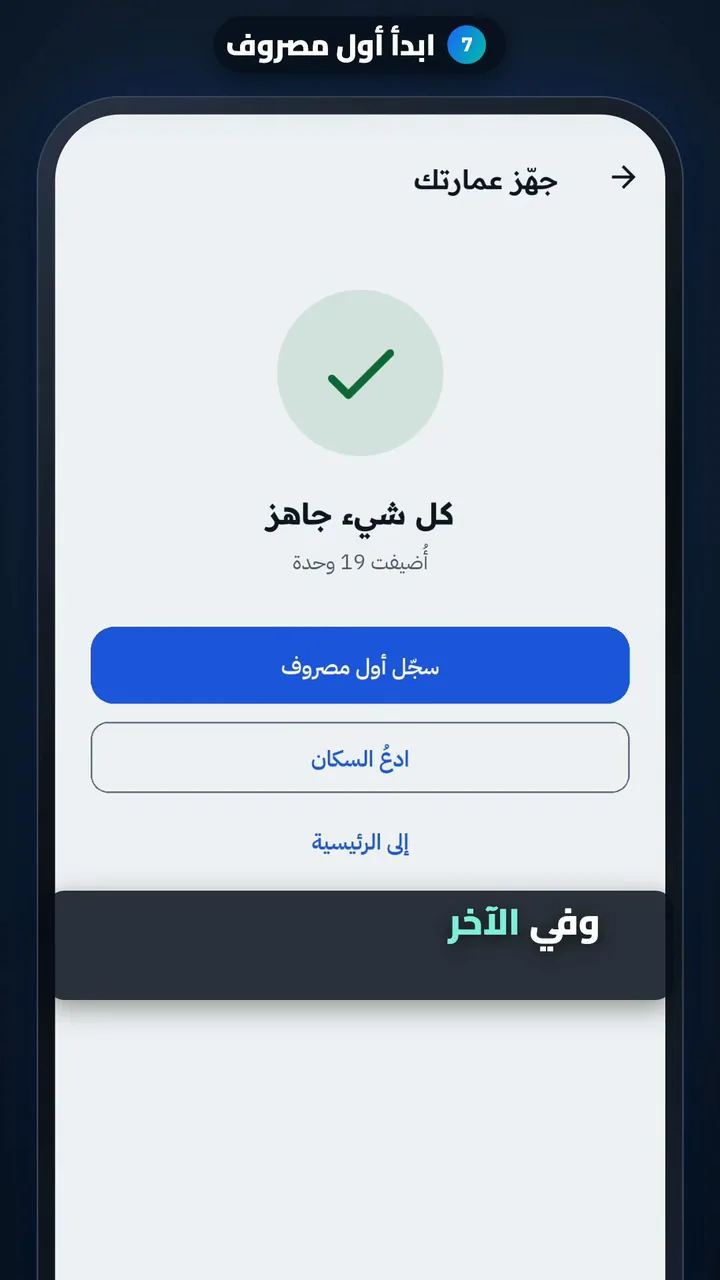
  7. Start your first expense

Record an expense and split it

Length

Steps

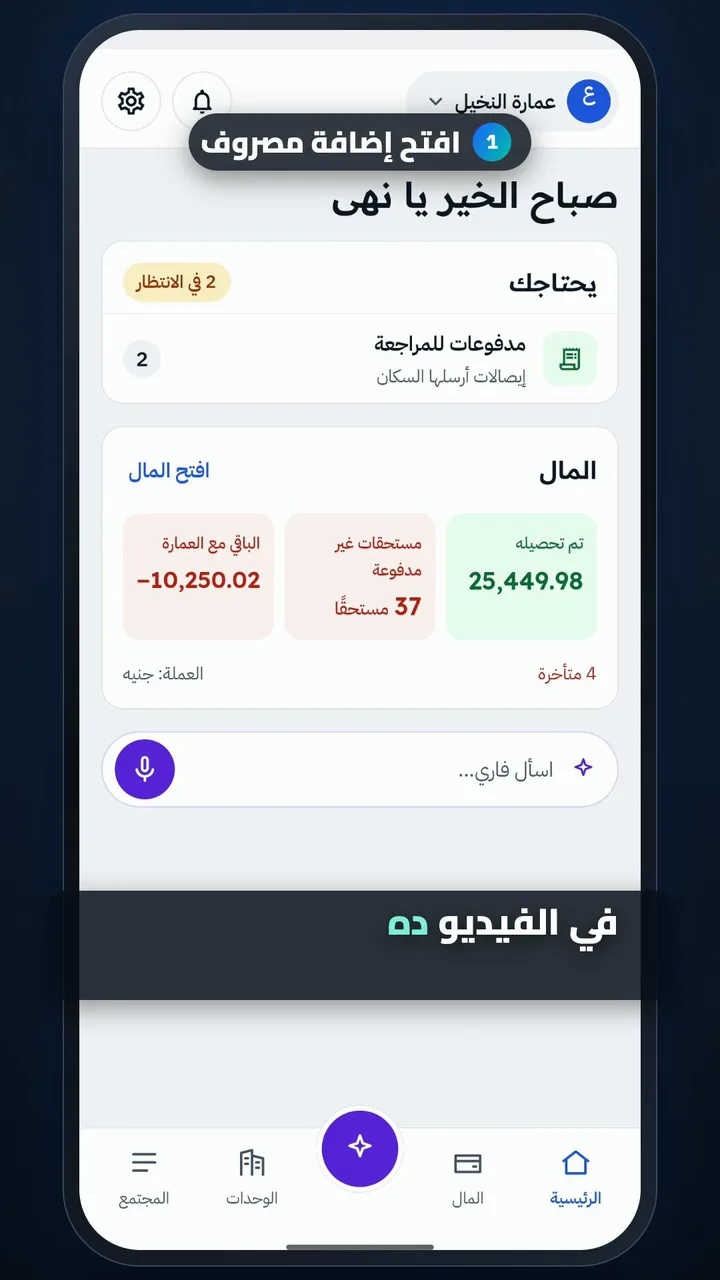
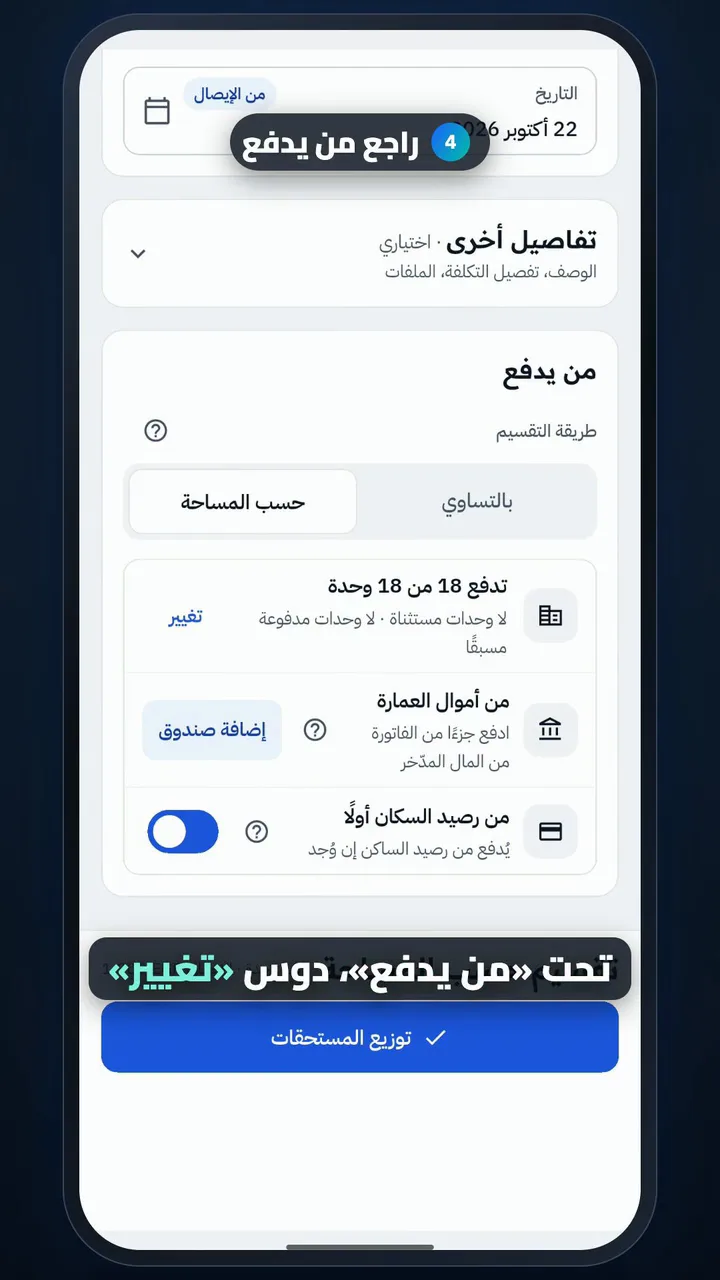
  1. Open Add expense
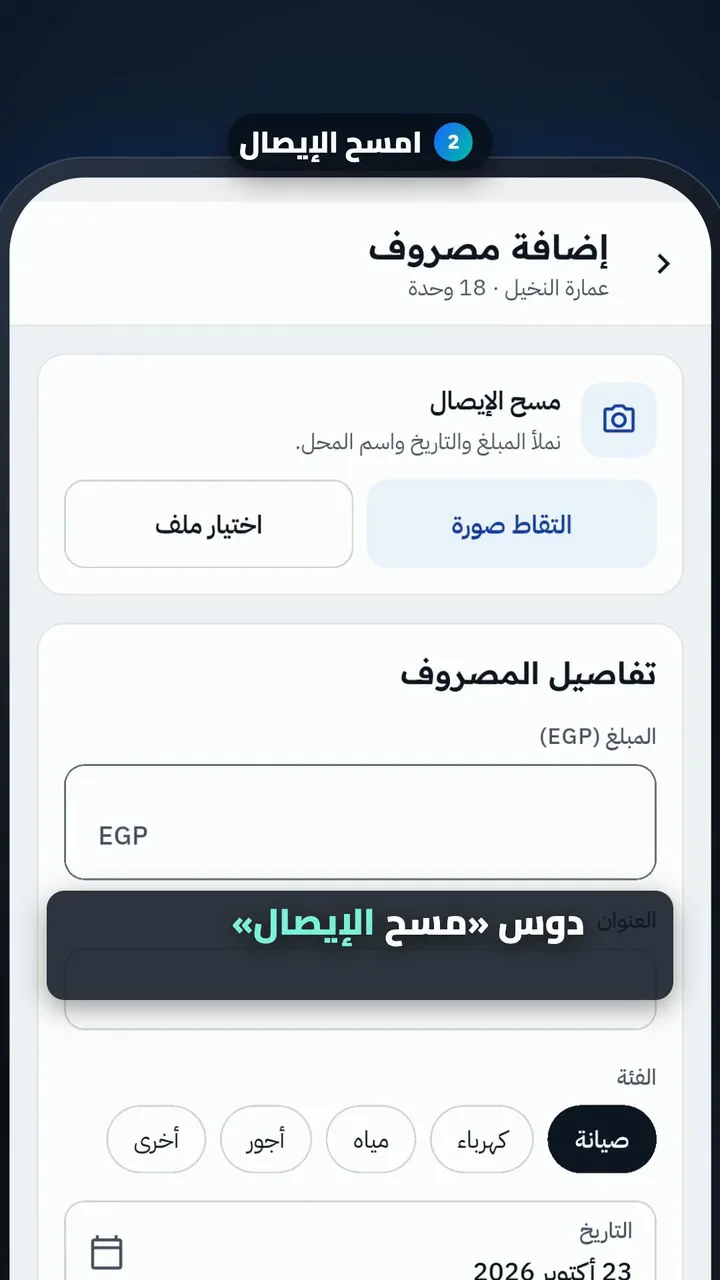
  2. Scan the receipt
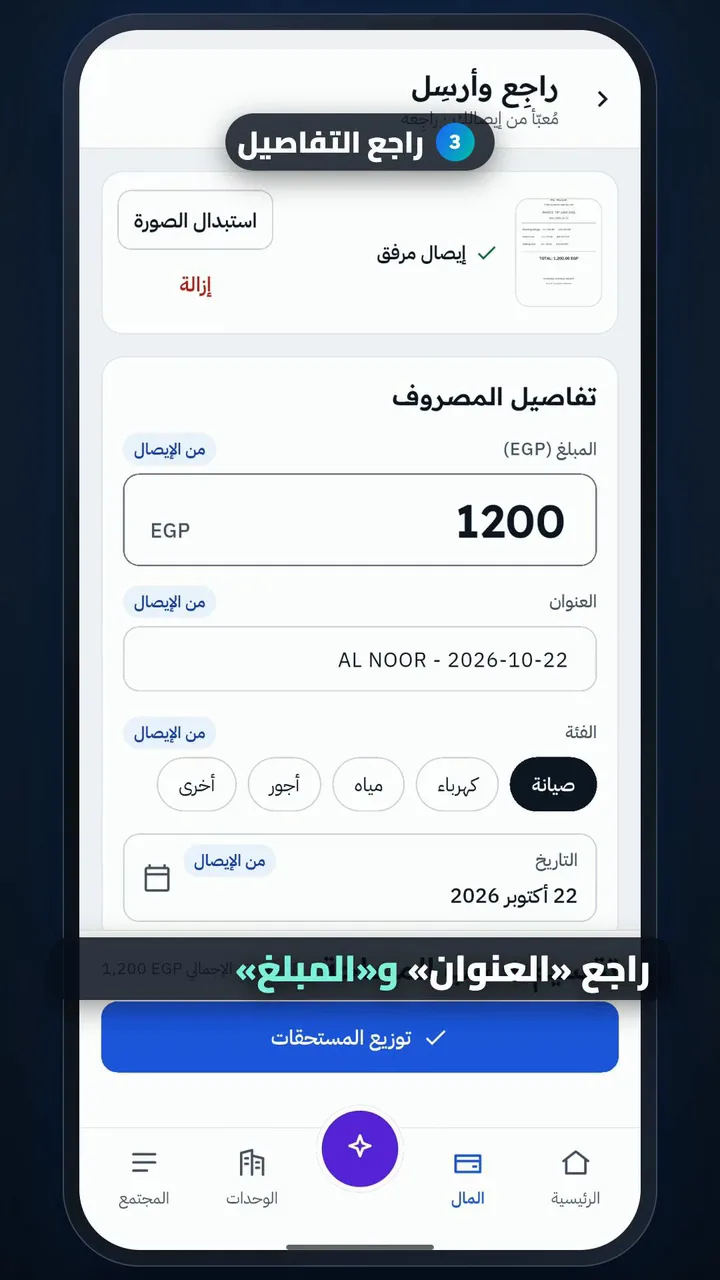
  3. Check the details
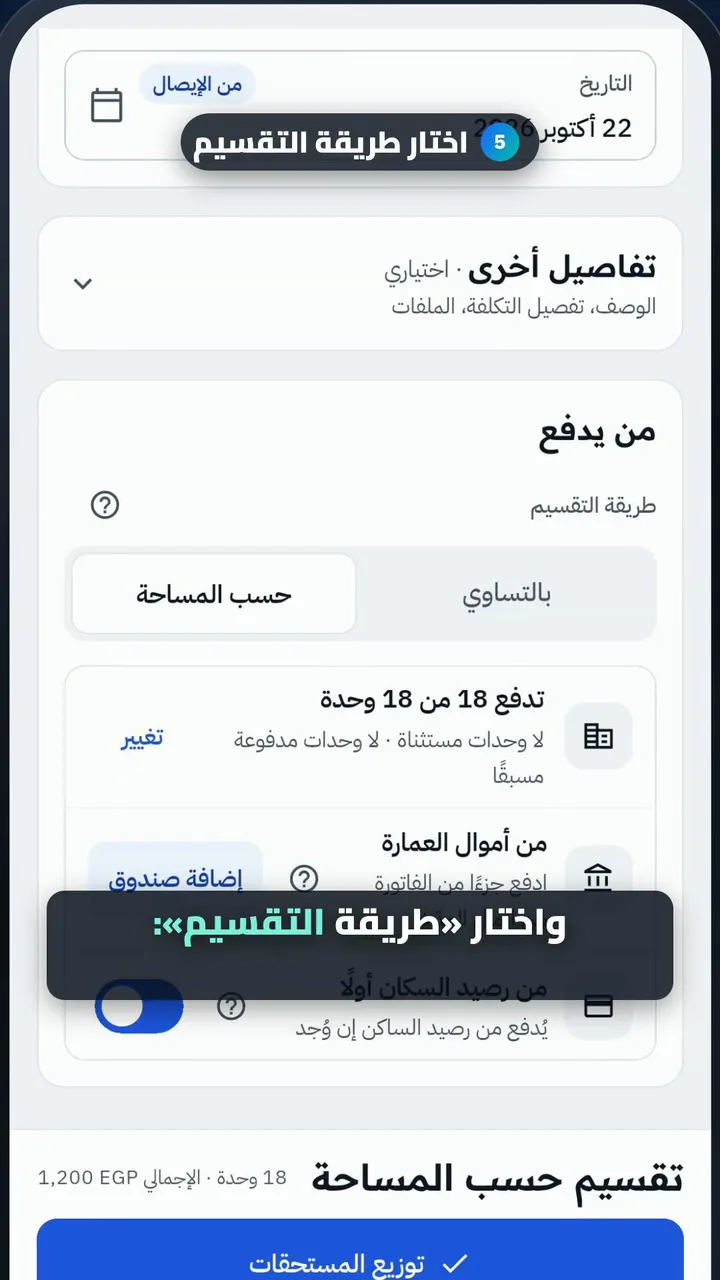
  4. Check who pays
  5. Choose how to split it
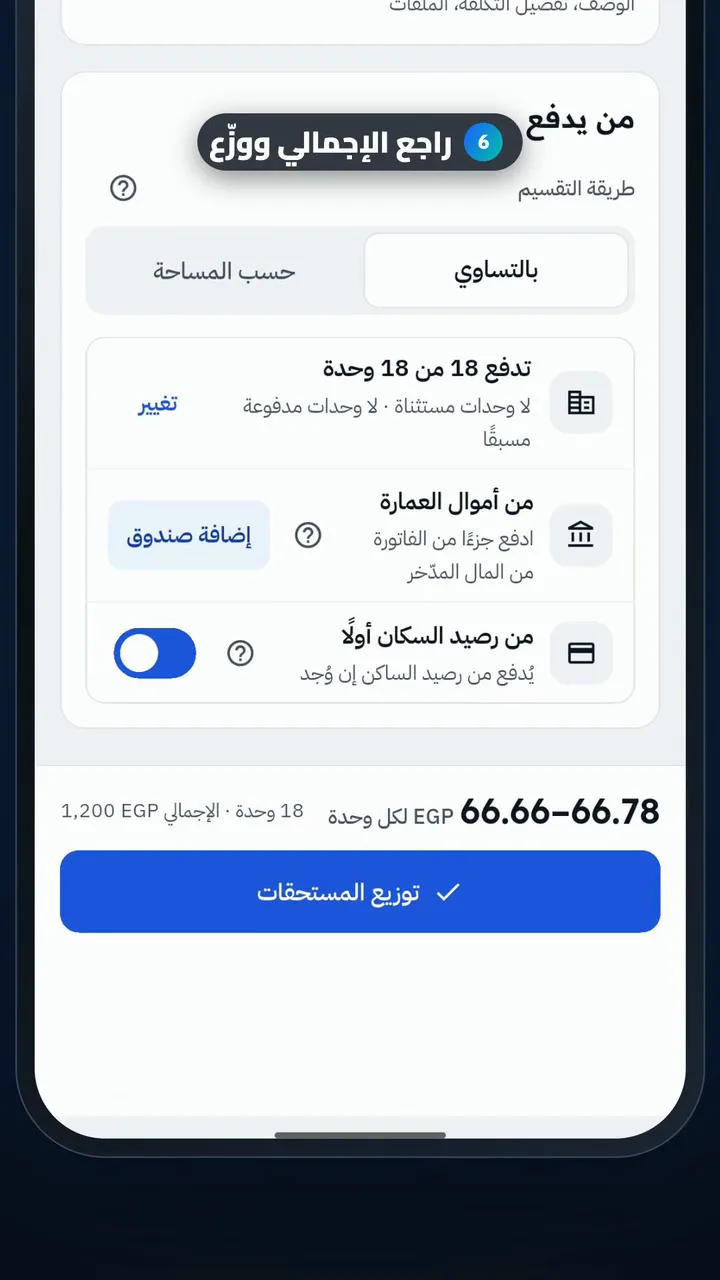
  6. Check the total and send the dues
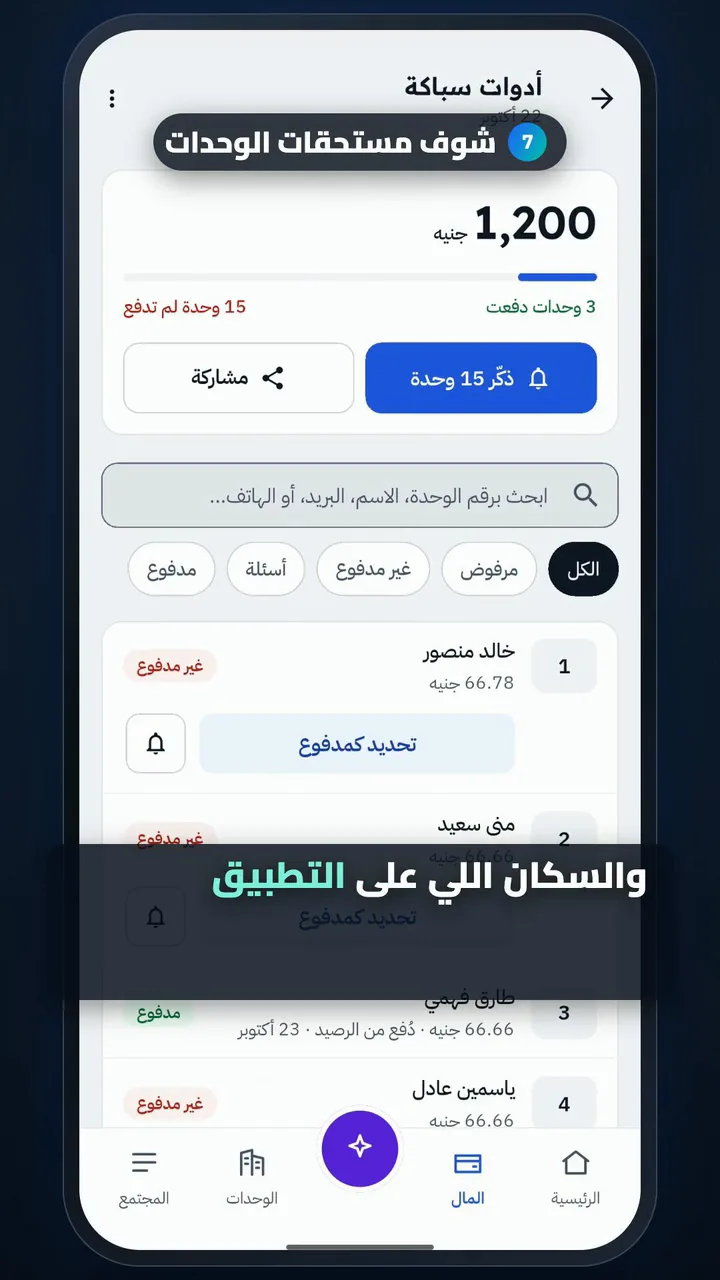
  7. See each unit's dues

Invite residents

Length

Steps

  1. Open Units, then Invites
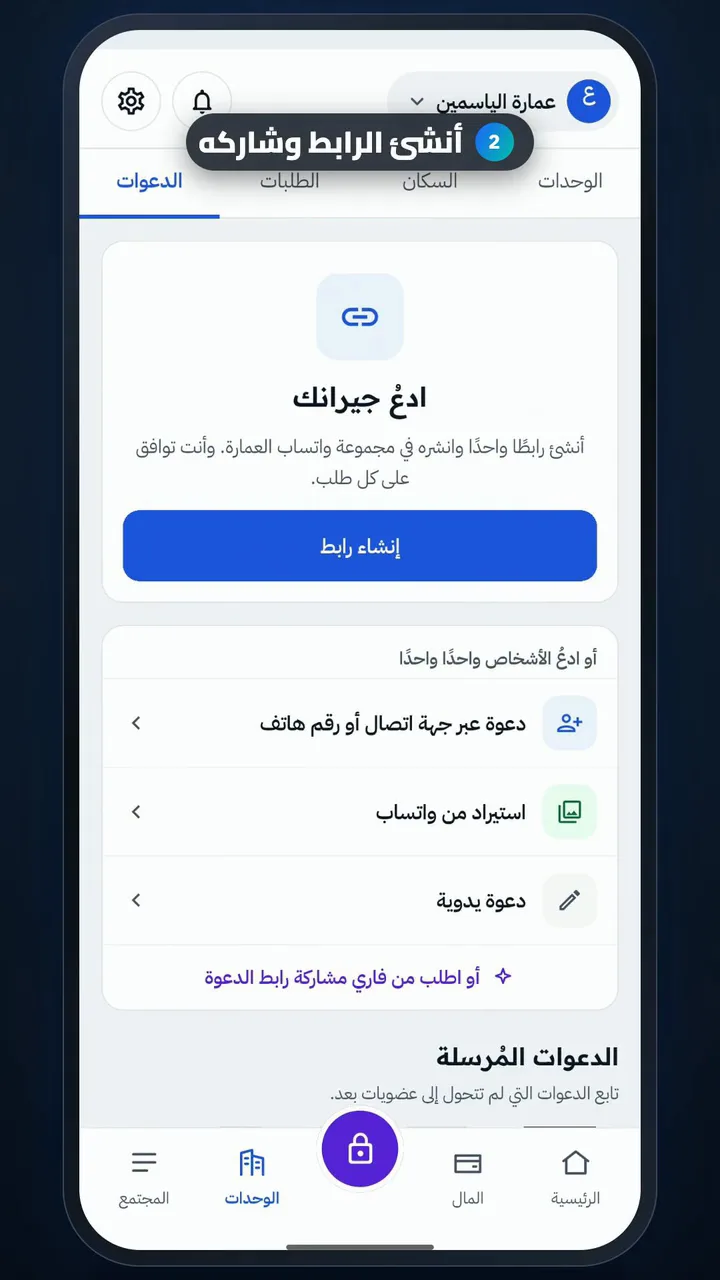
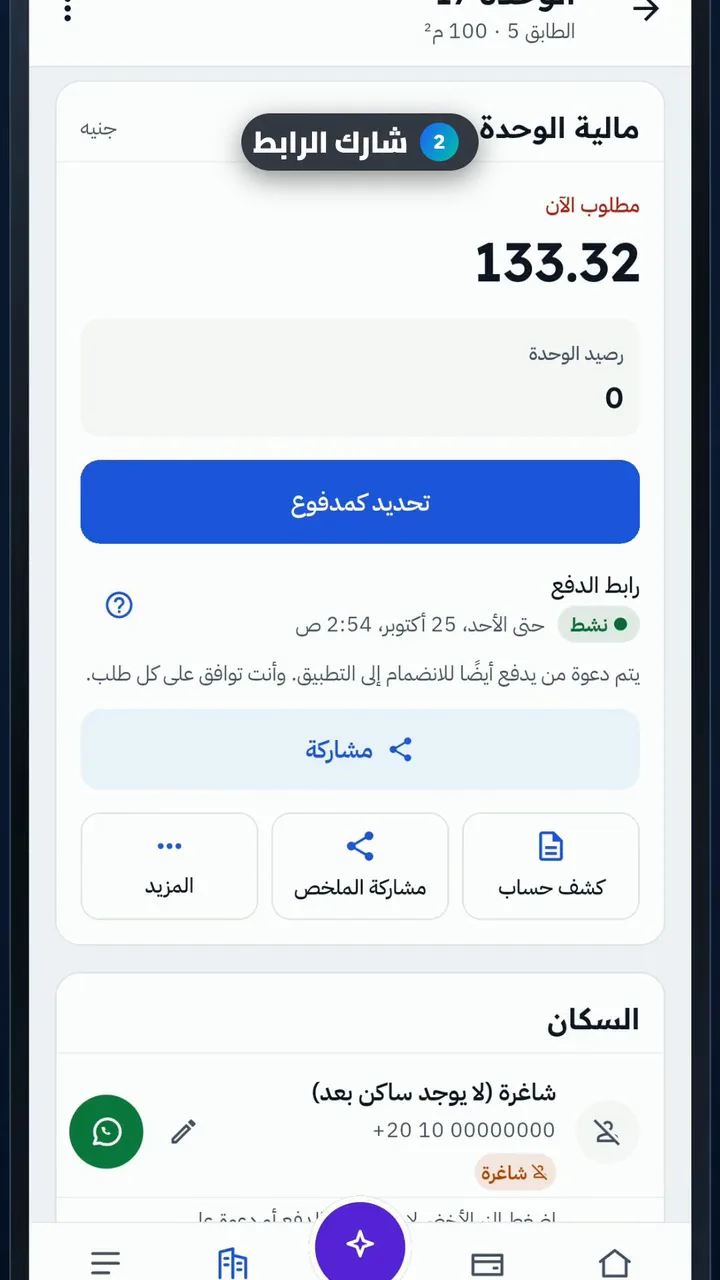
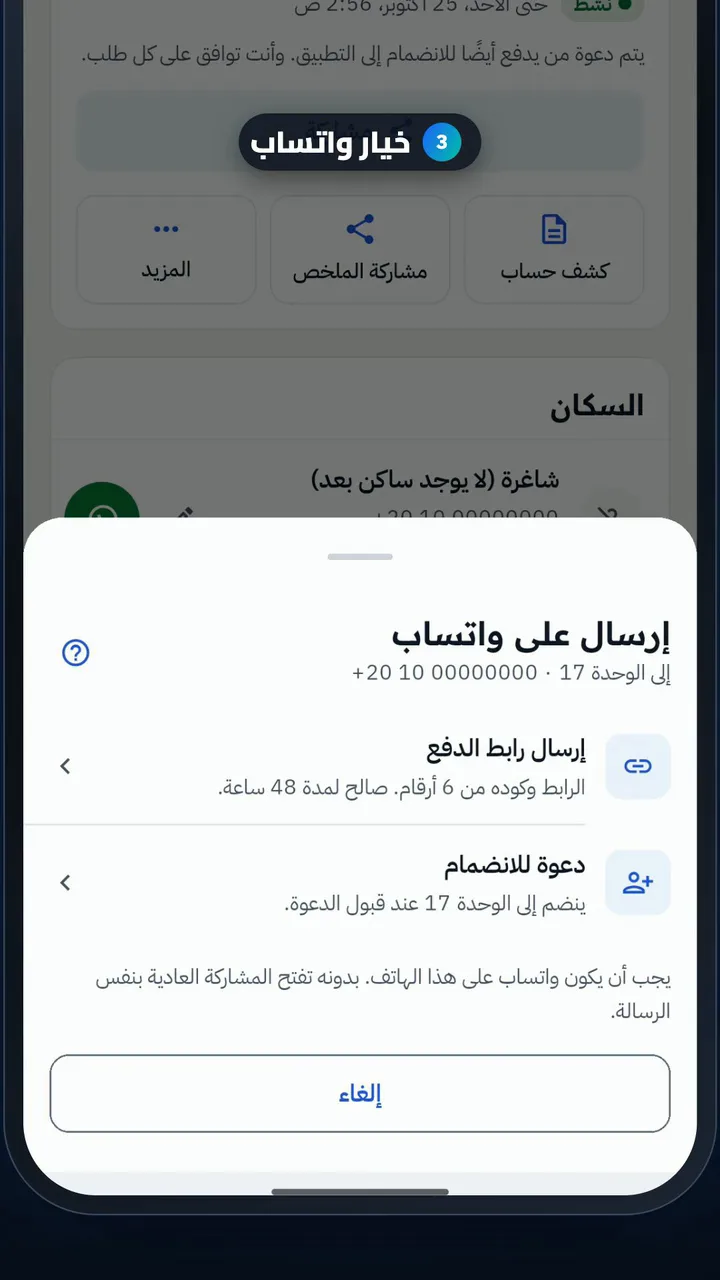
  2. Create the link and share it
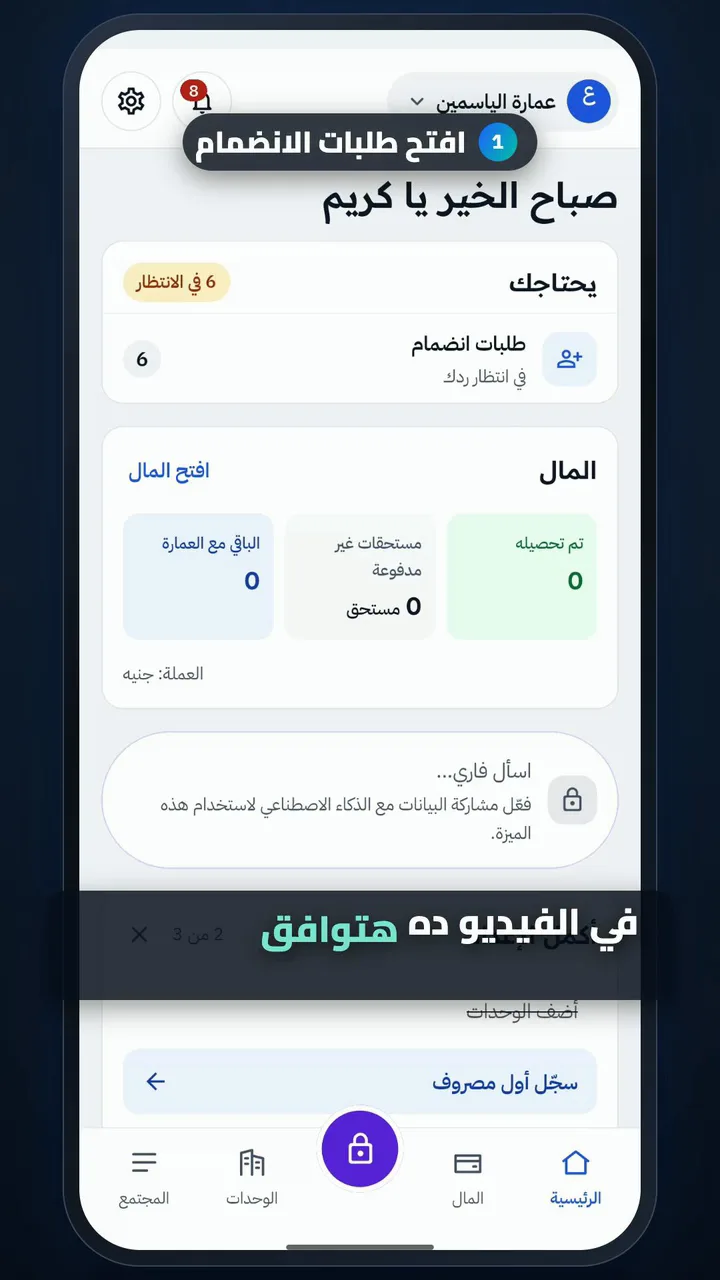
  3. See join requests
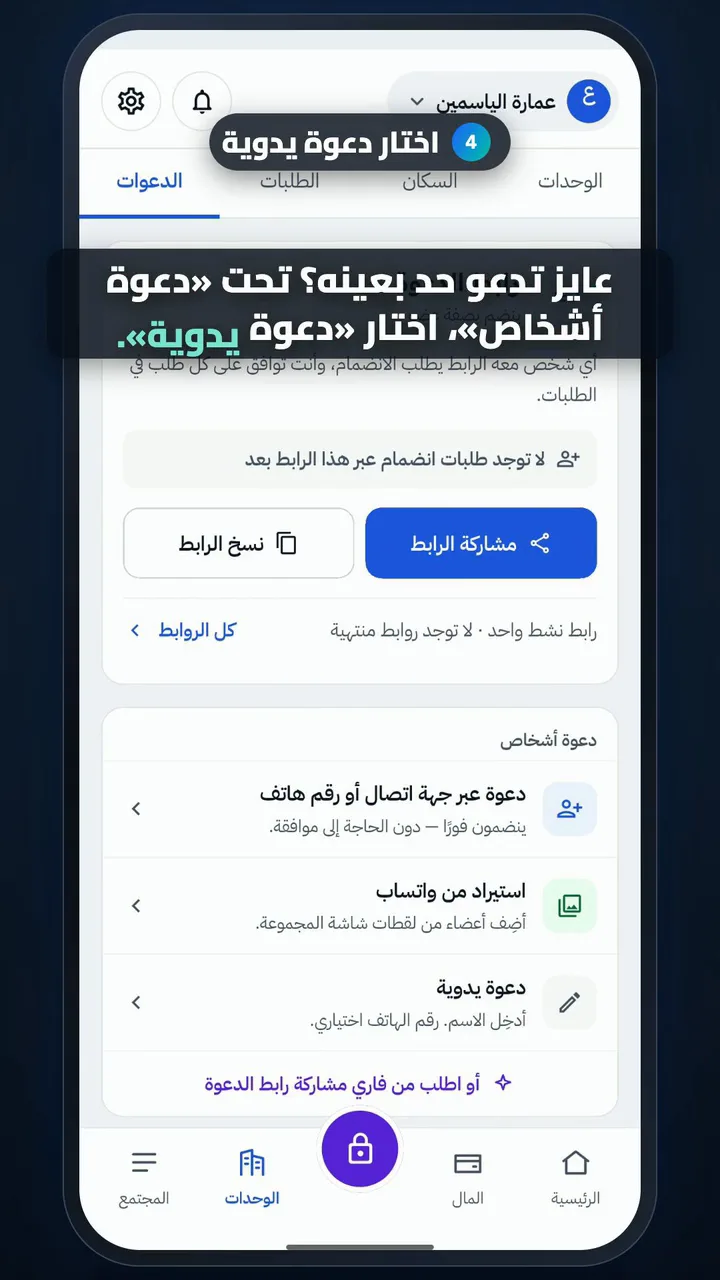
  4. Choose manual invite
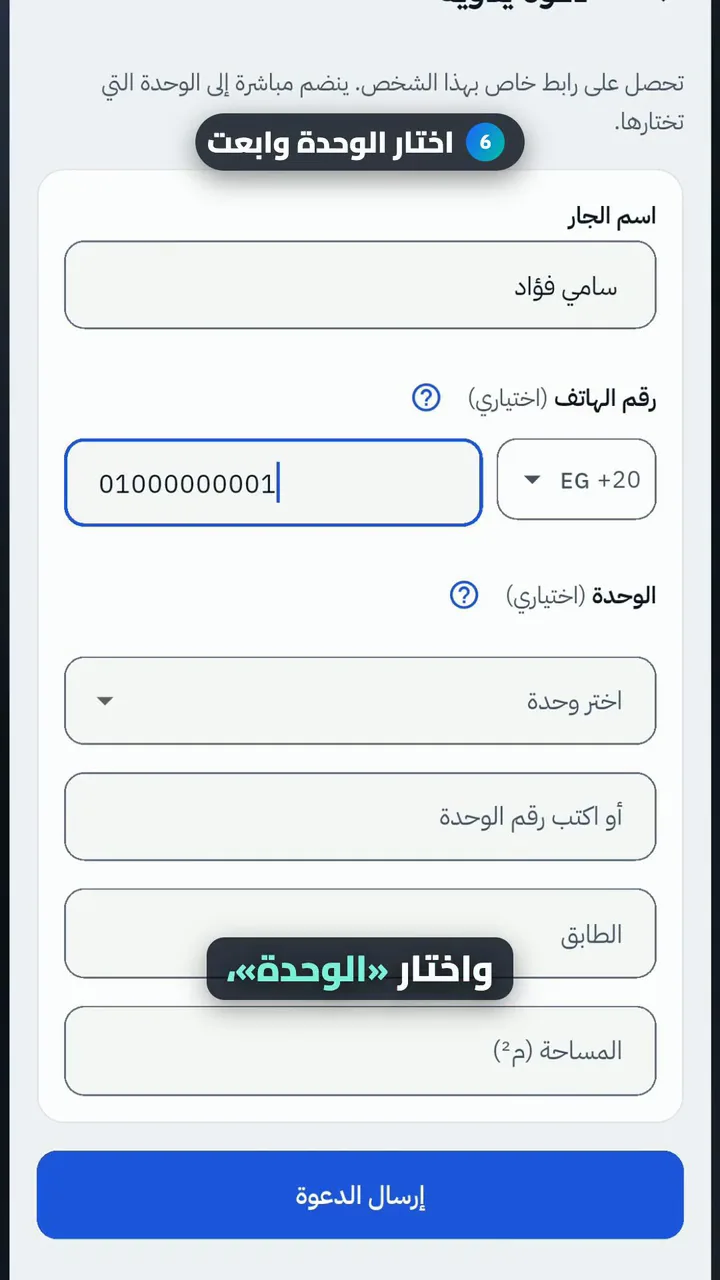
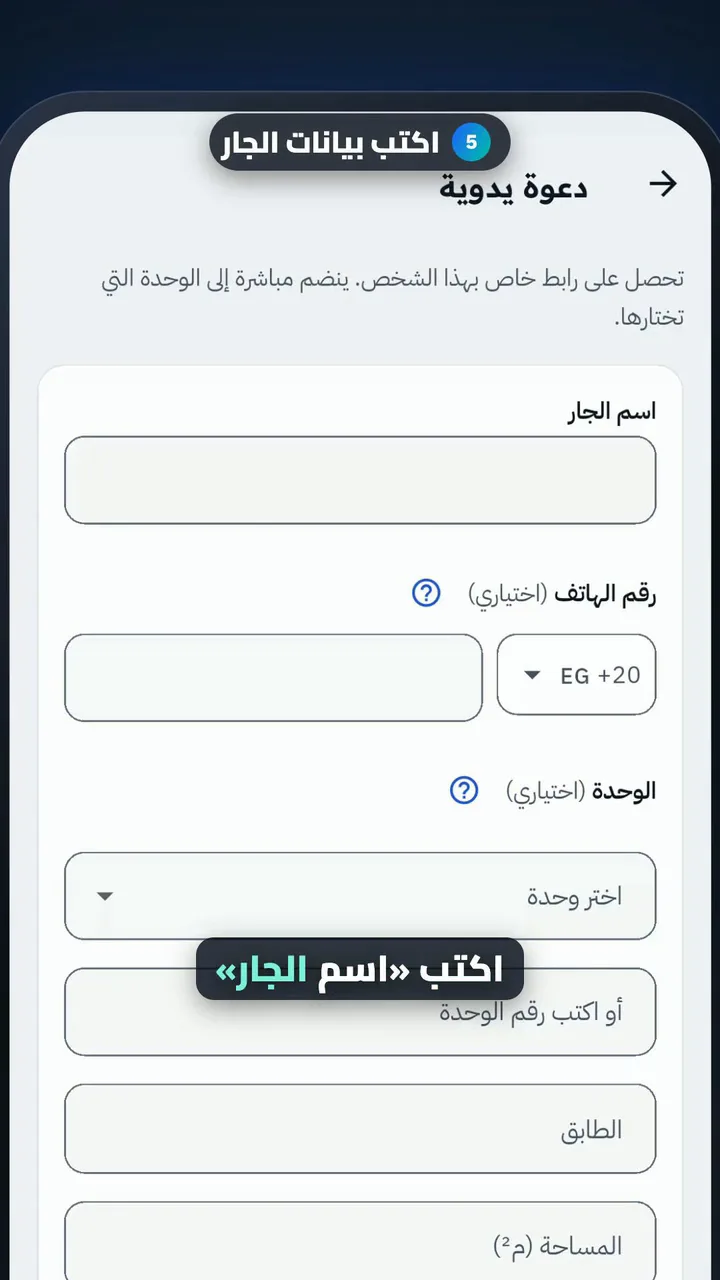
  5. Enter the neighbor's details
  6. Choose the unit and send
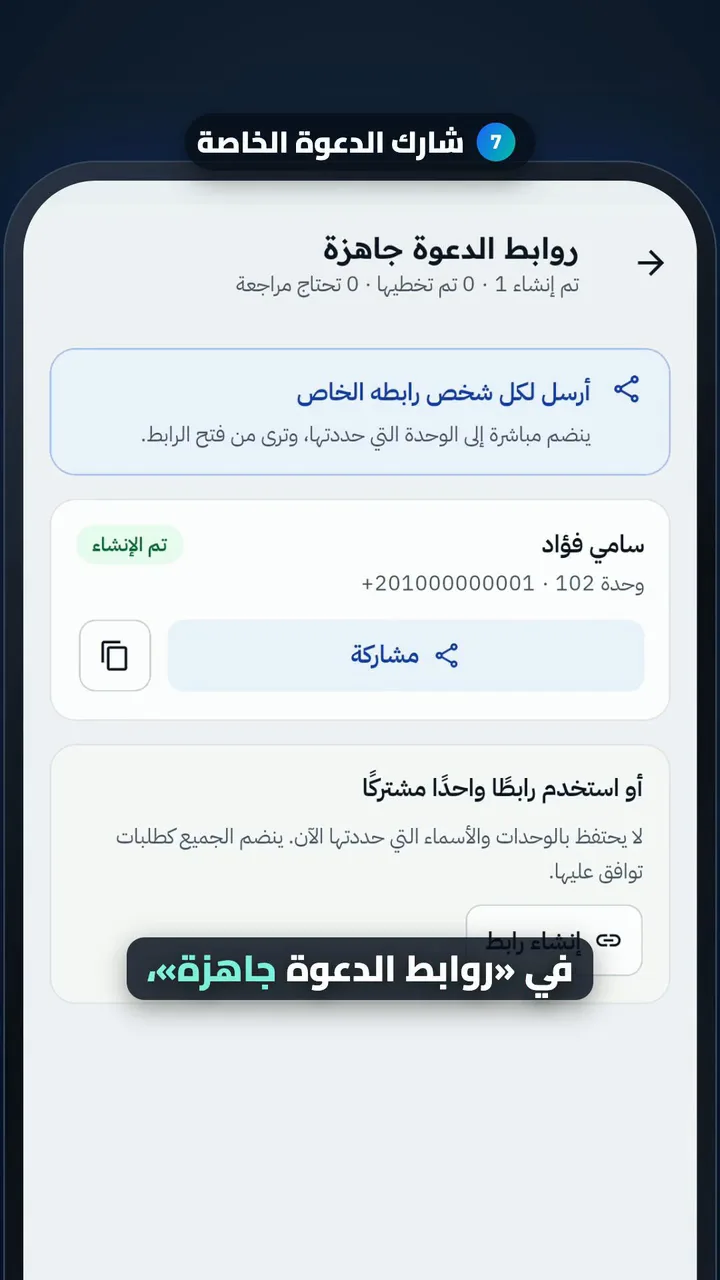
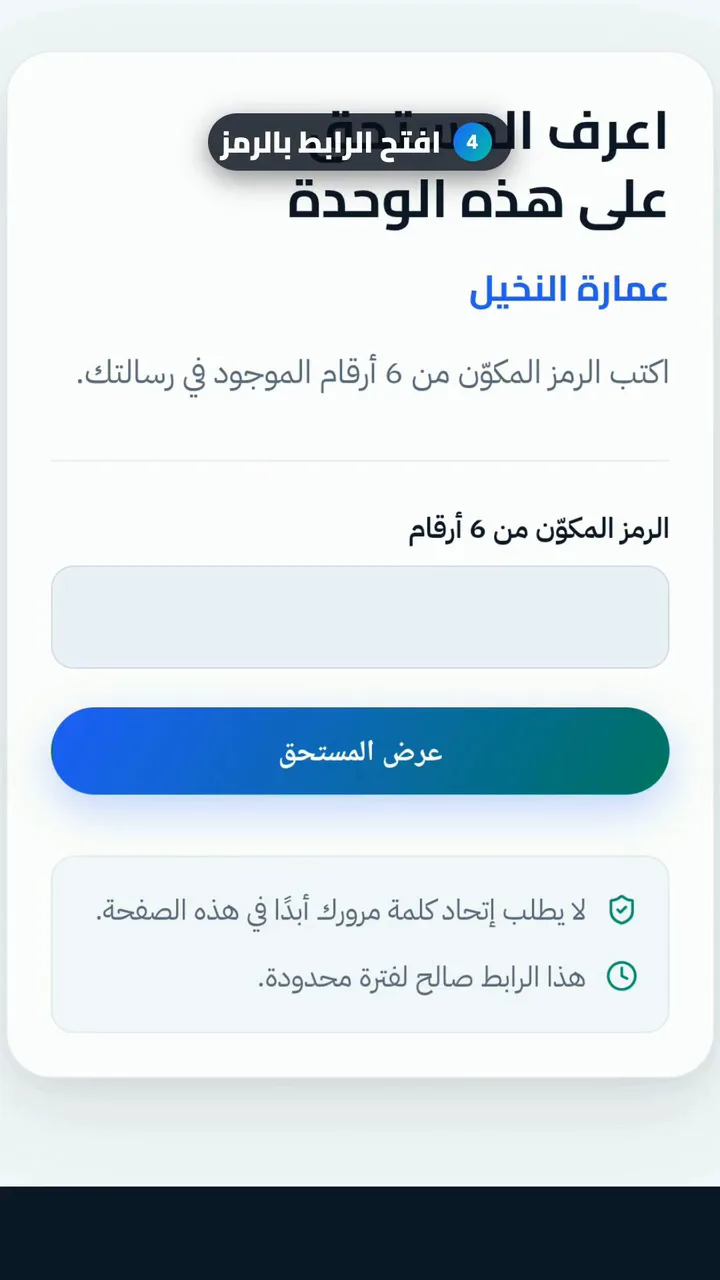
  7. Share the personal invite

Approve a join request

Length

Steps

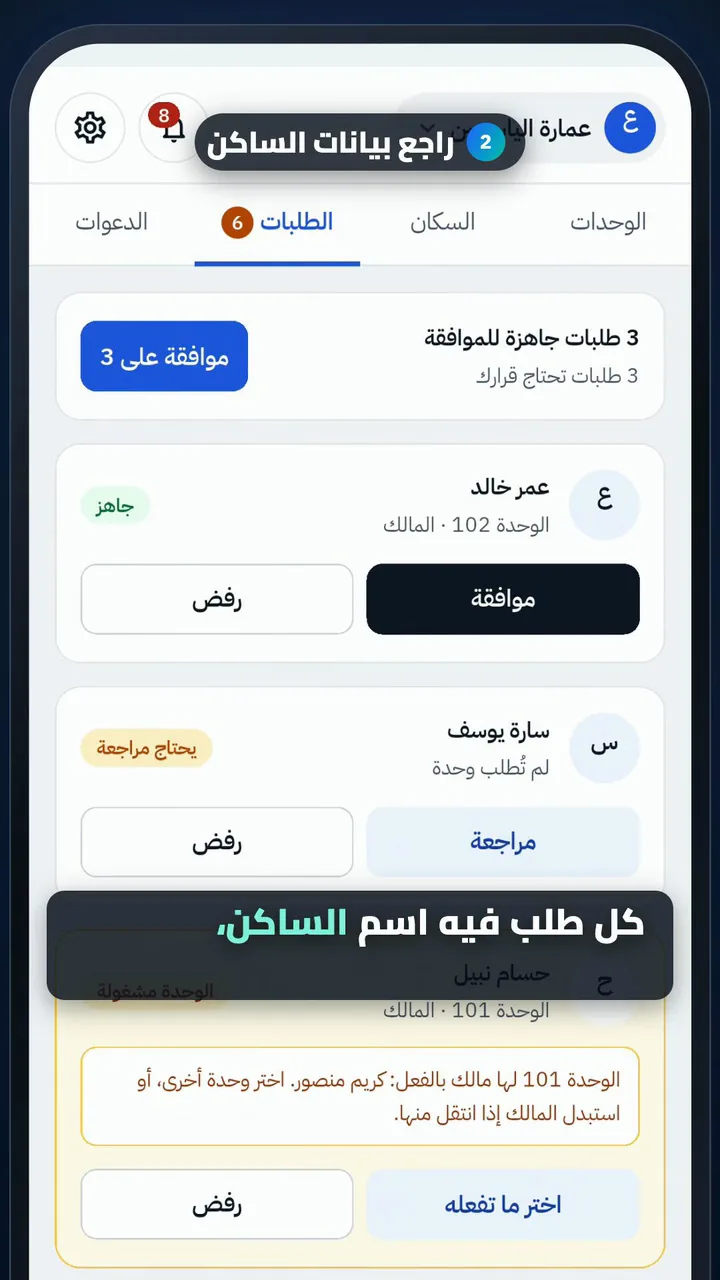
  1. Open join requests
  2. Check the resident's details
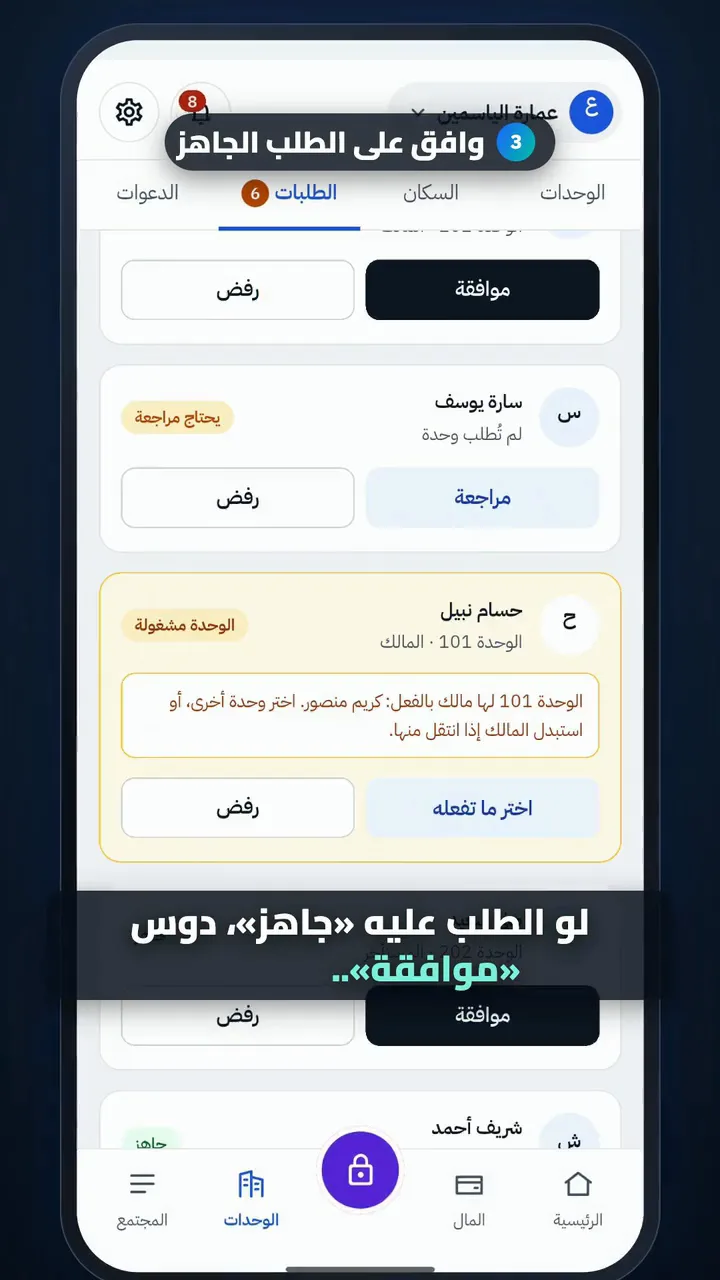
  3. Approve a ready request
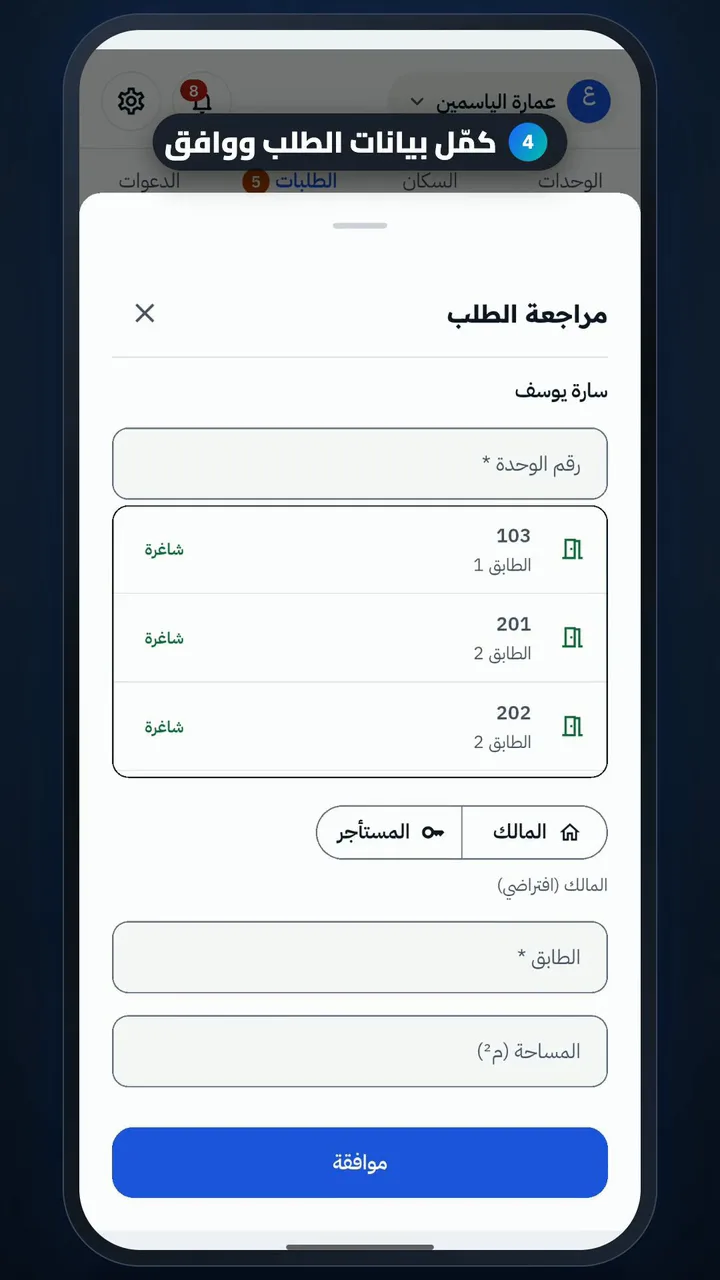
  4. Complete the request, then approve
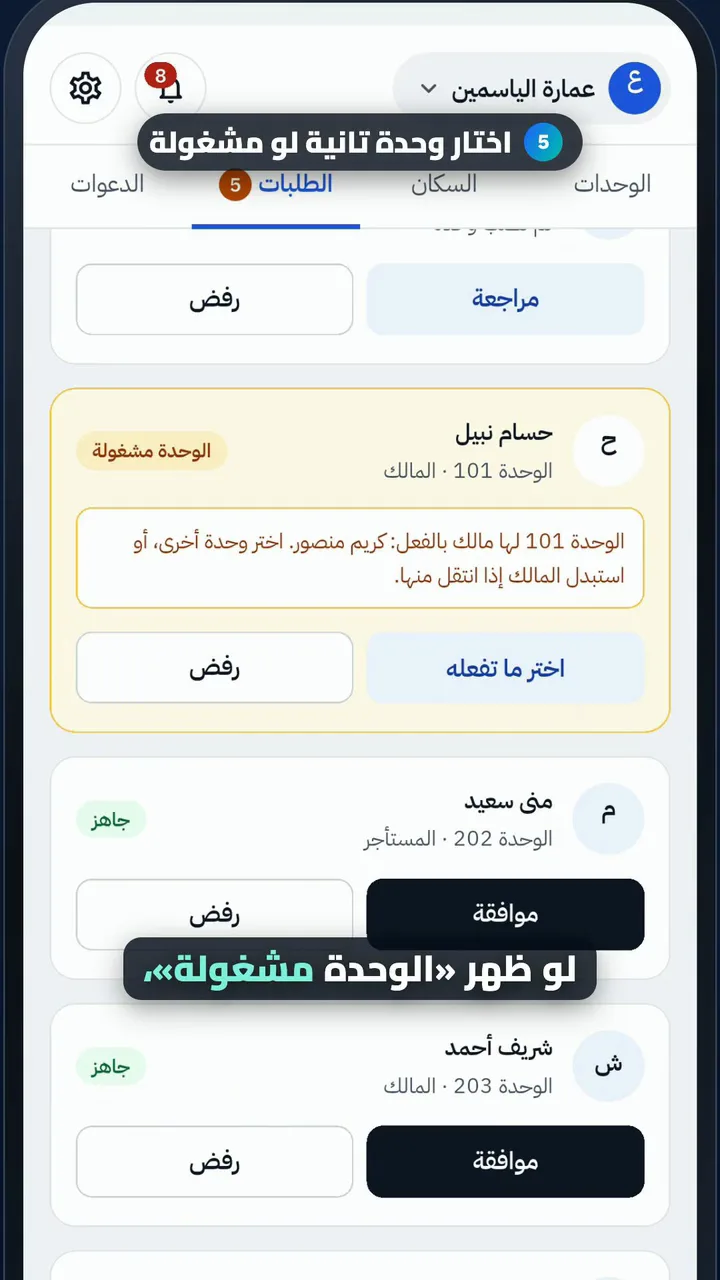
  5. Pick another unit if it's taken
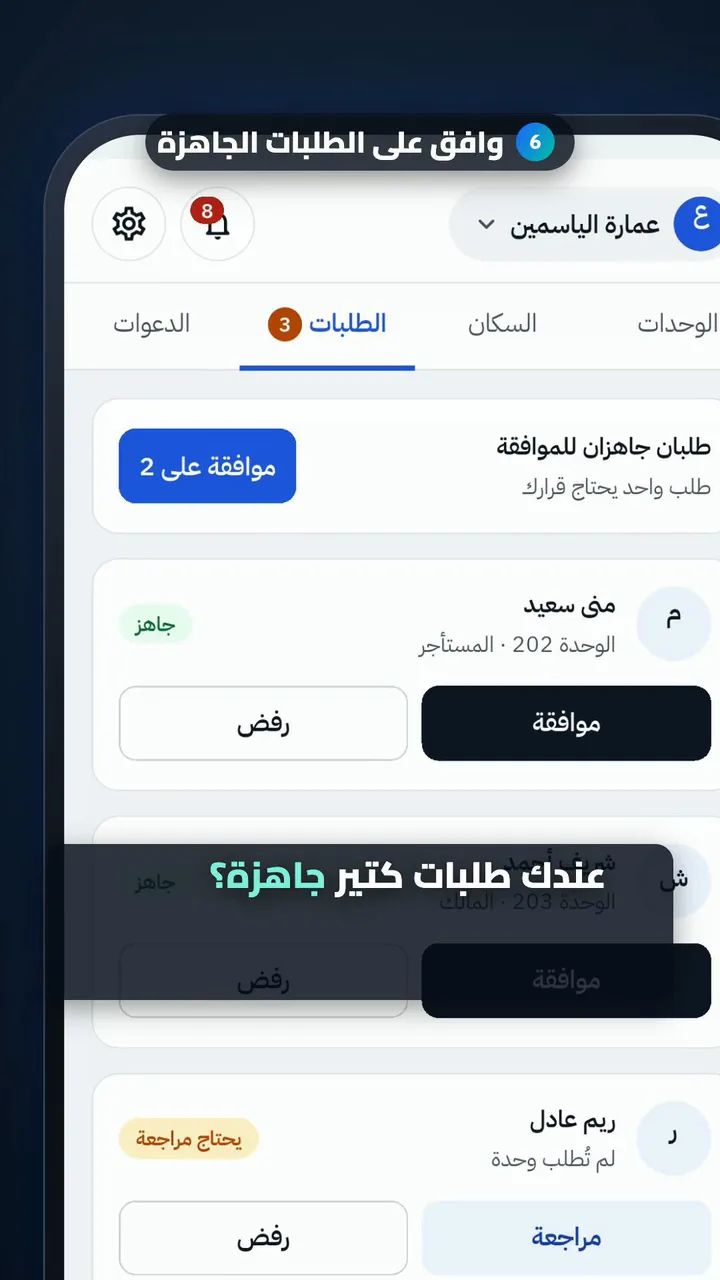
  6. Approve all ready requests
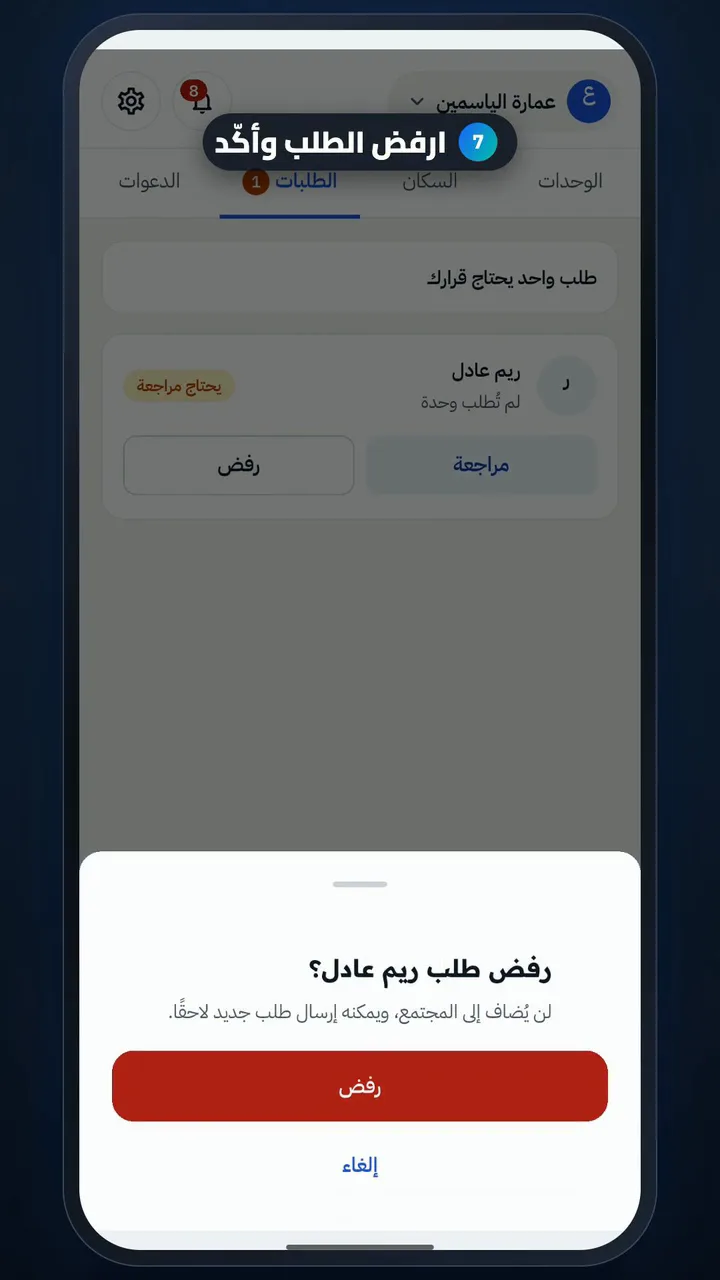
  7. Reject a request and confirm
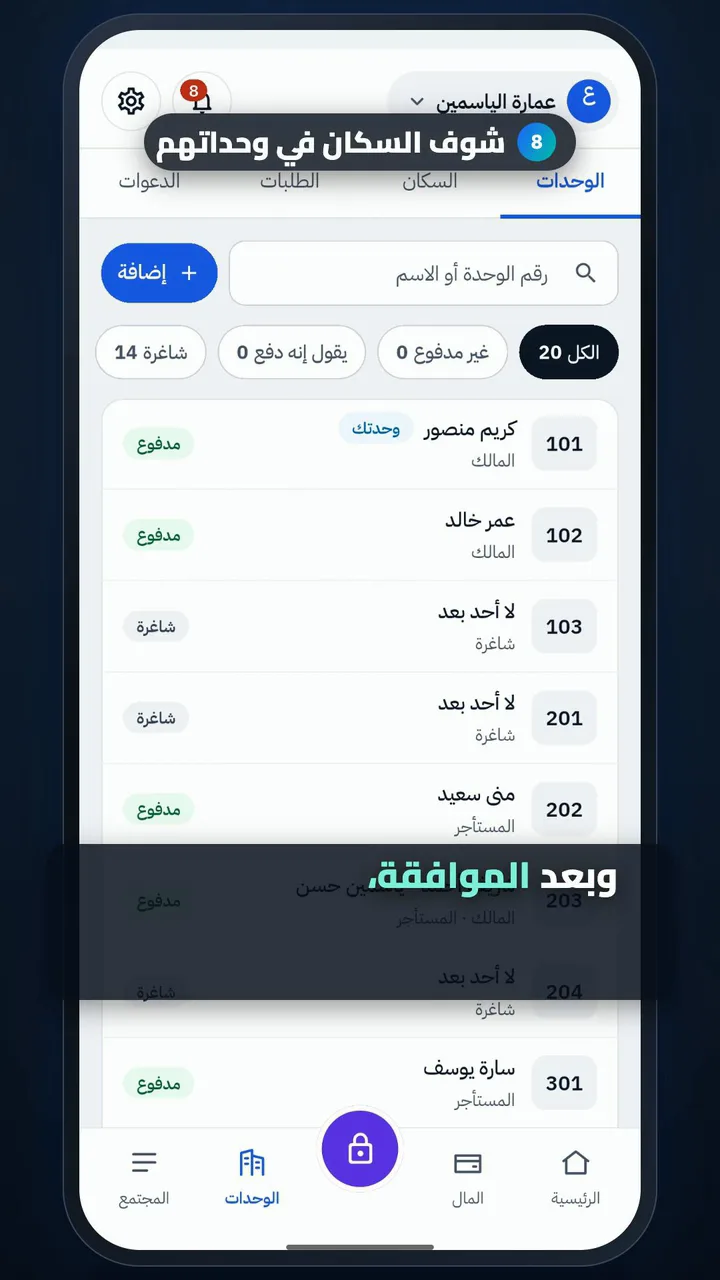
  8. See residents in their units

Review a resident's payment and approve it

Length

Steps

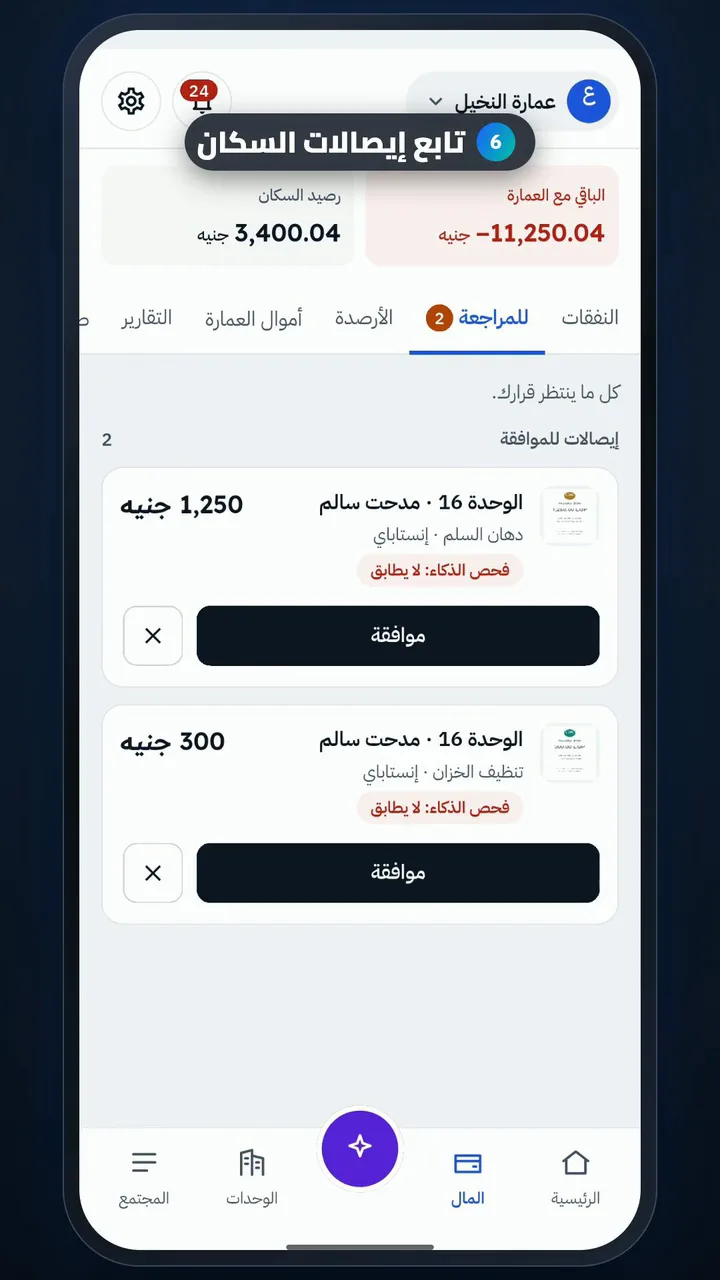
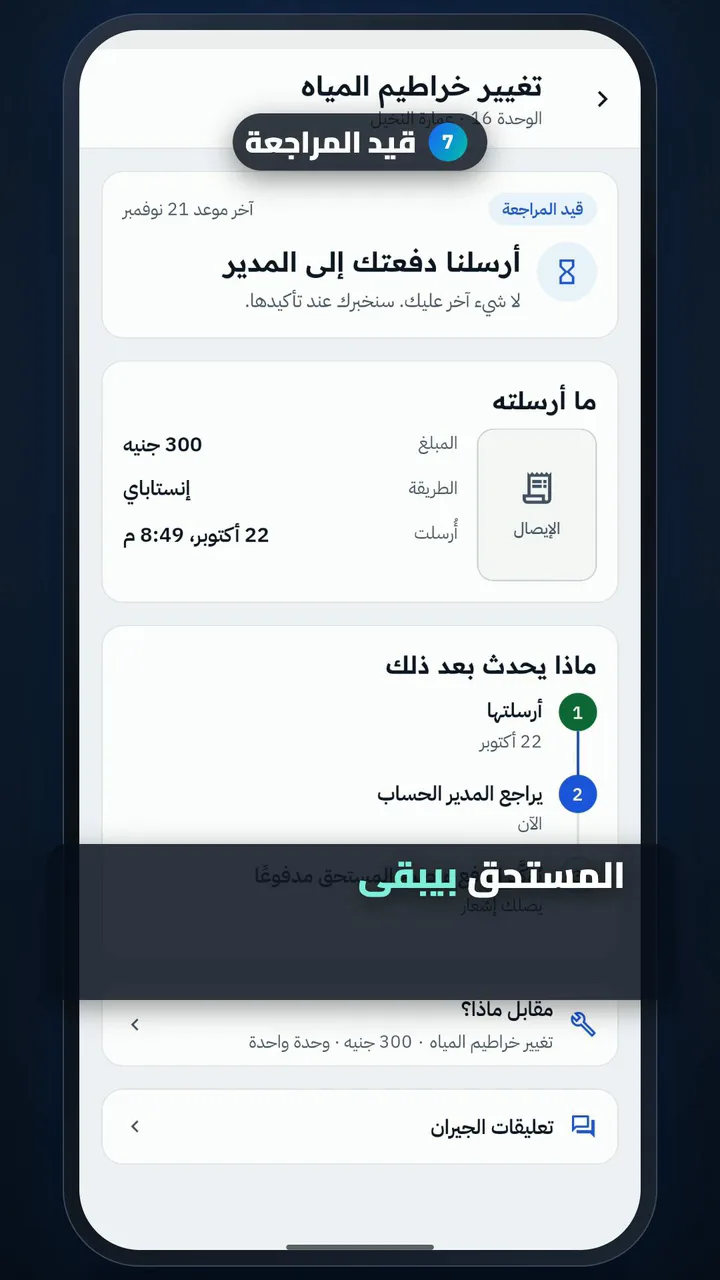
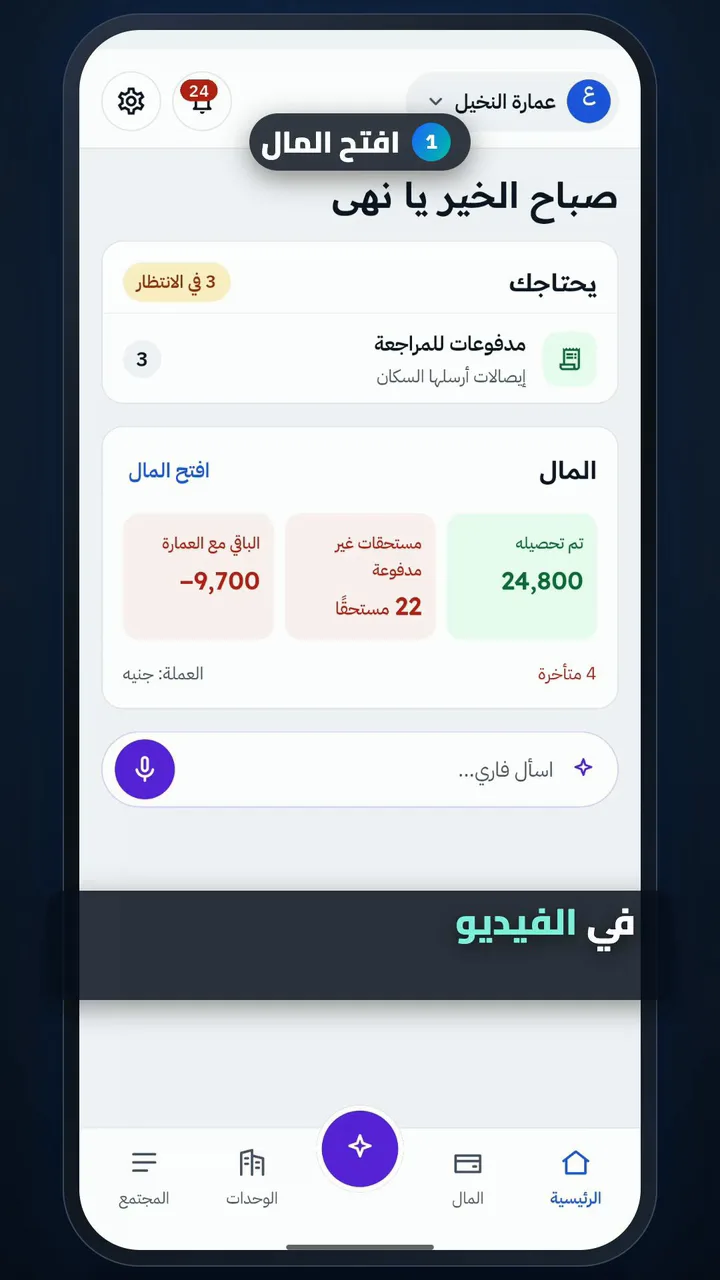
  1. Open Money
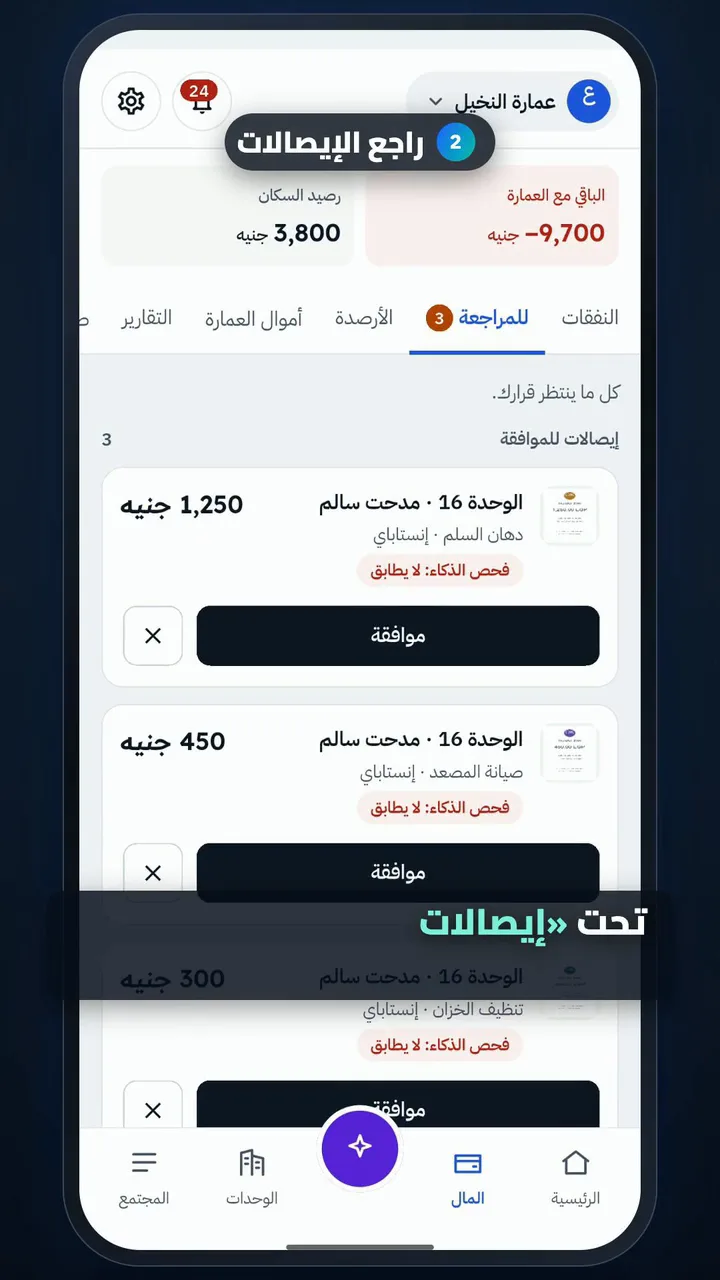
  2. Review the receipts
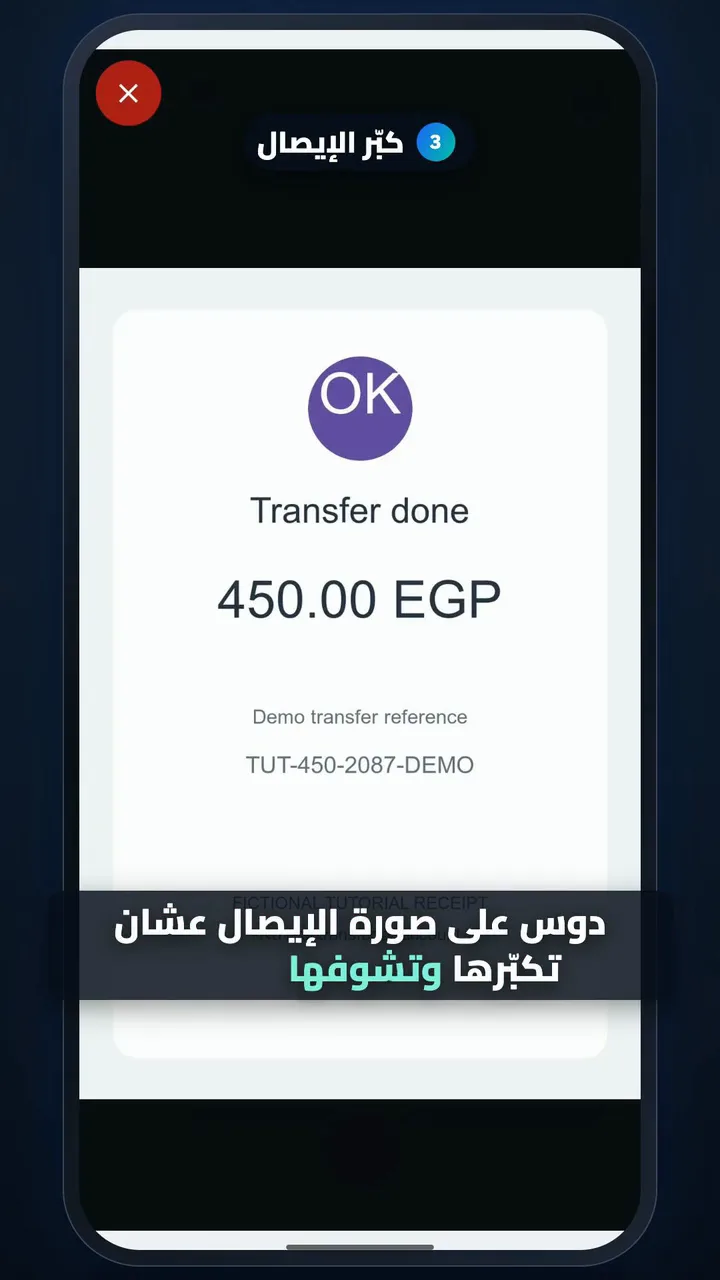
  3. Enlarge the receipt
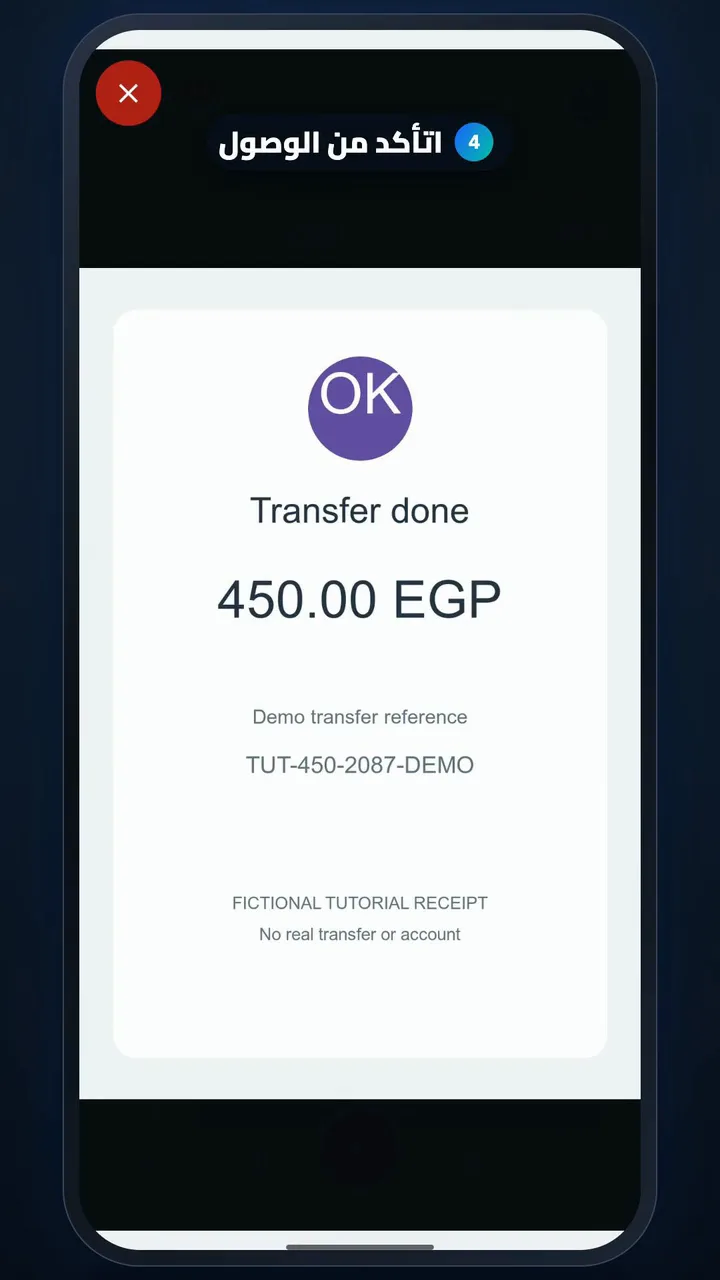
  4. Check the money arrived
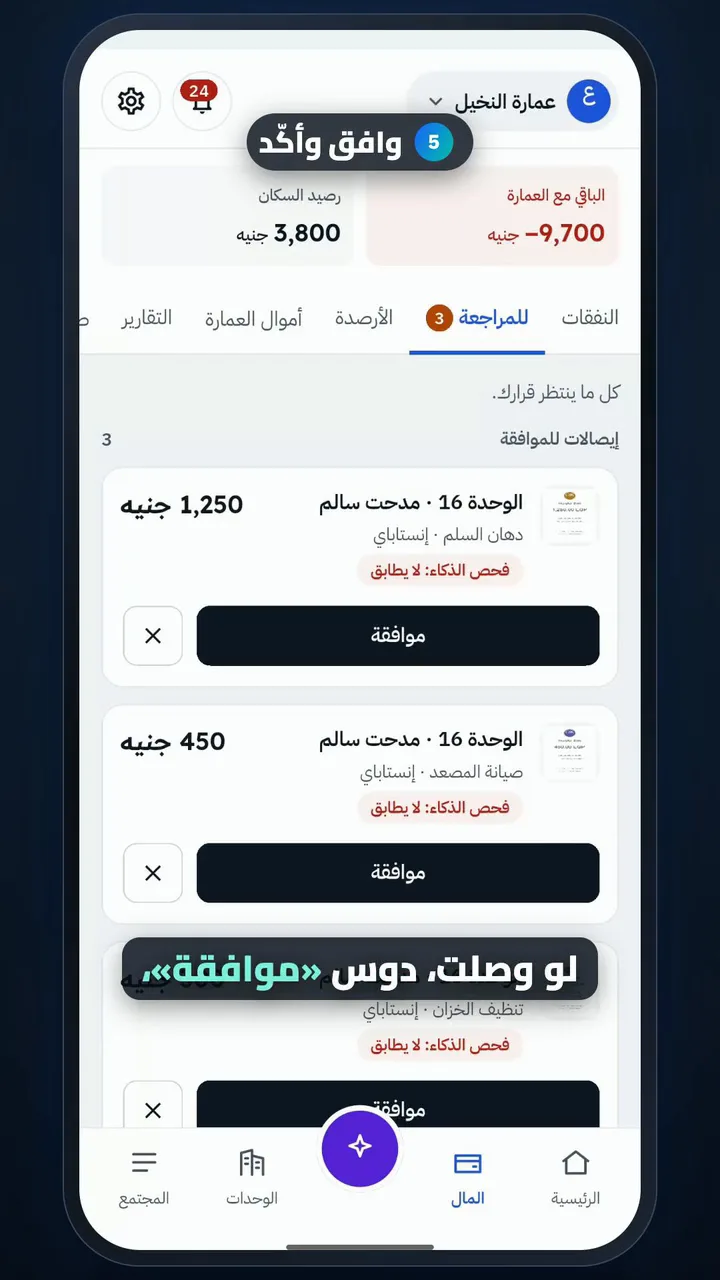
  5. Approve and confirm
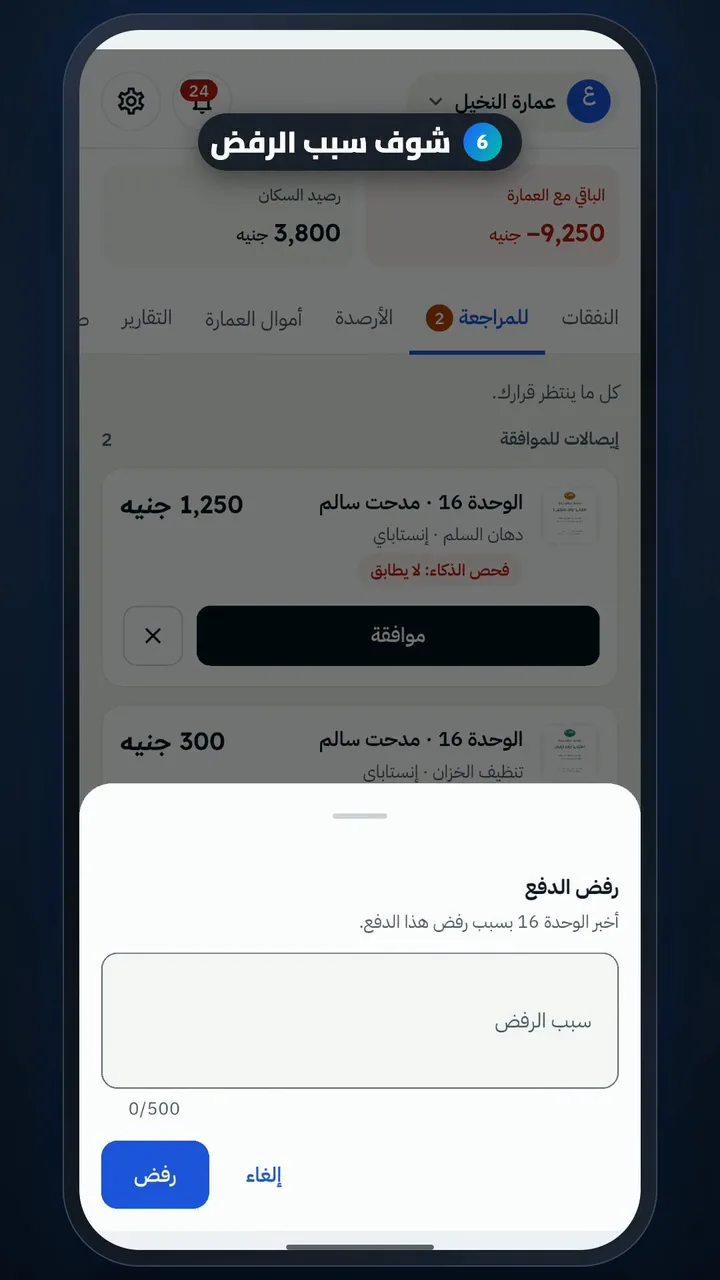
  6. See the rejection reason
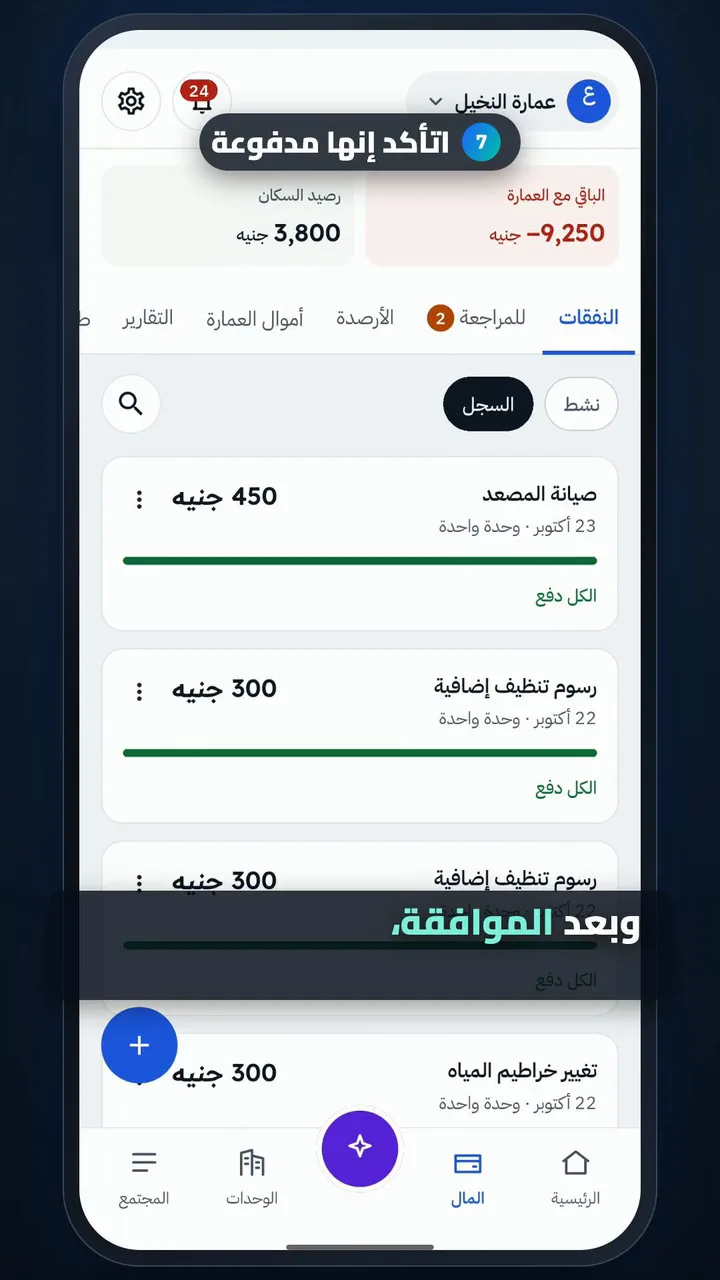
  7. Check it shows as paid

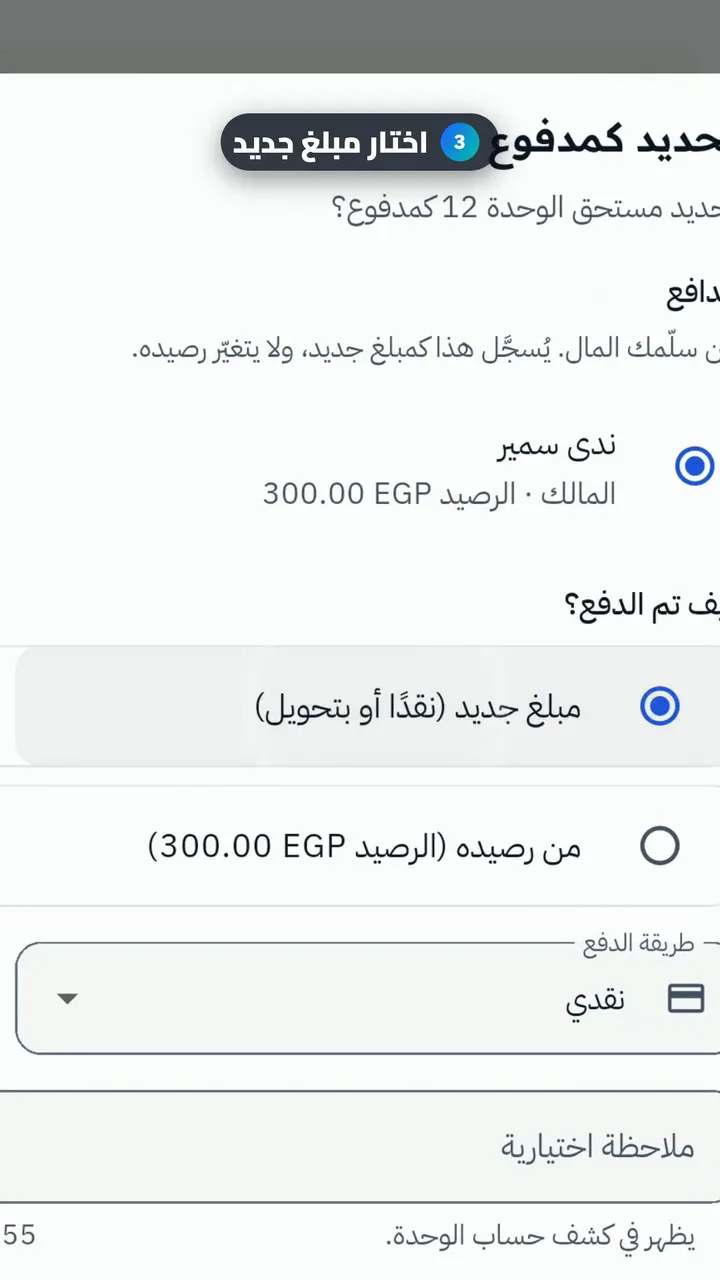
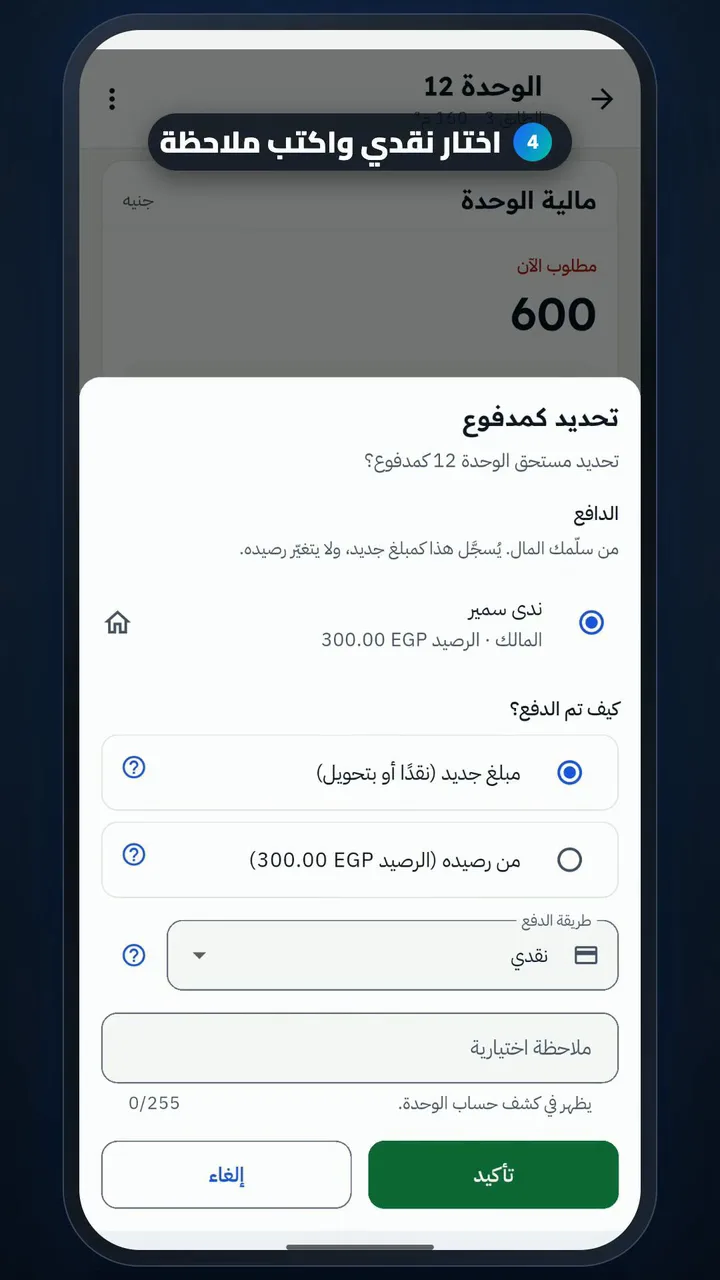
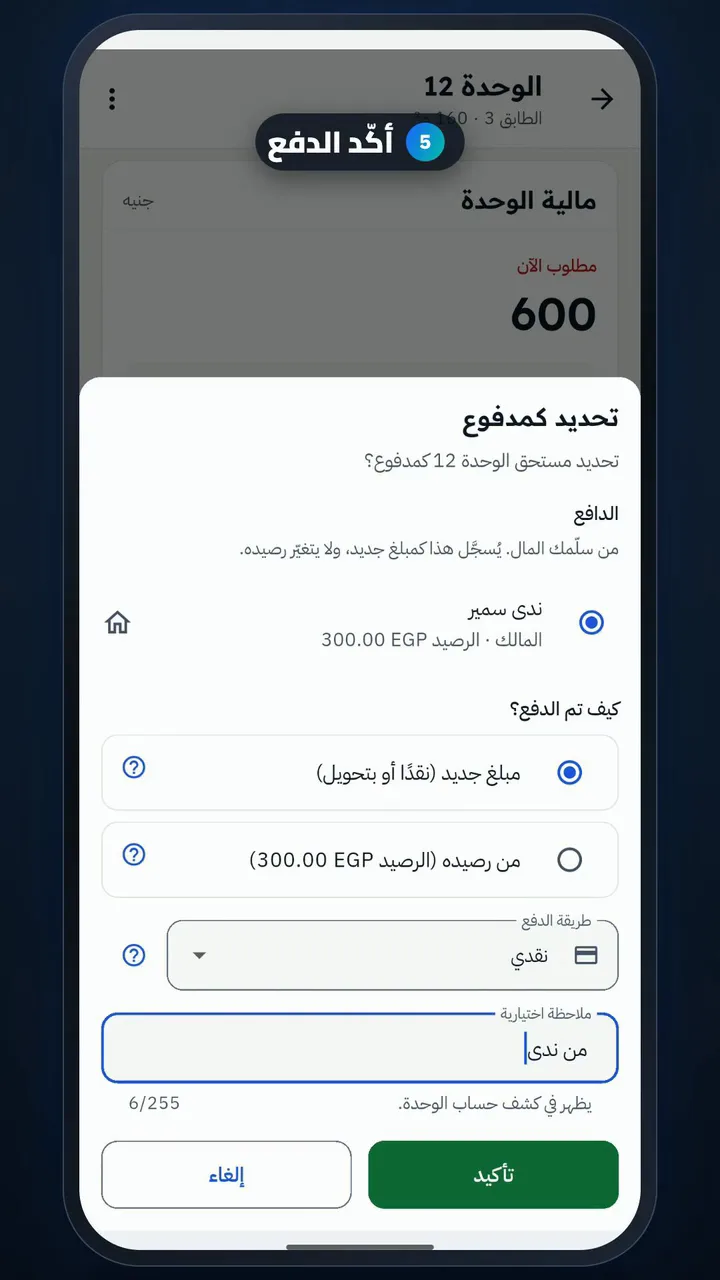
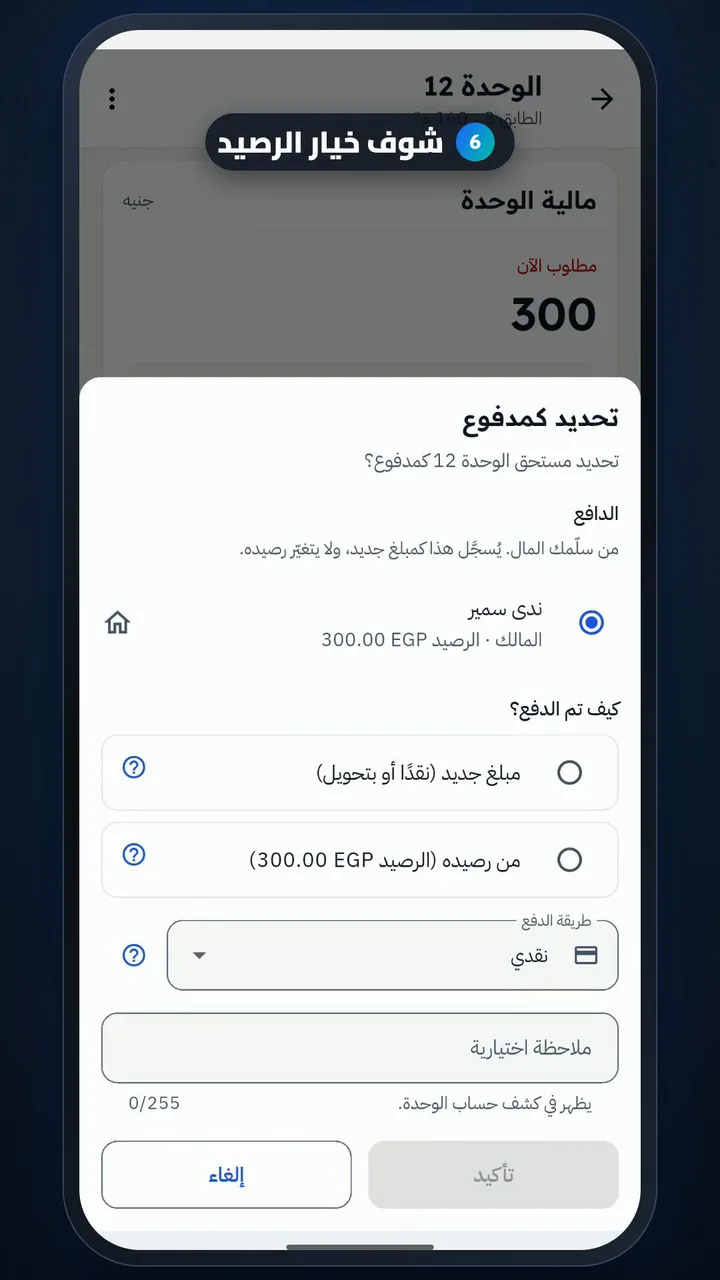
Mark a unit as paid (cash)

Length

Steps

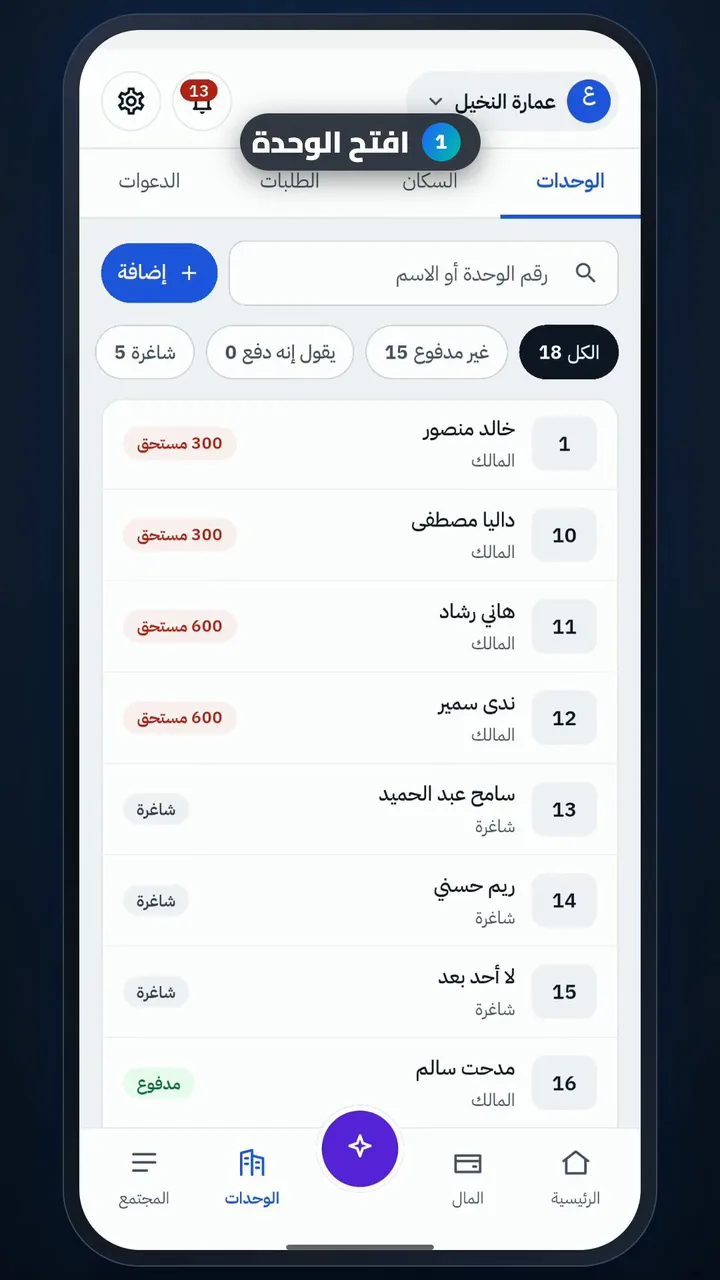
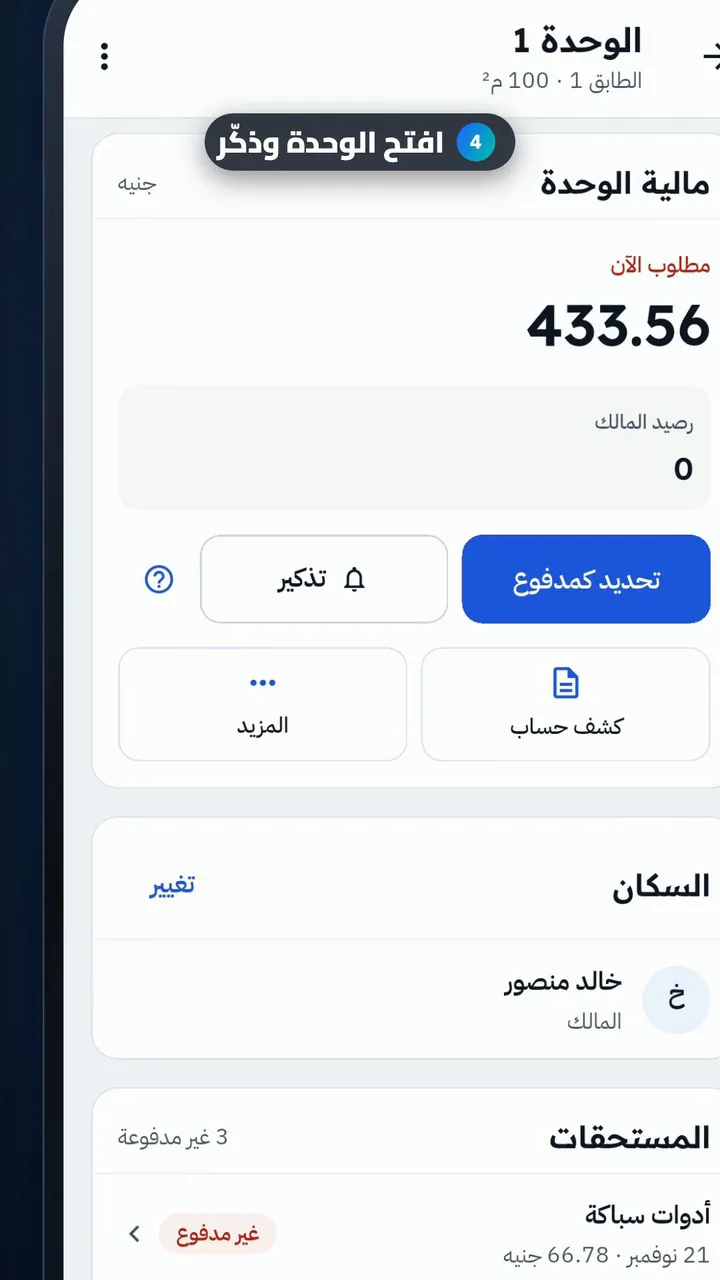
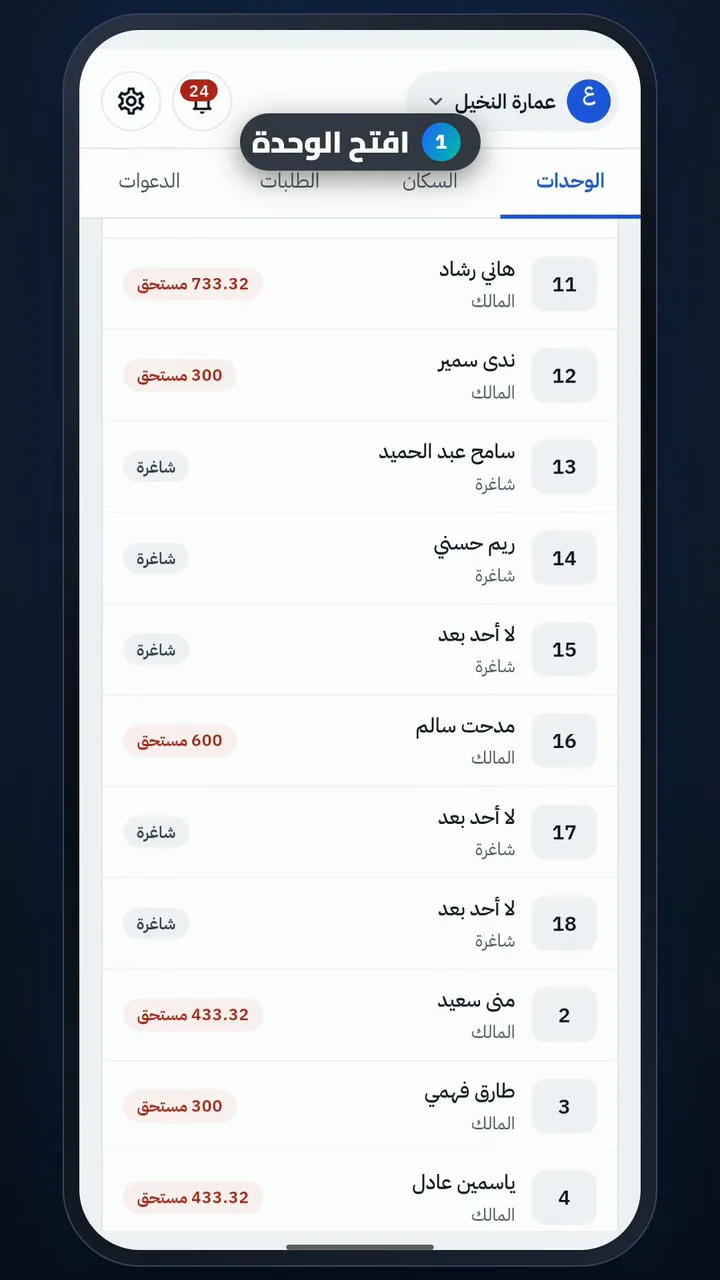
  1. Open the unit
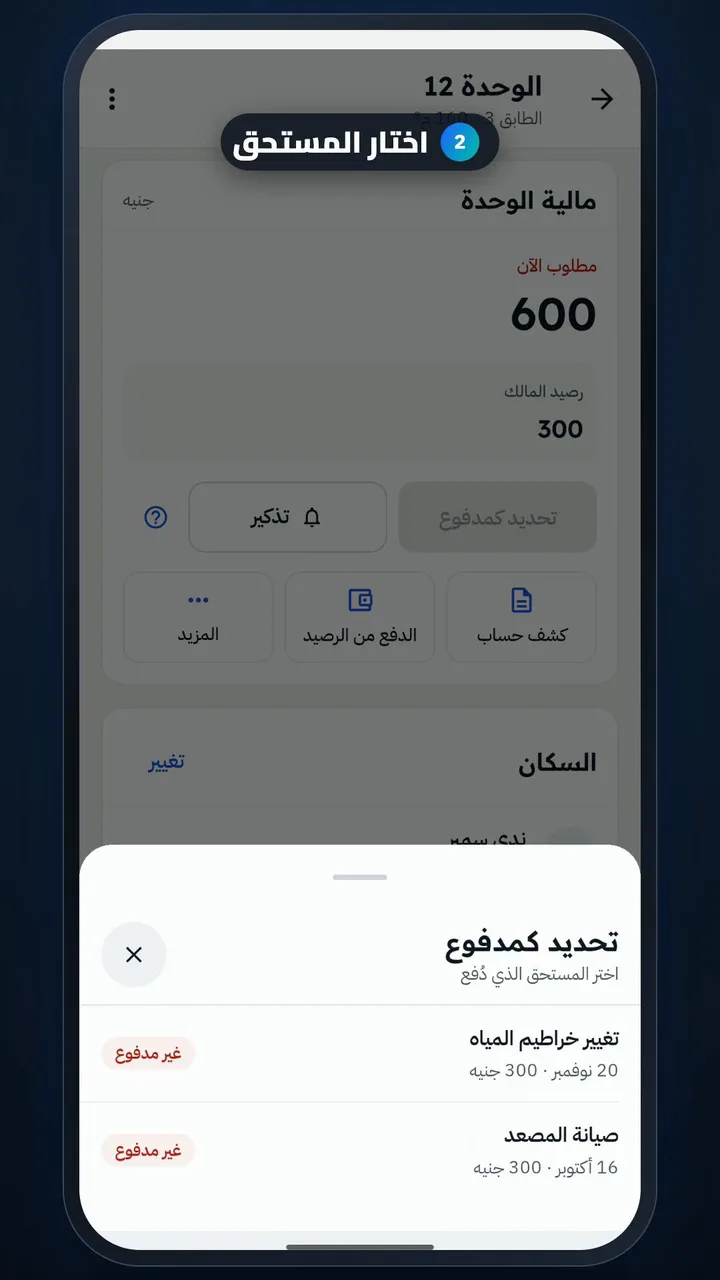
  2. Pick the due
  3. Choose new money
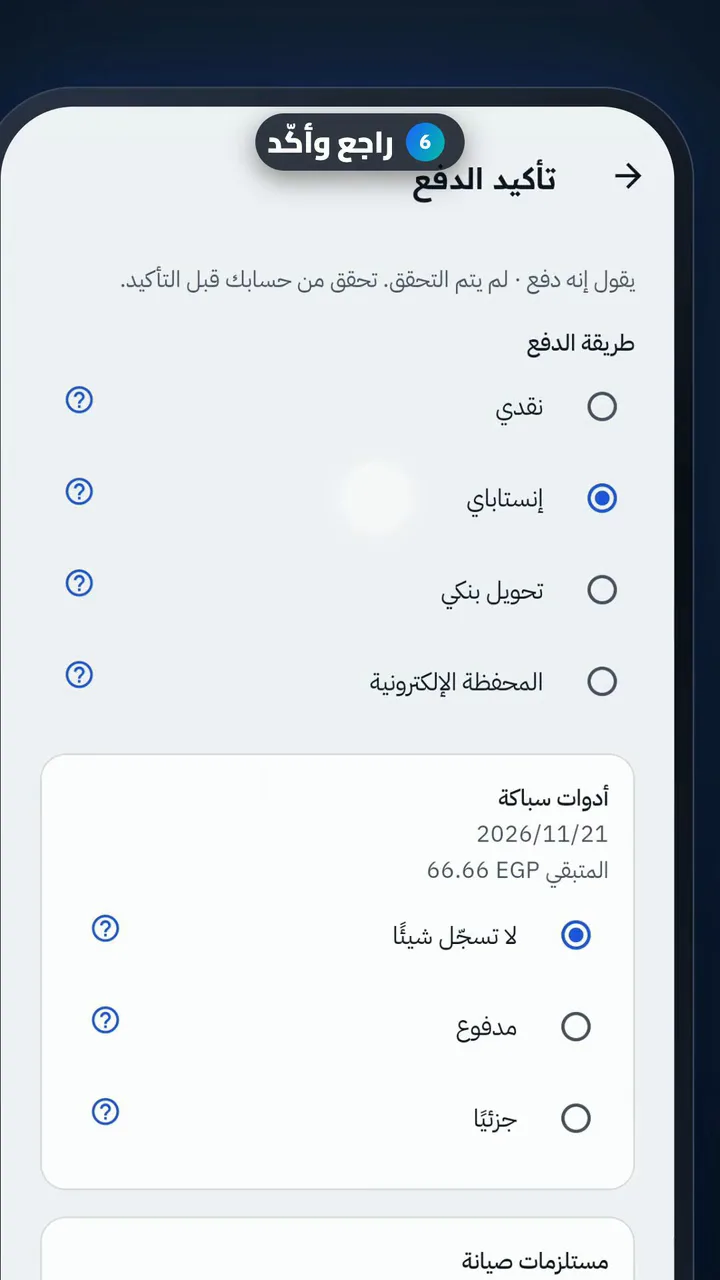
  4. Choose Cash and add a note
  5. Confirm the payment
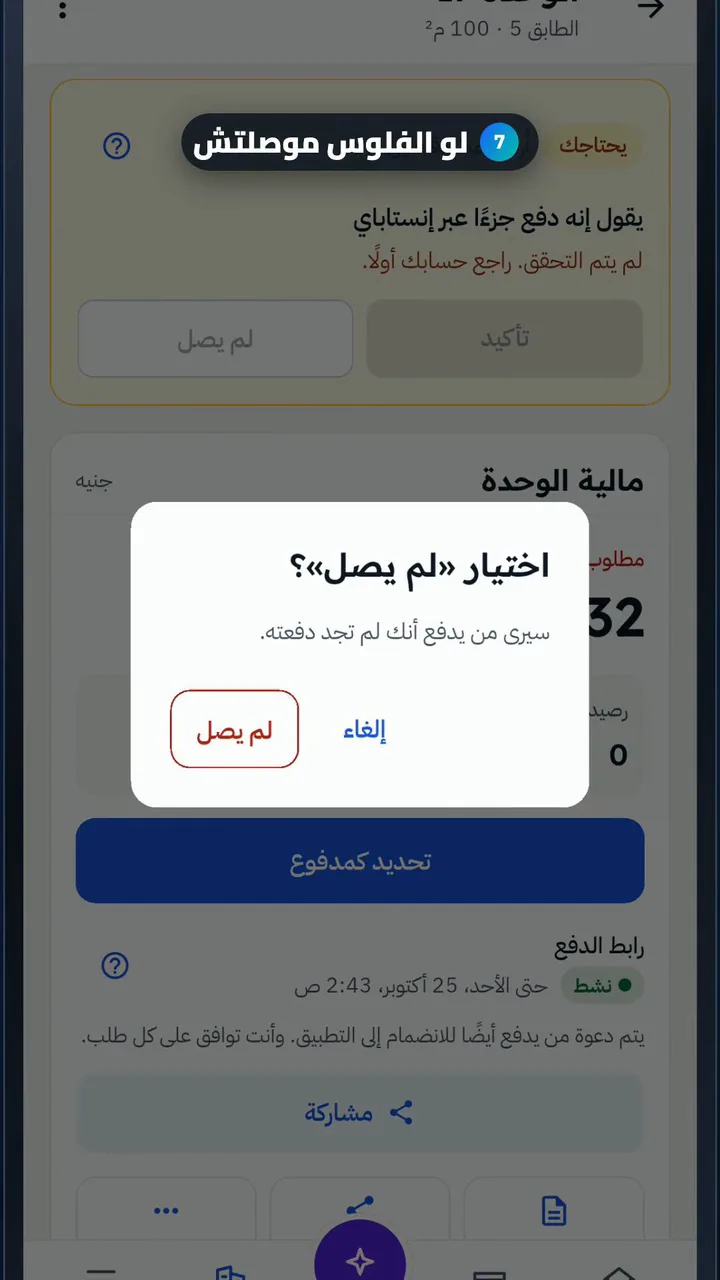
  6. See the pay-from-credit option
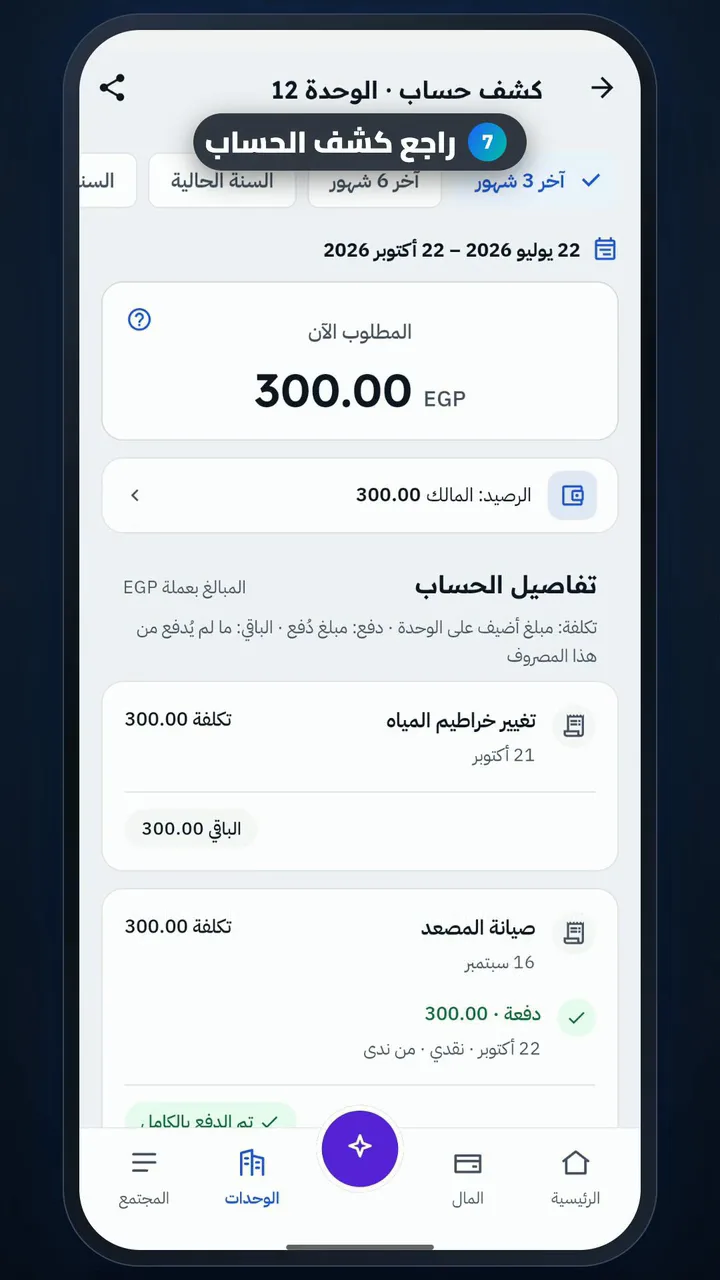
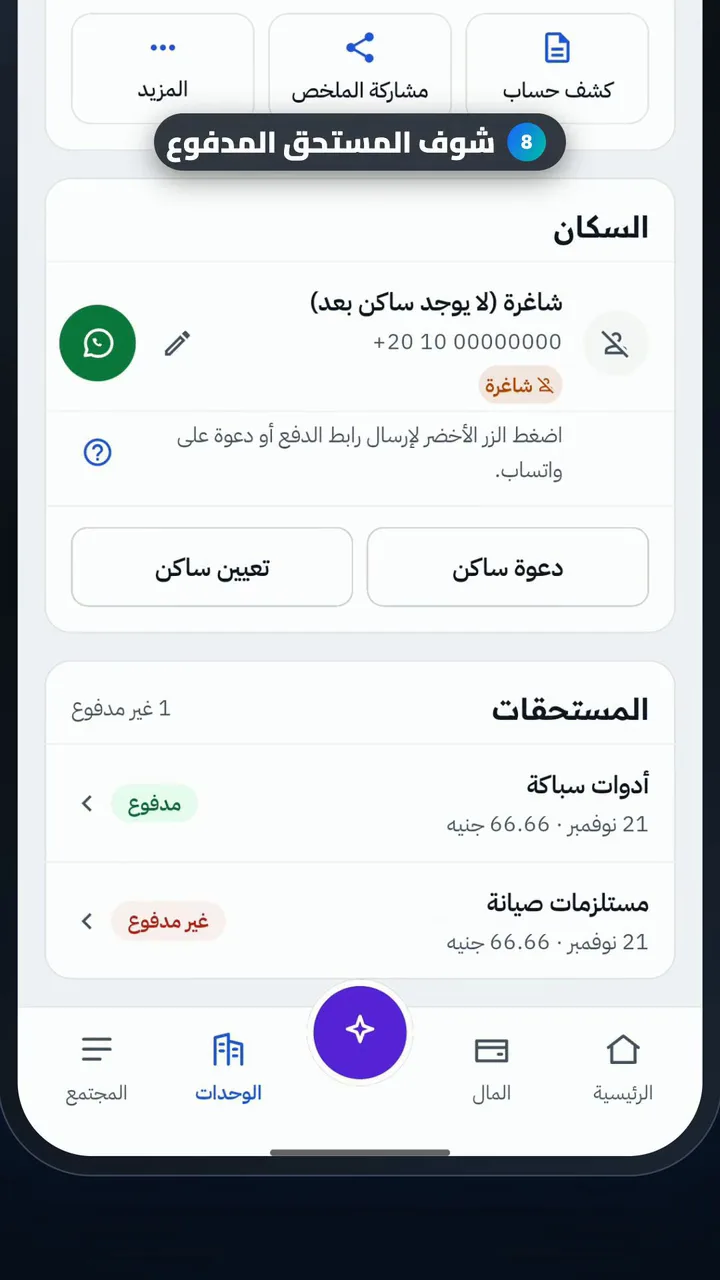
  7. Check the unit statement

Remind residents who haven't paid

Length

Steps

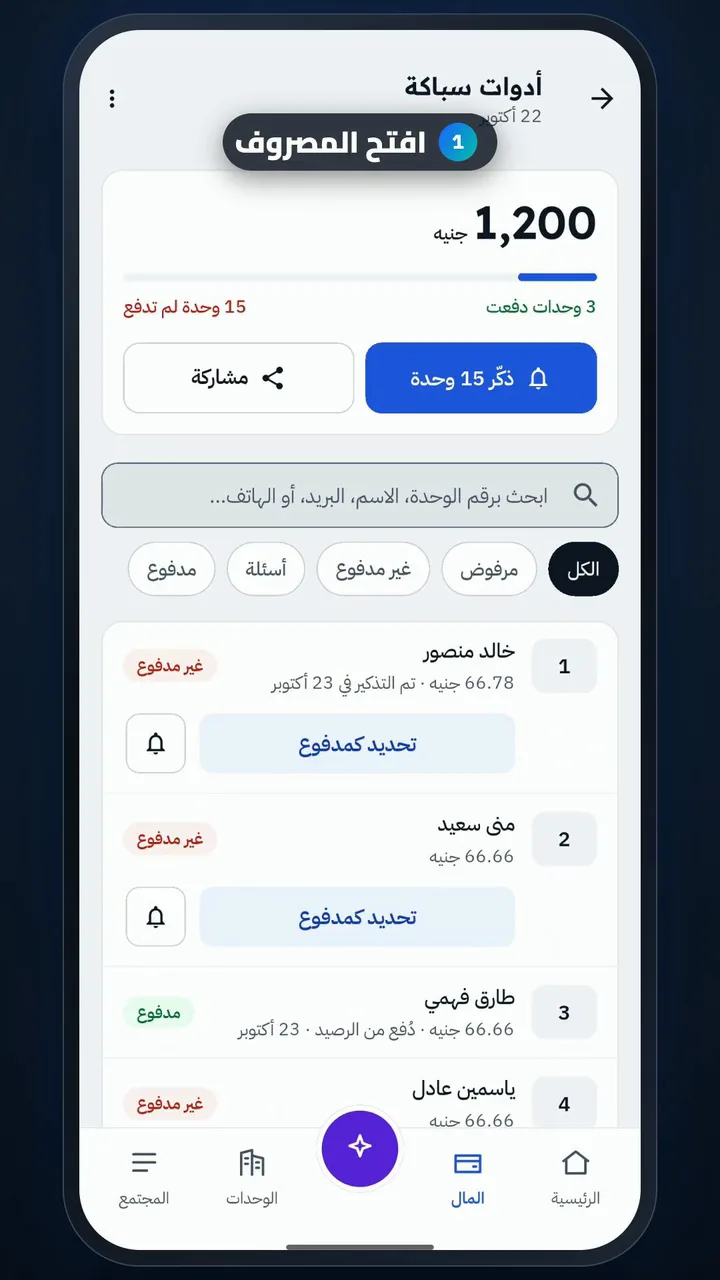
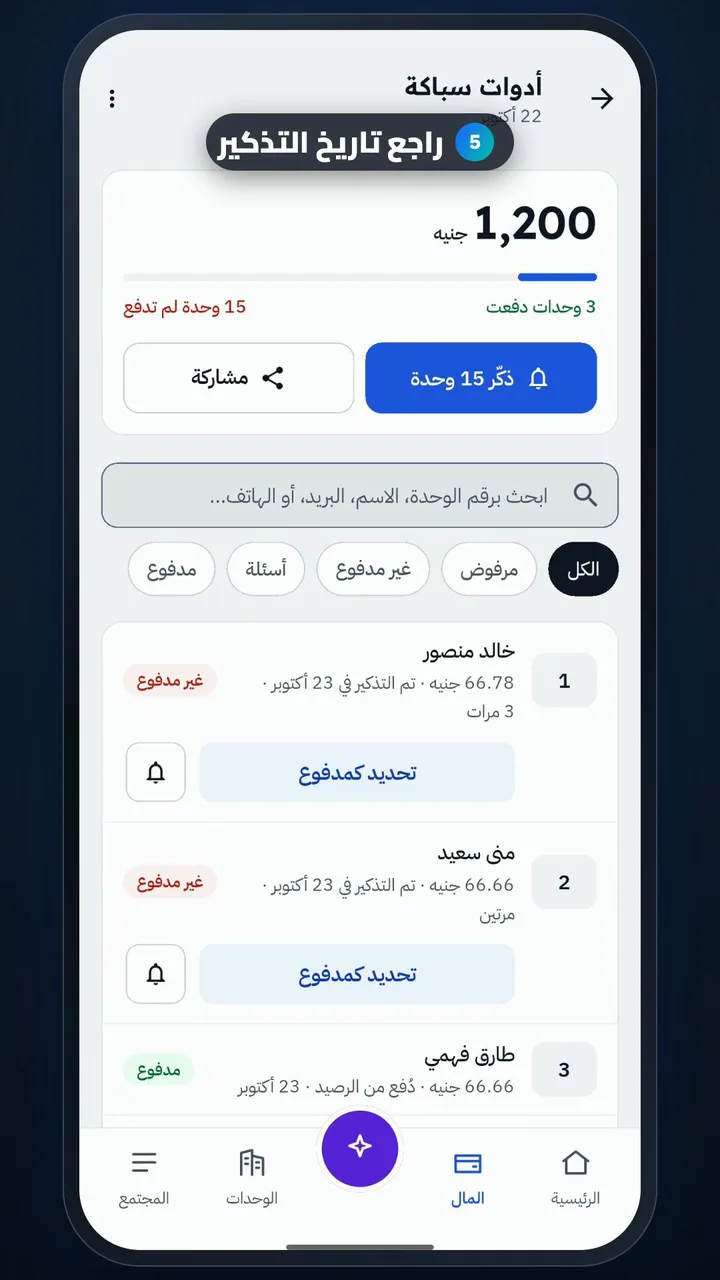
  1. Open the expense
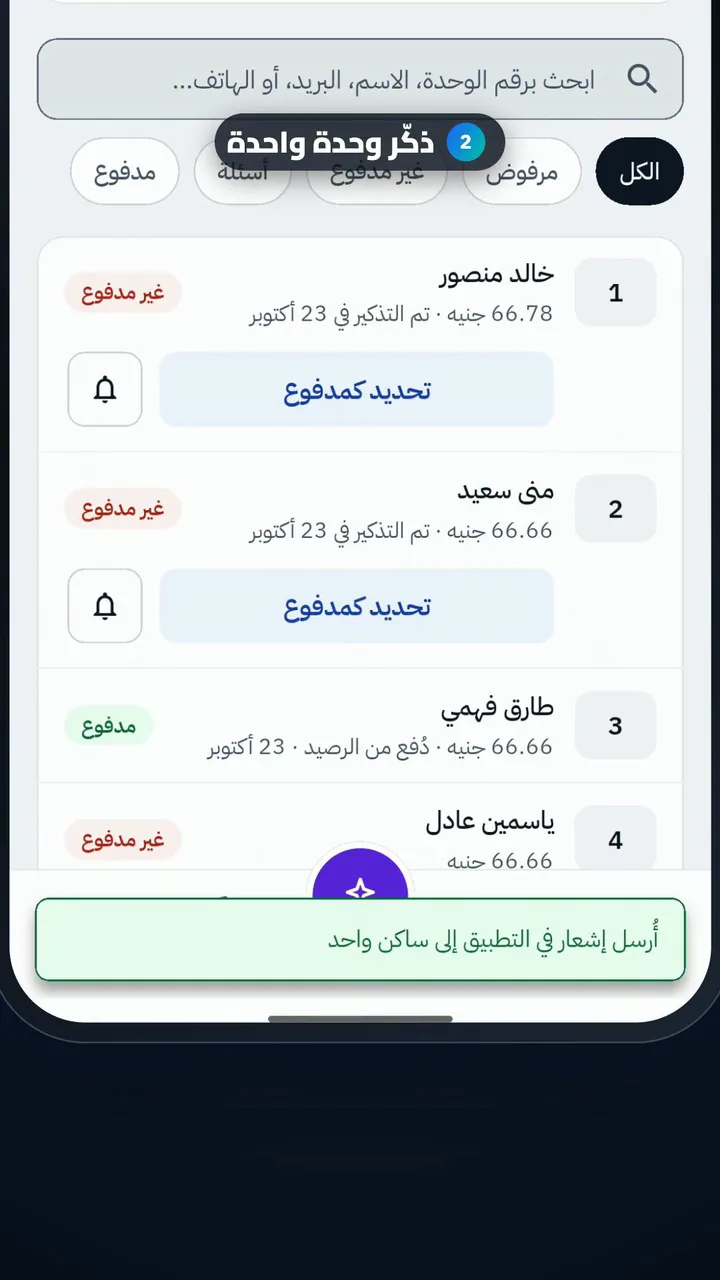
  2. Remind one unit
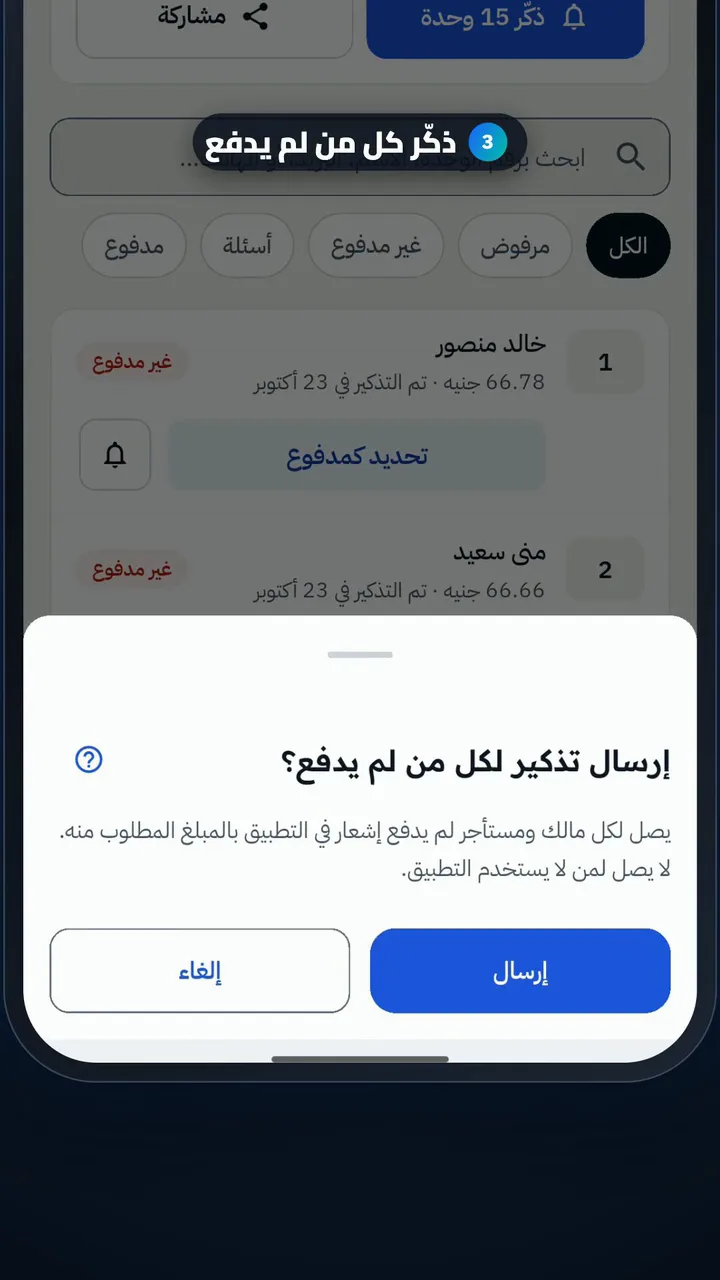
  3. Remind everyone who hasn't paid
  4. Open the unit and remind
  5. Check the reminder date
  6. Follow residents' receipts

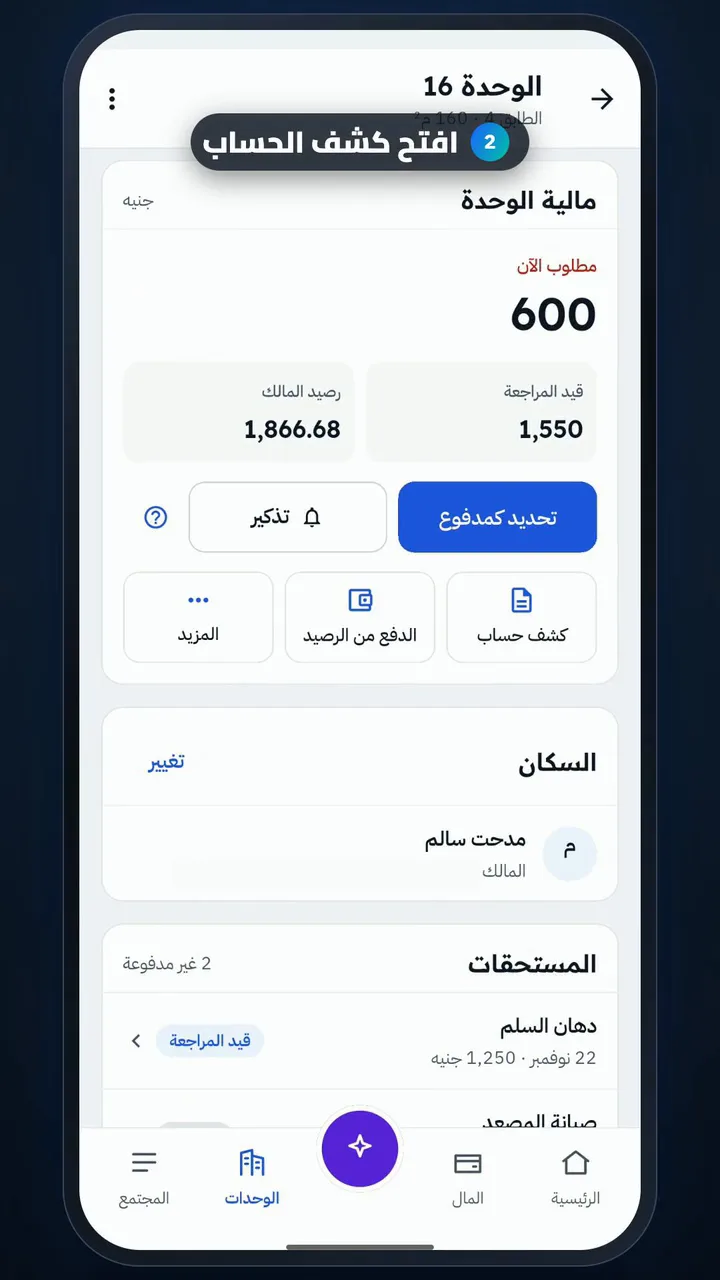
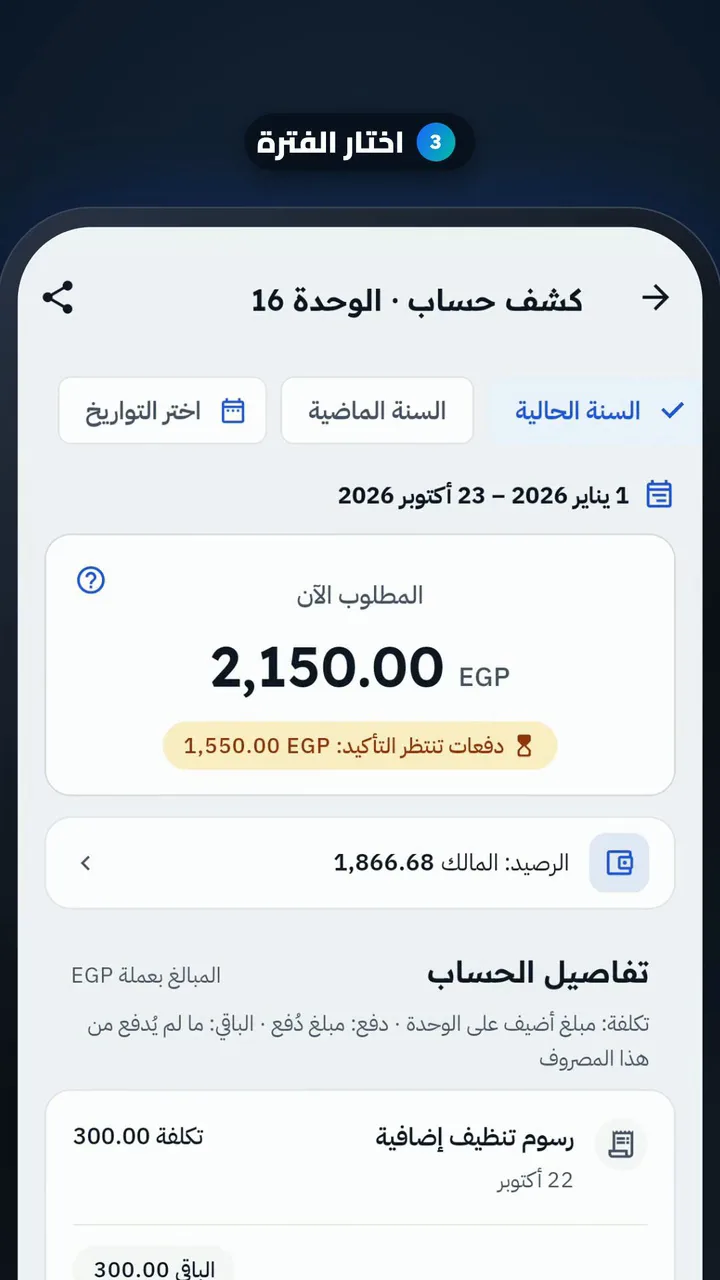
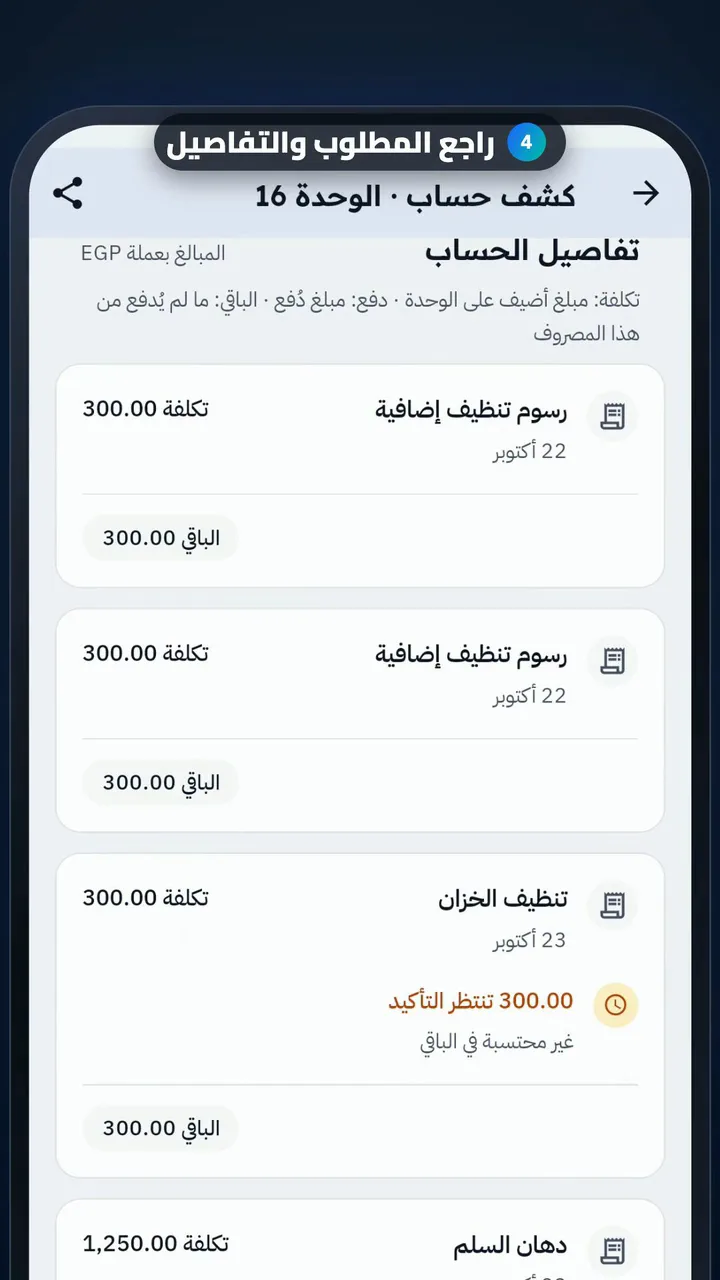
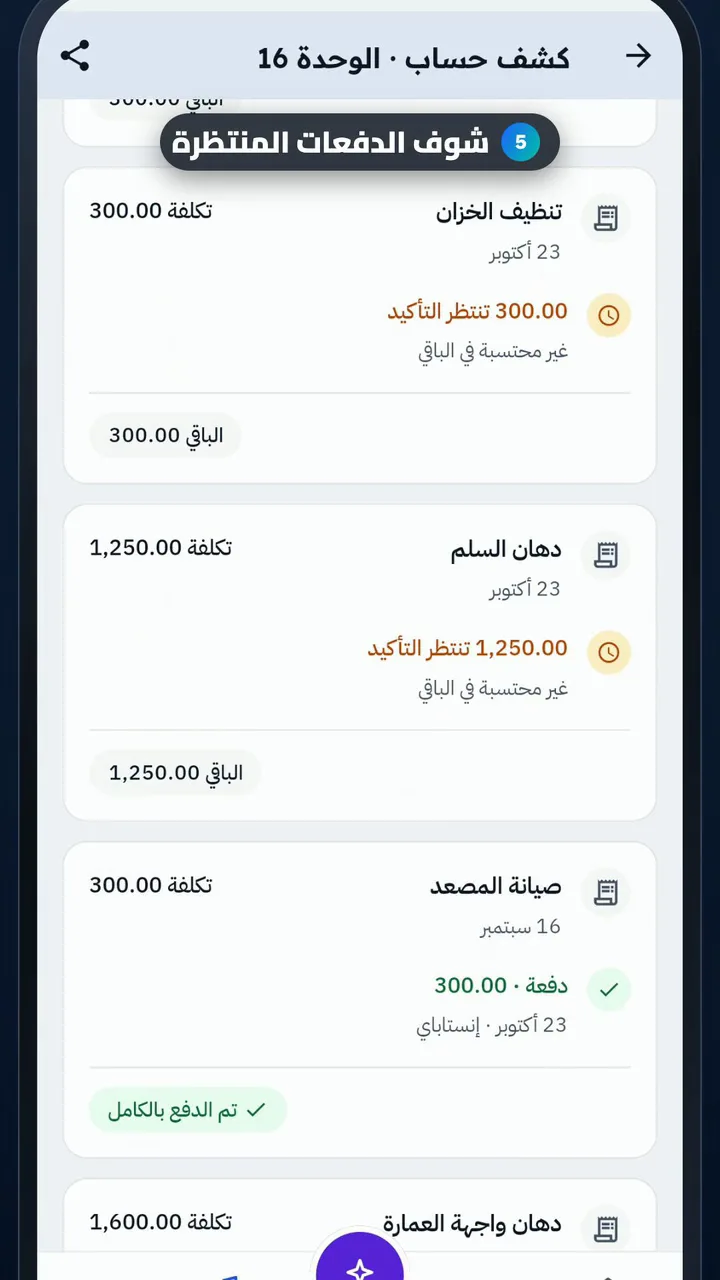
Unit statement and sharing it
Length

Steps

  1. Open the unit
  2. Open the statement
  3. Pick the period
  4. Check what is owed and the details
  5. See payments waiting for review
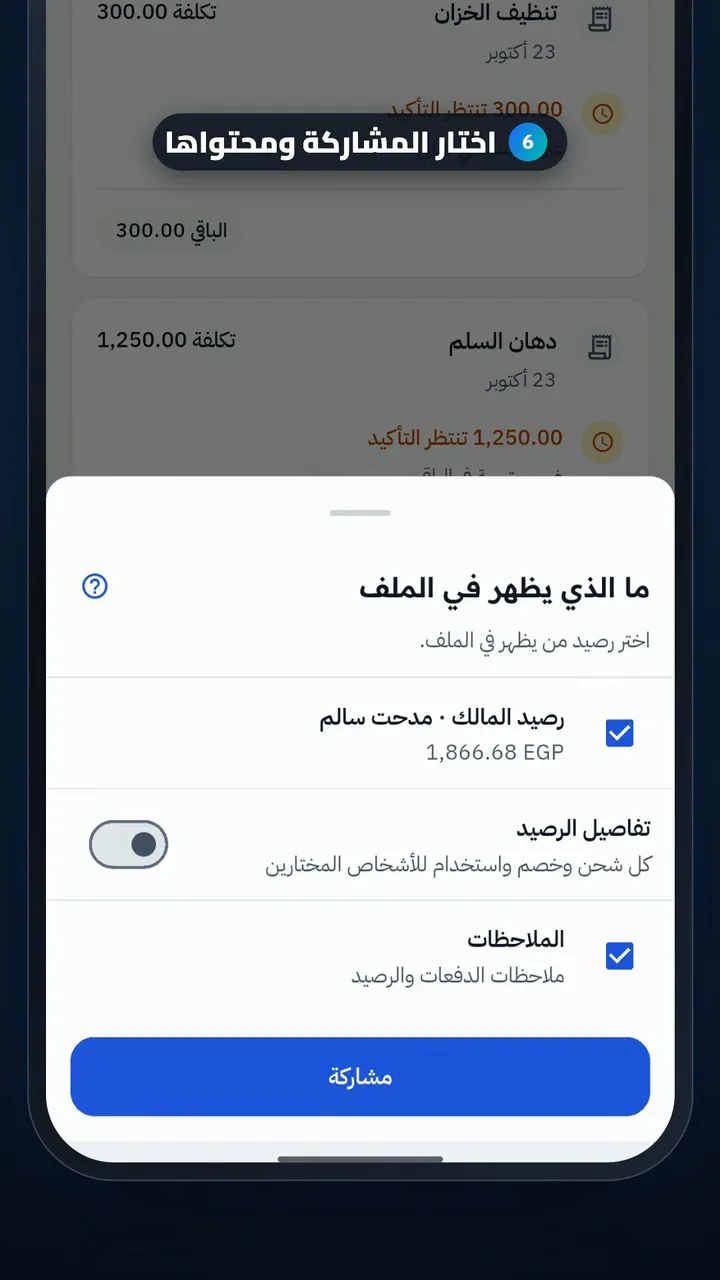
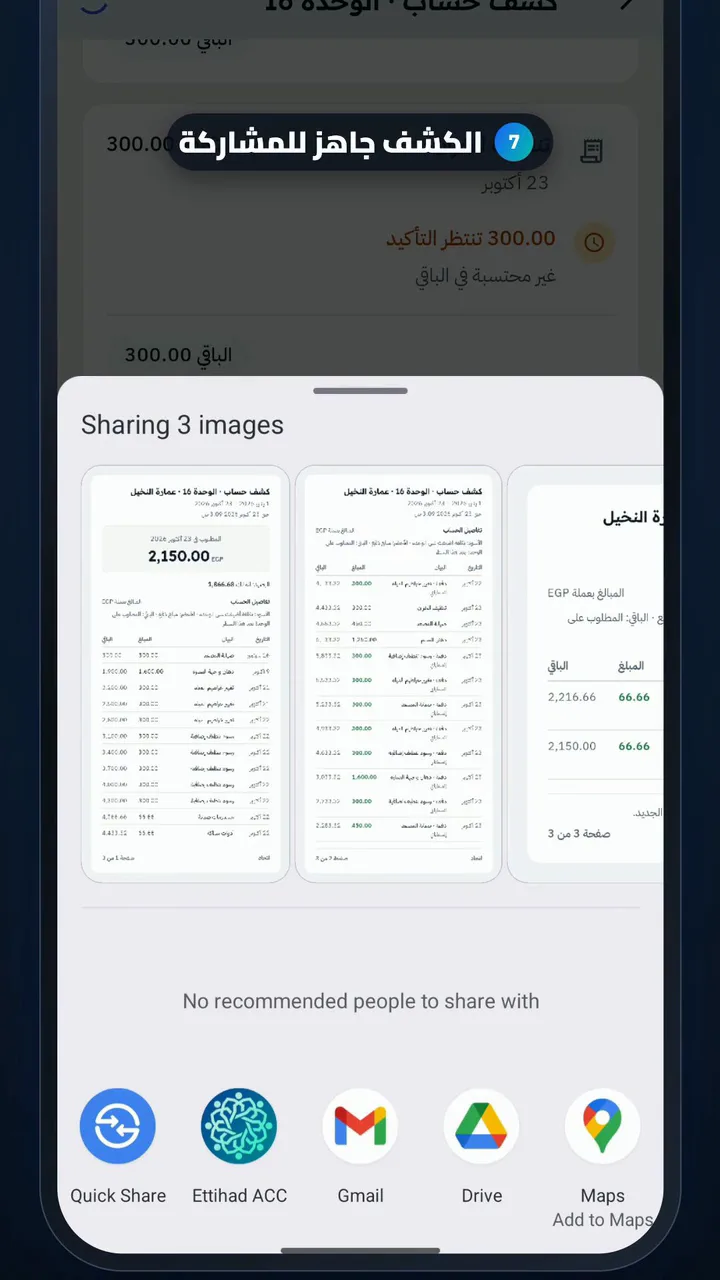
  6. Choose how to share and what to include
  7. The statement is ready to share

For residents

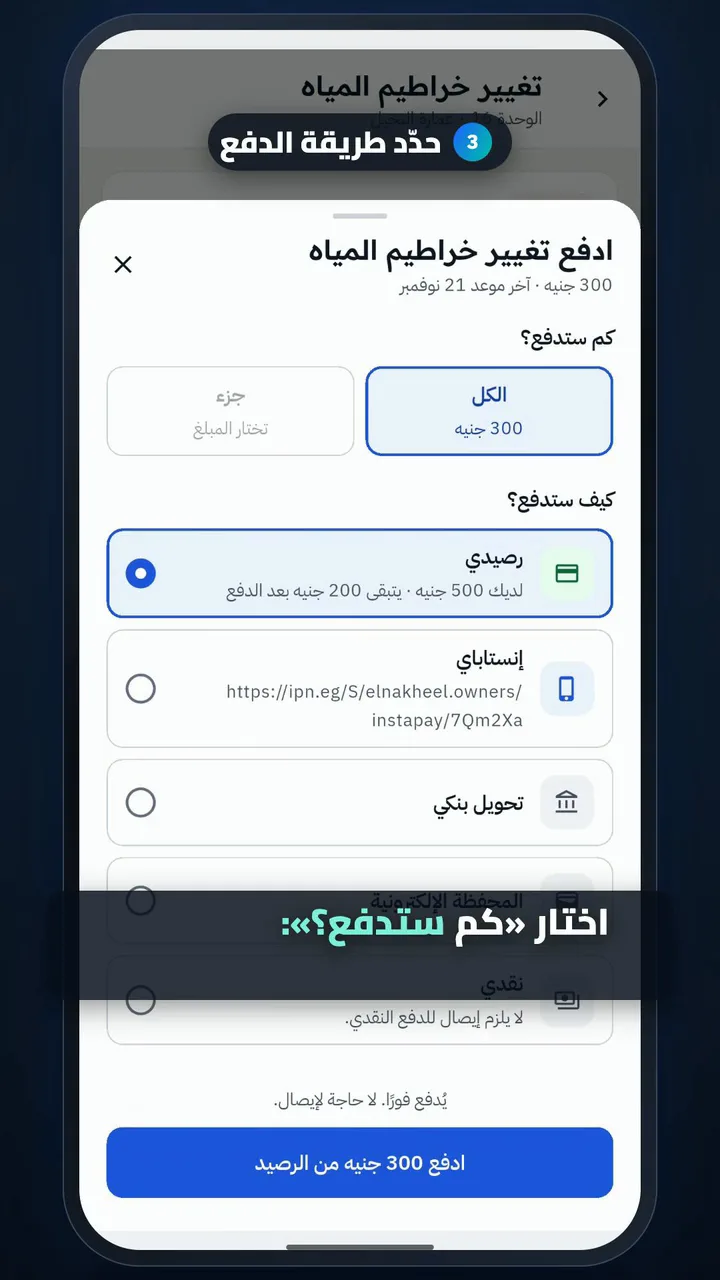
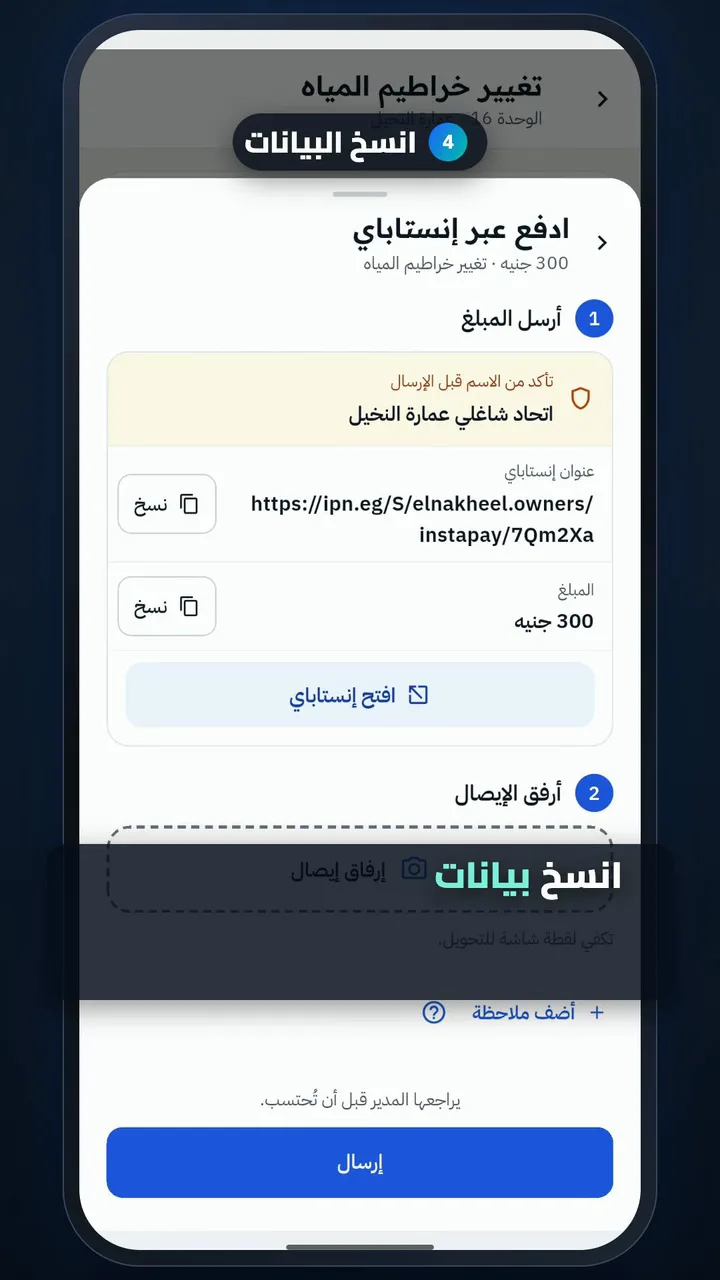
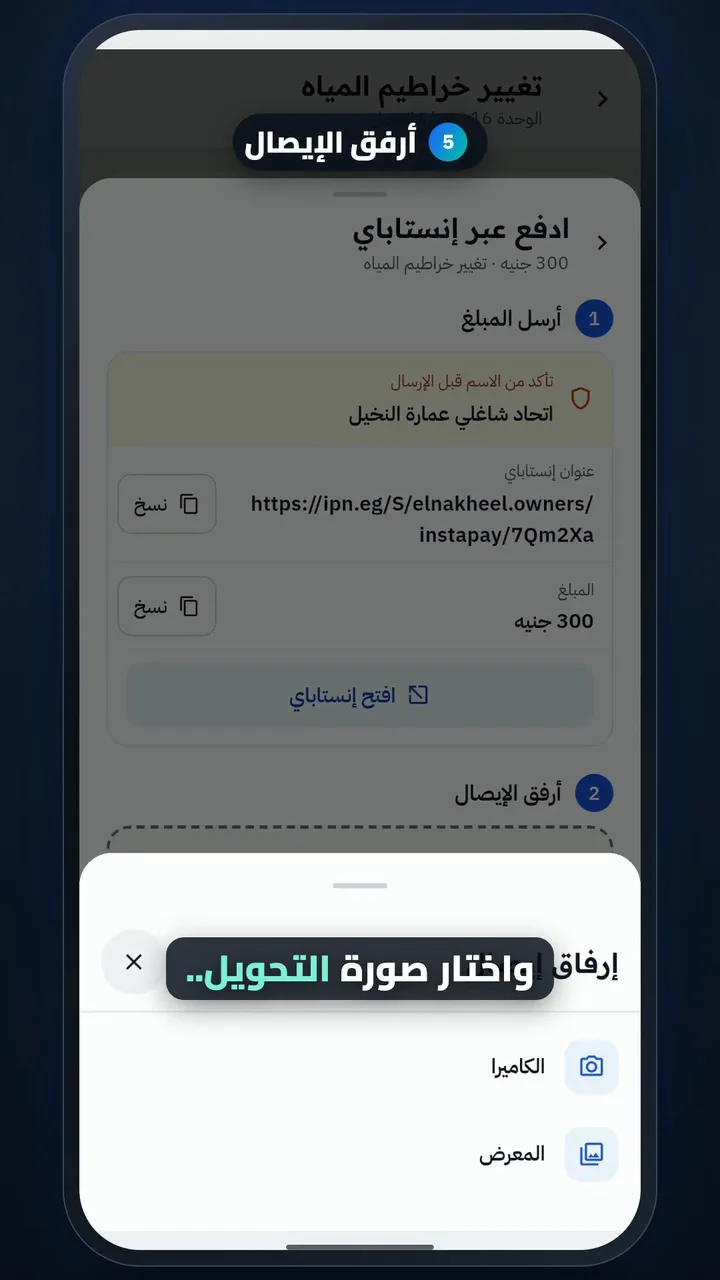
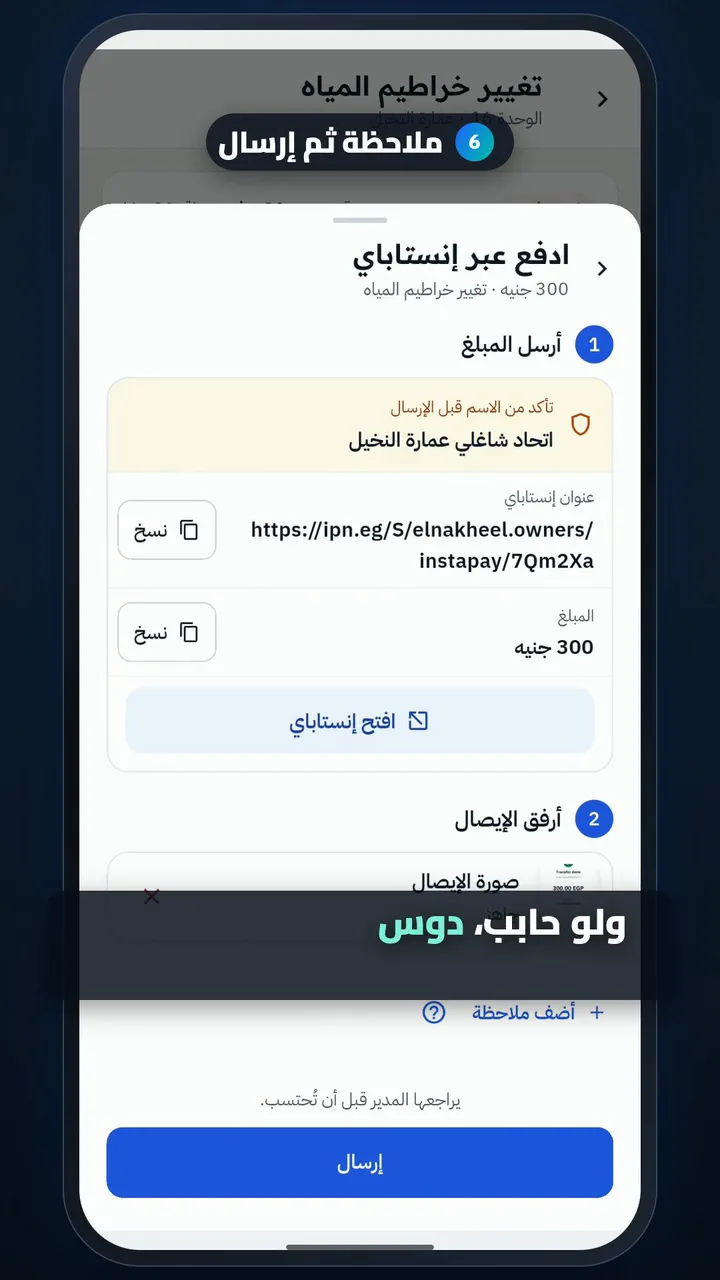
Pay a due and send the receipt

Length

Steps

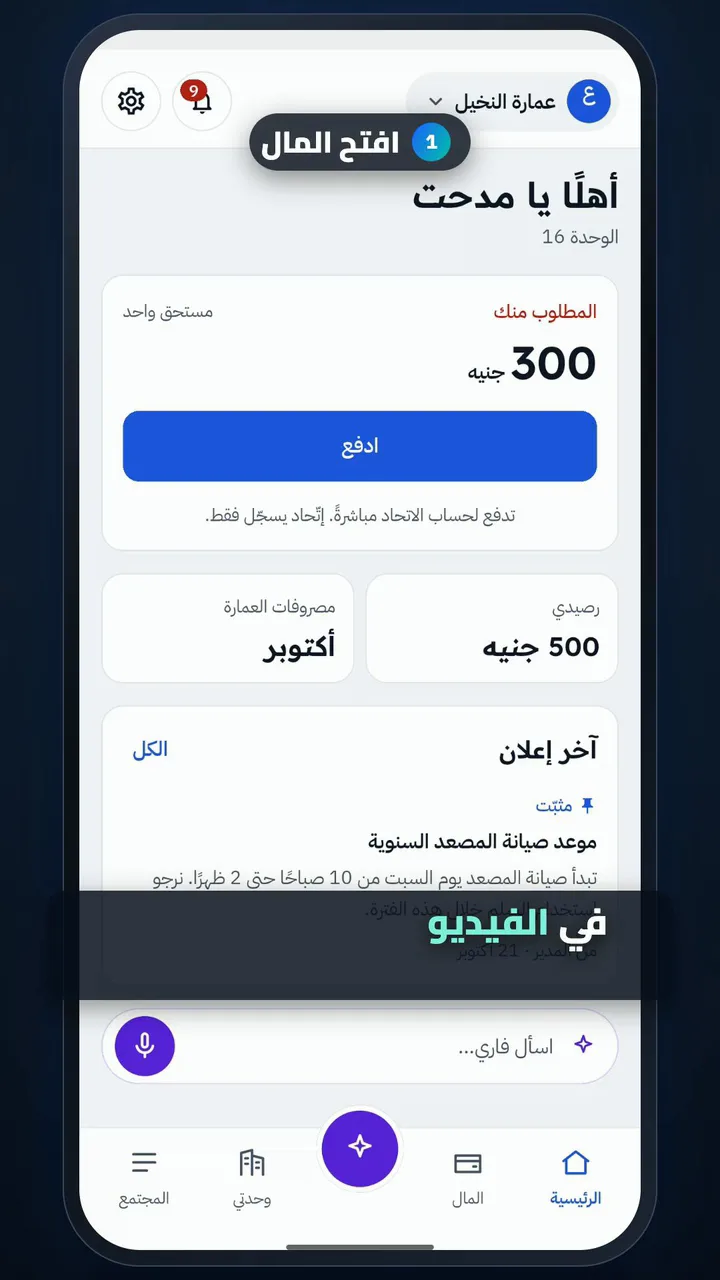
  1. Open Money
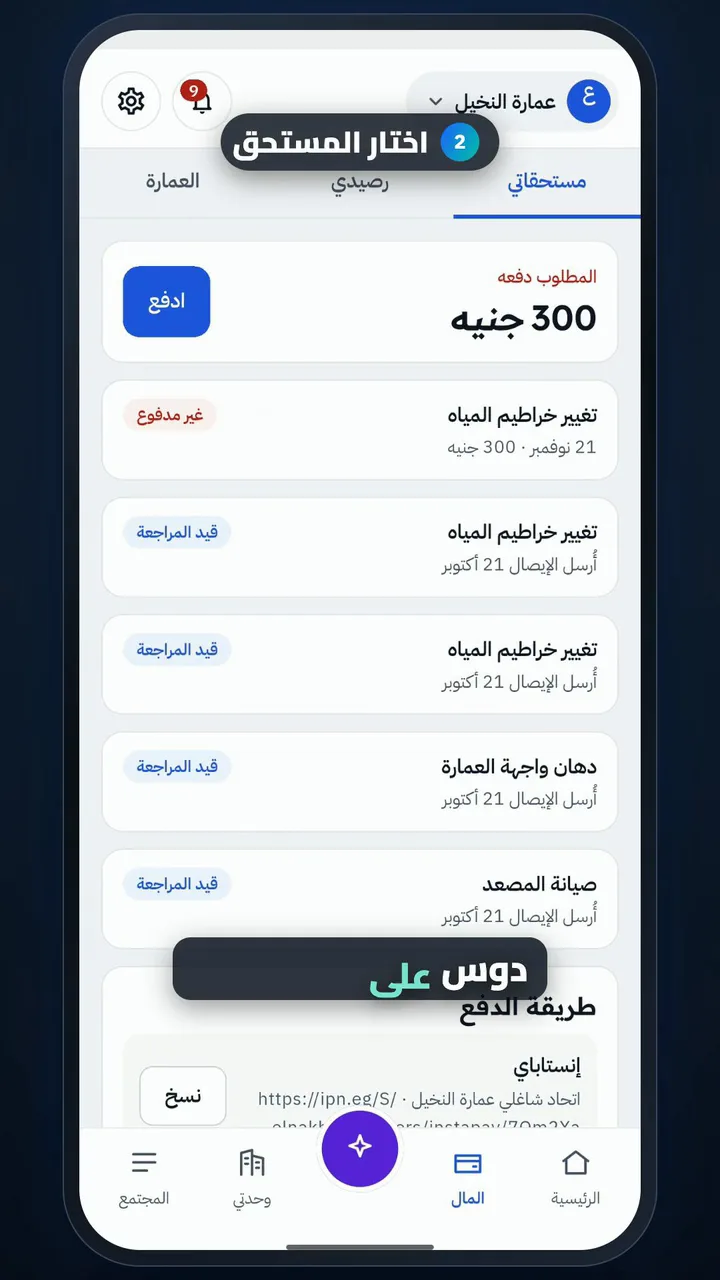
  2. Pick the due
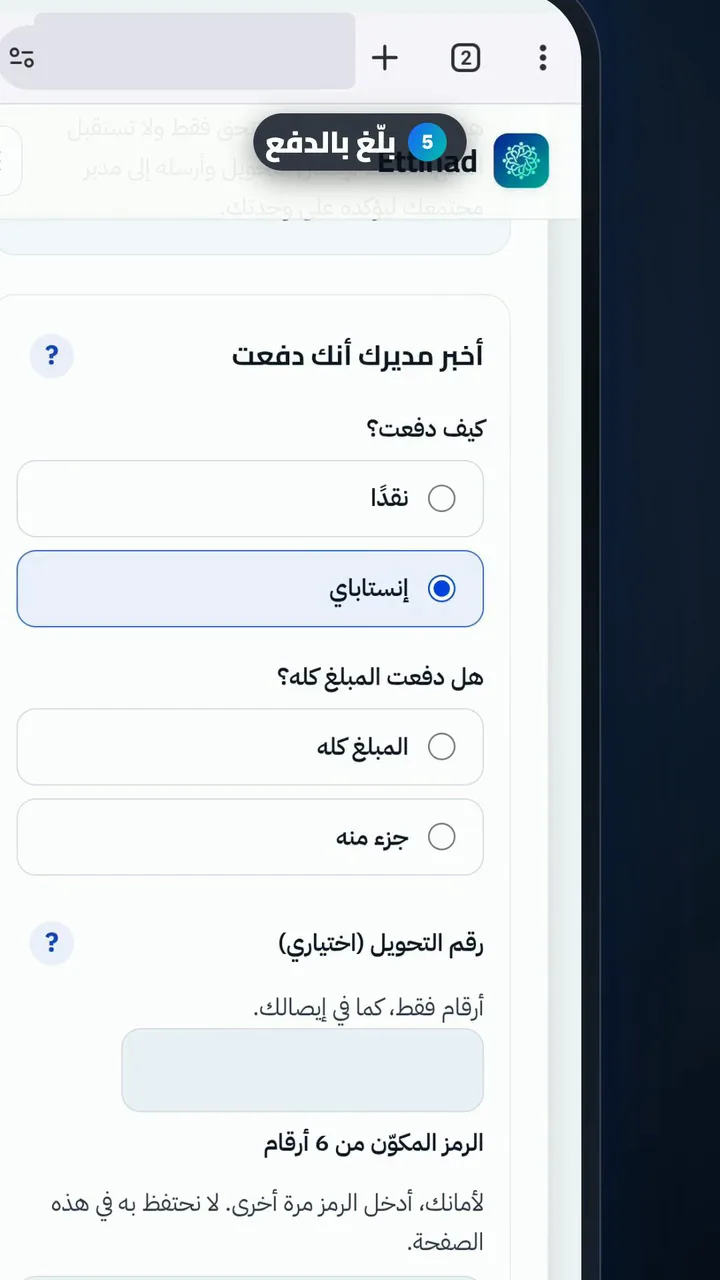
  3. Choose how to pay
  4. Copy the payment details
  5. Attach the receipt
  6. Add a note, then send
  7. Waiting for review
Try it yourself

Ettihad is a free app on Google Play and the App Store.

Get the app

Get it on Google PlayDownload on the App Store